QUICK ORDER
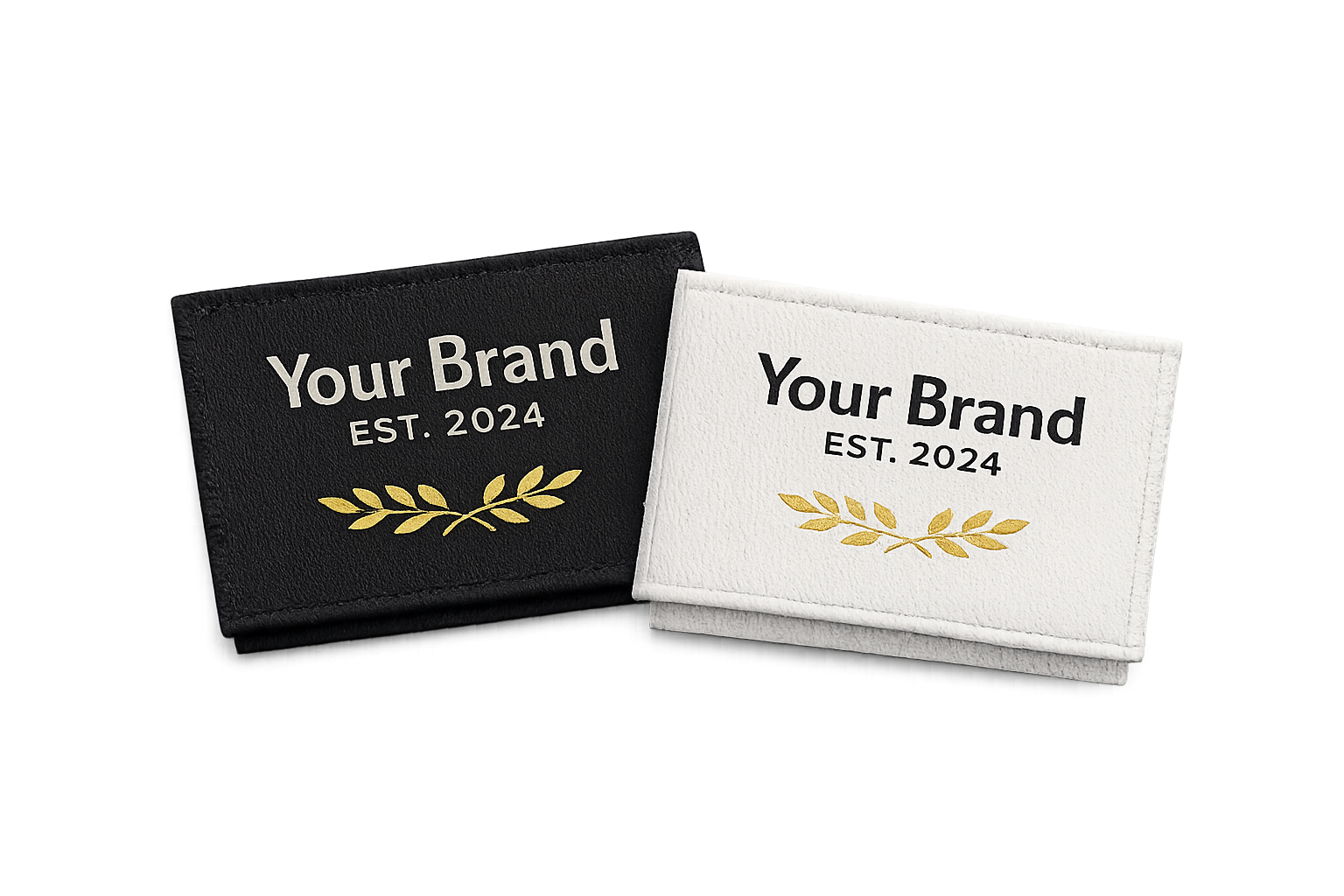
Cloth Labels / Etiketa
Choose Satin or Grosgrain, size and quantity, then upload your ready artwork. A mockup designer is available only if you want to build or preview the design yourself.
Browse selected finished Etiketa, Calling Cards and Hangtags, then use Quick Order as the recommended next step. Etiketa, Calling Cards, Hangtags, T-Shirts, Mugs, Stickers, Flyers and PVC/School/Company/Membership IDs can be added to one Printing Cart. Optional mockup designers remain available when you specifically want to create or preview a design.
Choose a service below and browse selected customer-ready samples. When you are ready, continue to Quick Order. If you specifically want to build a mockup yourself, an optional designer link is still available for supported products. Click any photo to enlarge it; use the arrows or keyboard to browse.
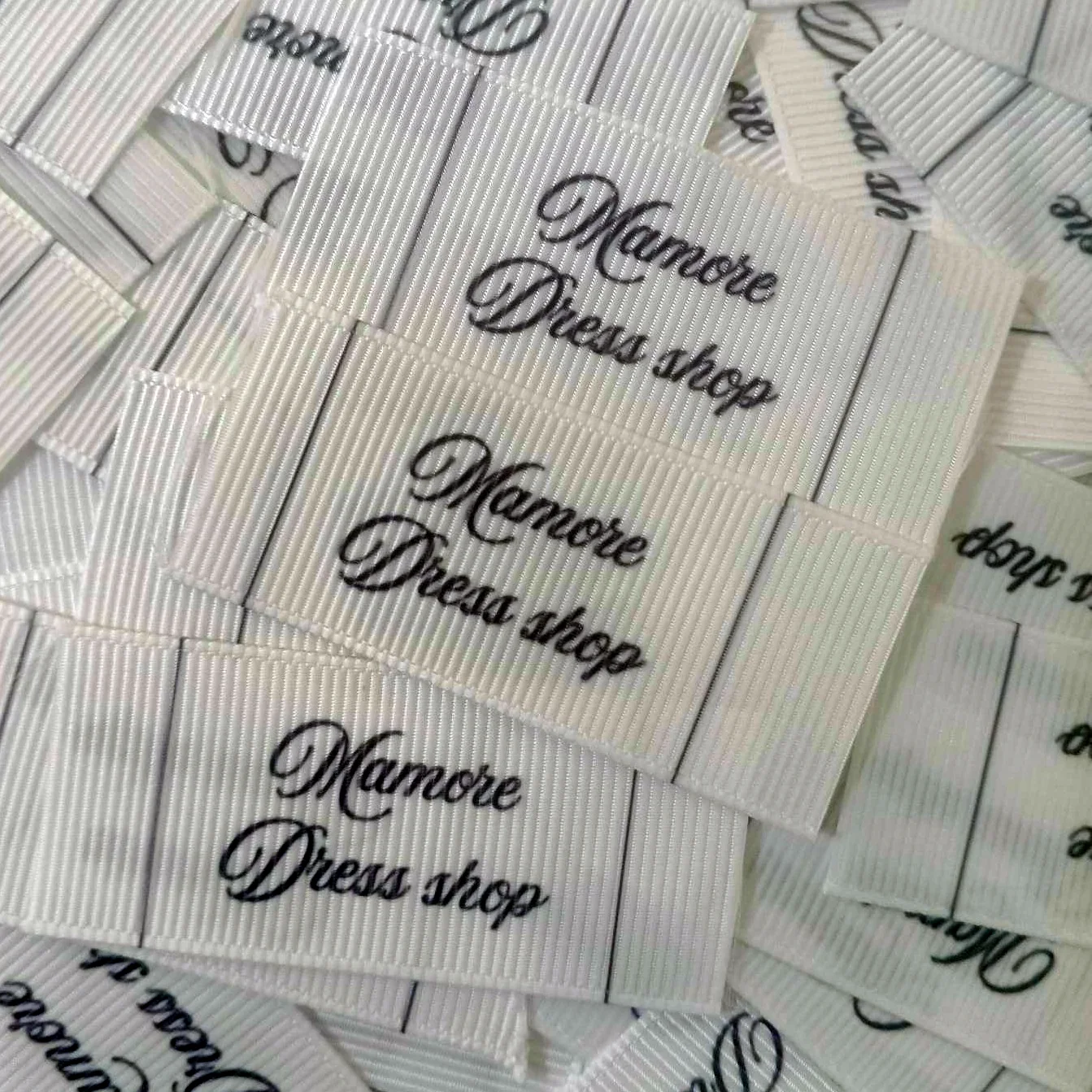
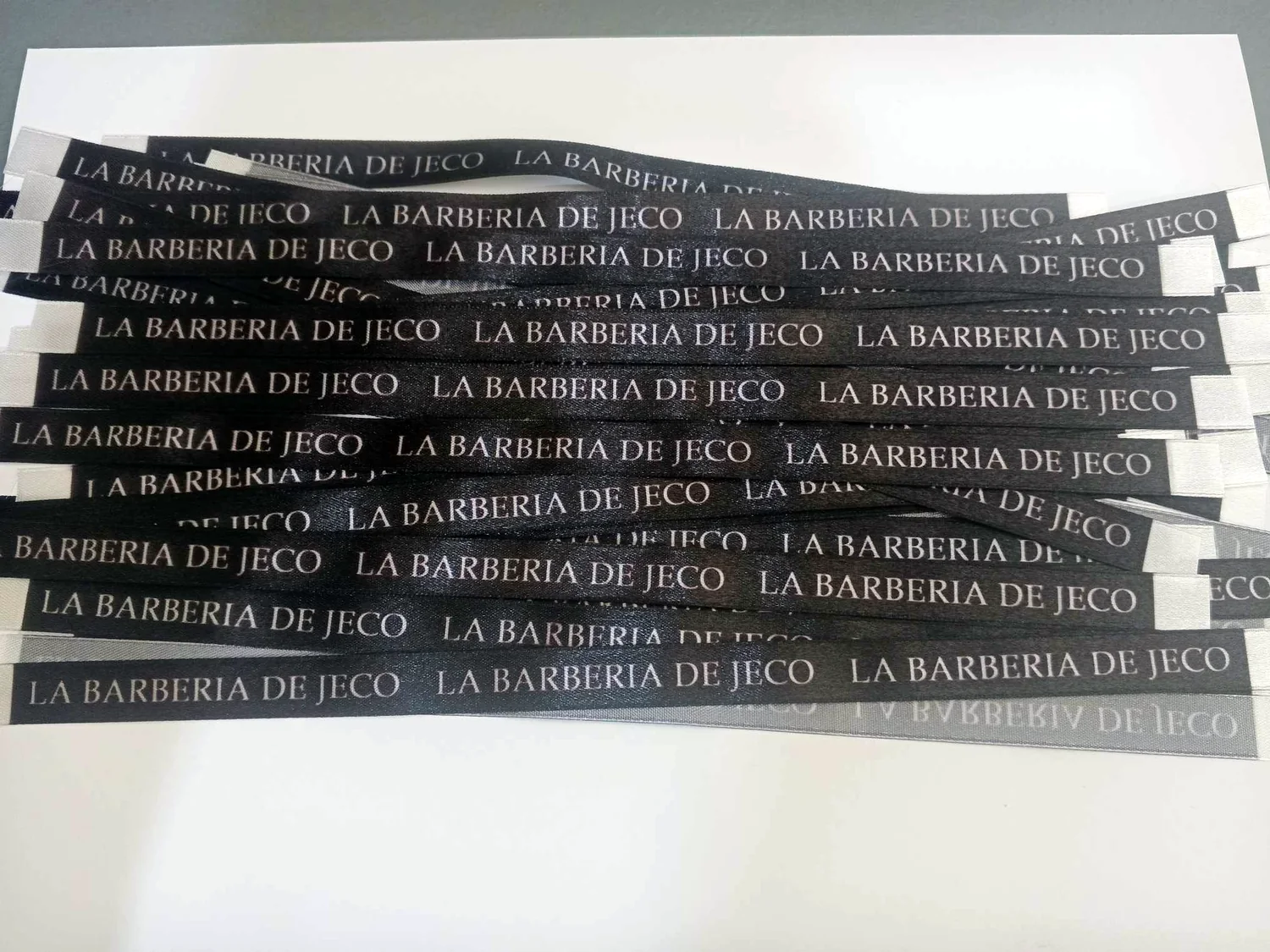
See real finished cloth labels by use, size, orientation and material. Satin has a smoother sheen; Grosgrain has a visible ribbed texture. For folded sleeve/side tags, prepare the artwork vertically so the two halves become the visible front and back after folding; neck/brand/side labels are usually horizontal.
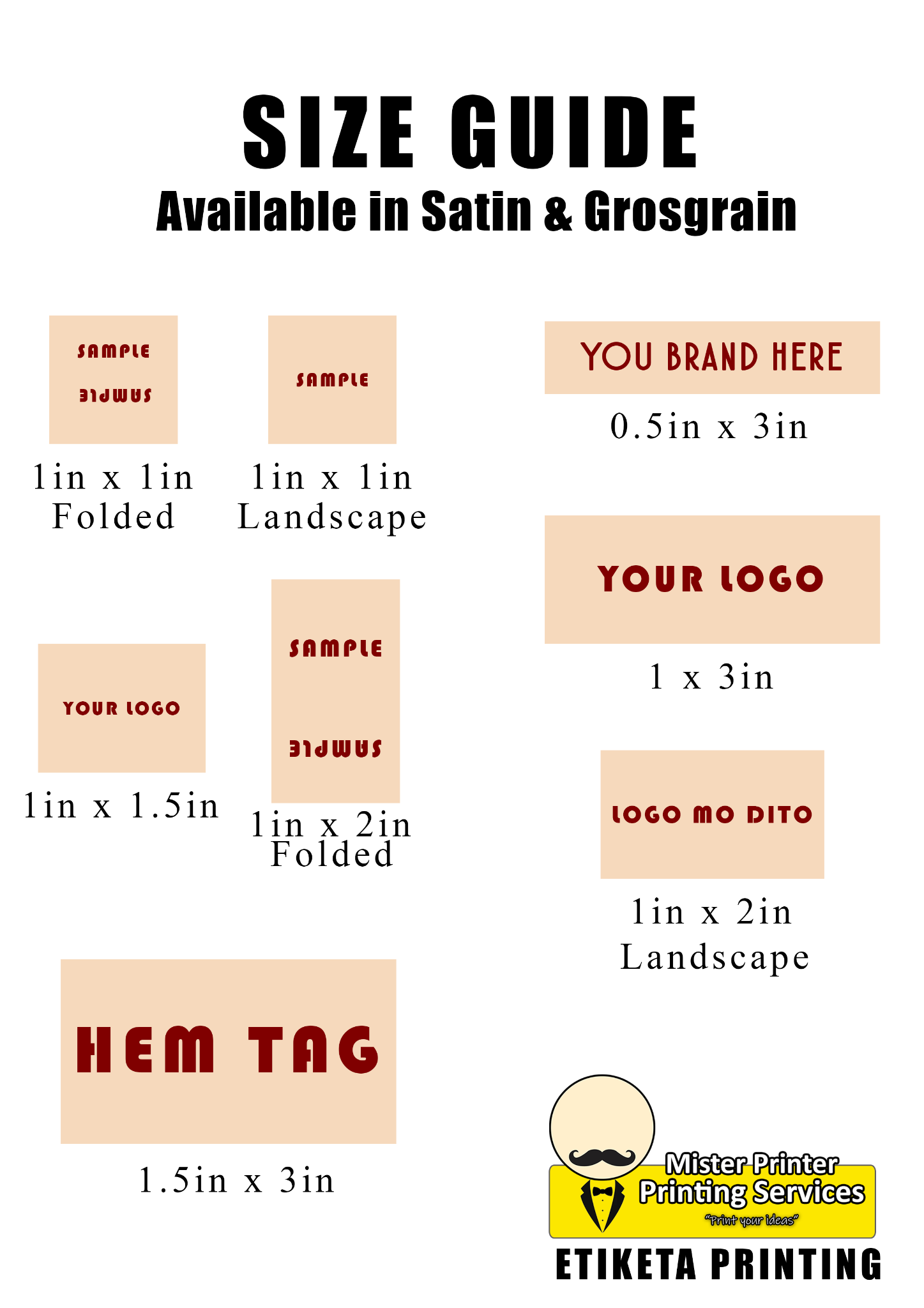
Folded / Sleeve / Side Tag: portrait or vertical artwork so the ribbon can fold and show one half on each side. Neck / Brand / Side Label: usually landscape or horizontal. Hem Label: usually wider horizontal. Neck Tape: long and narrow.
Use this guide in Quick Order →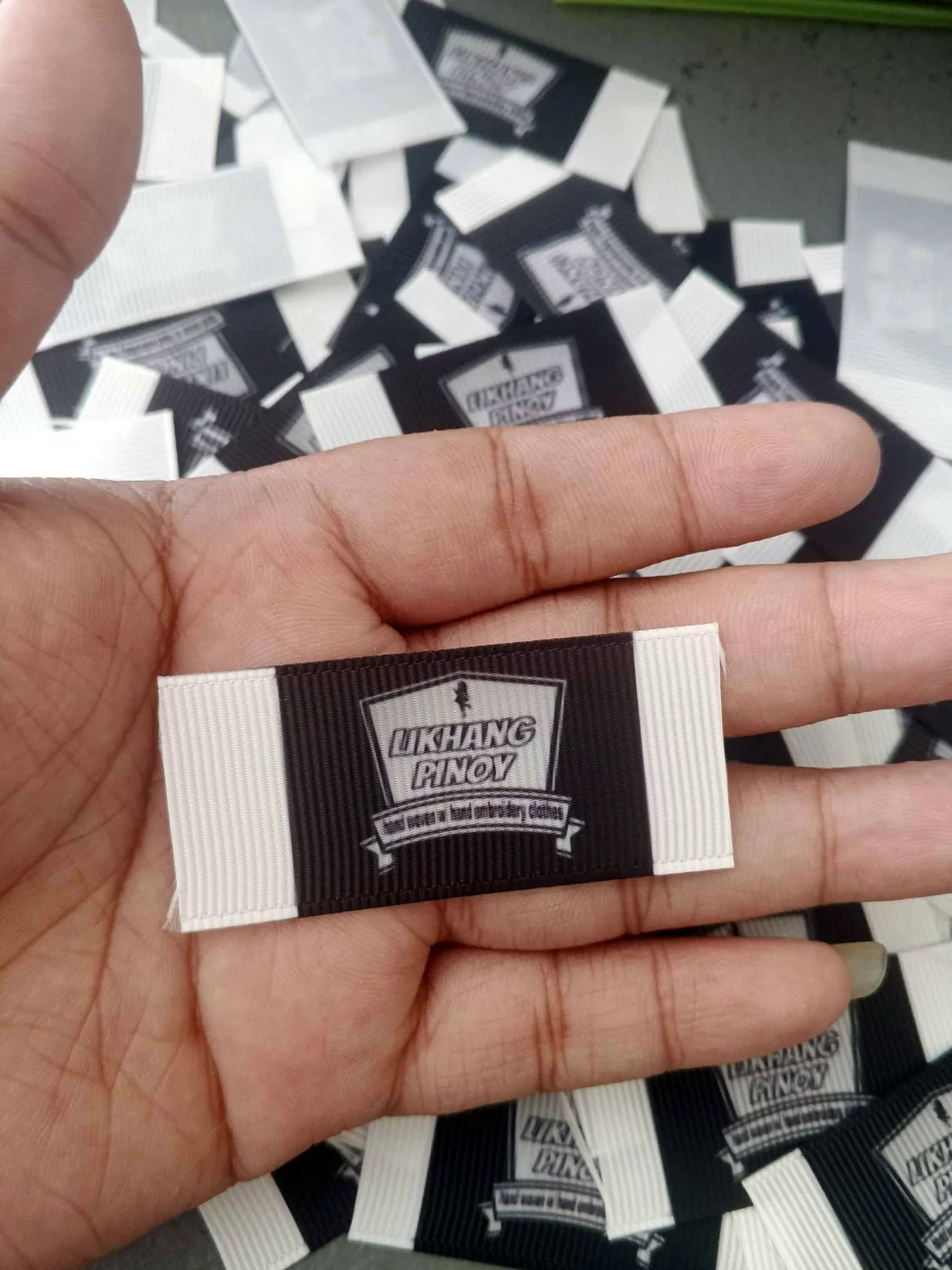
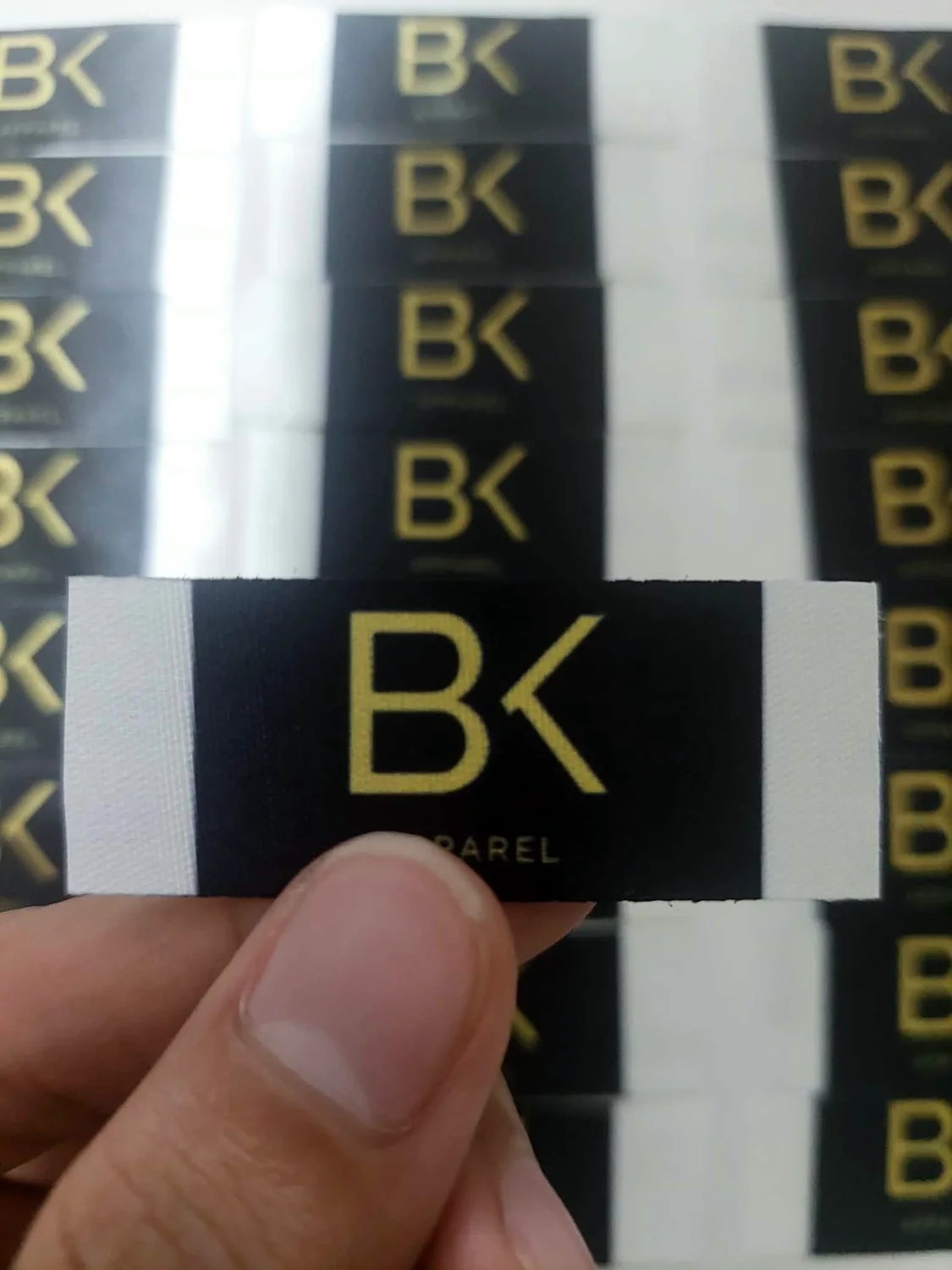
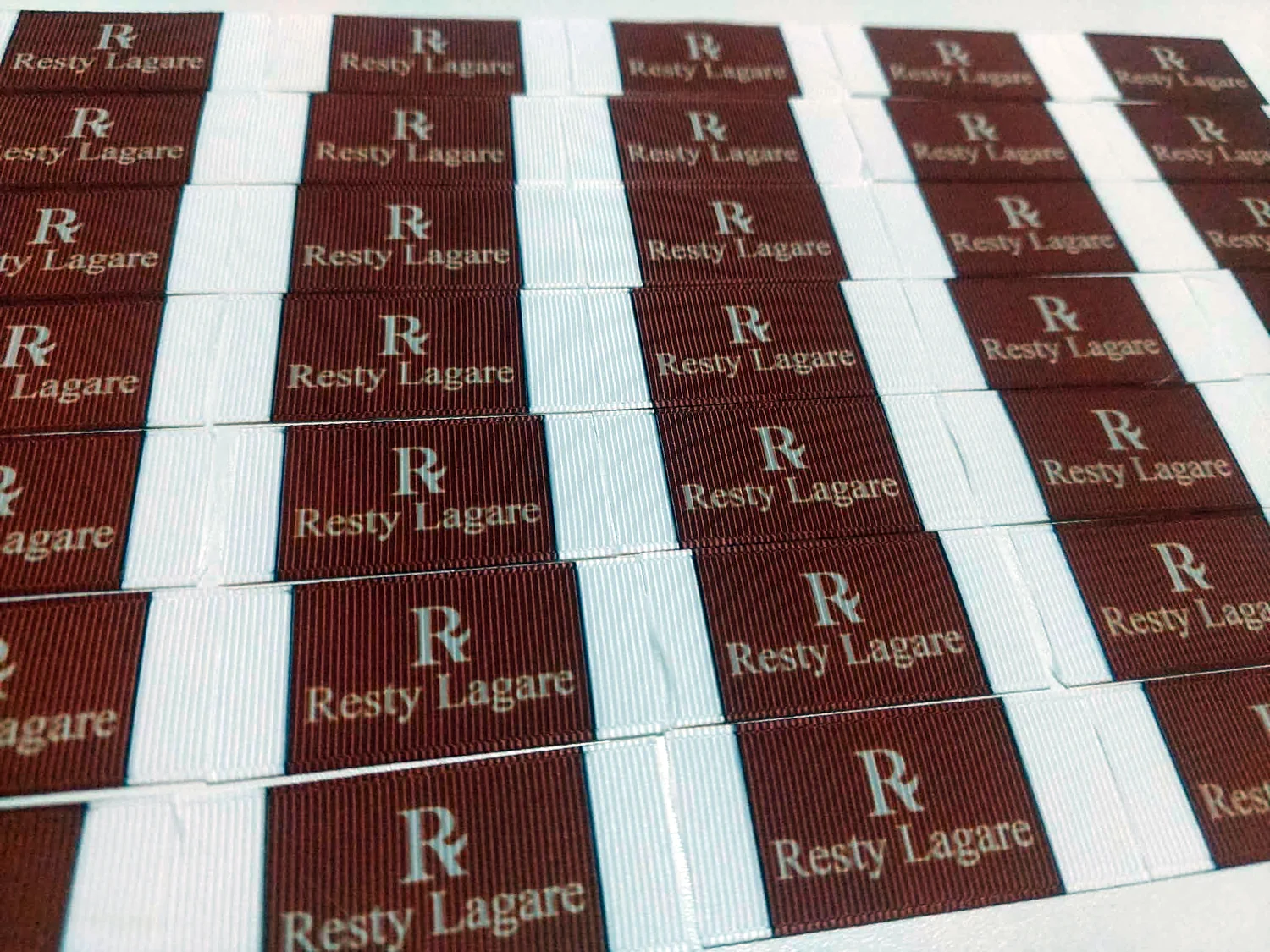
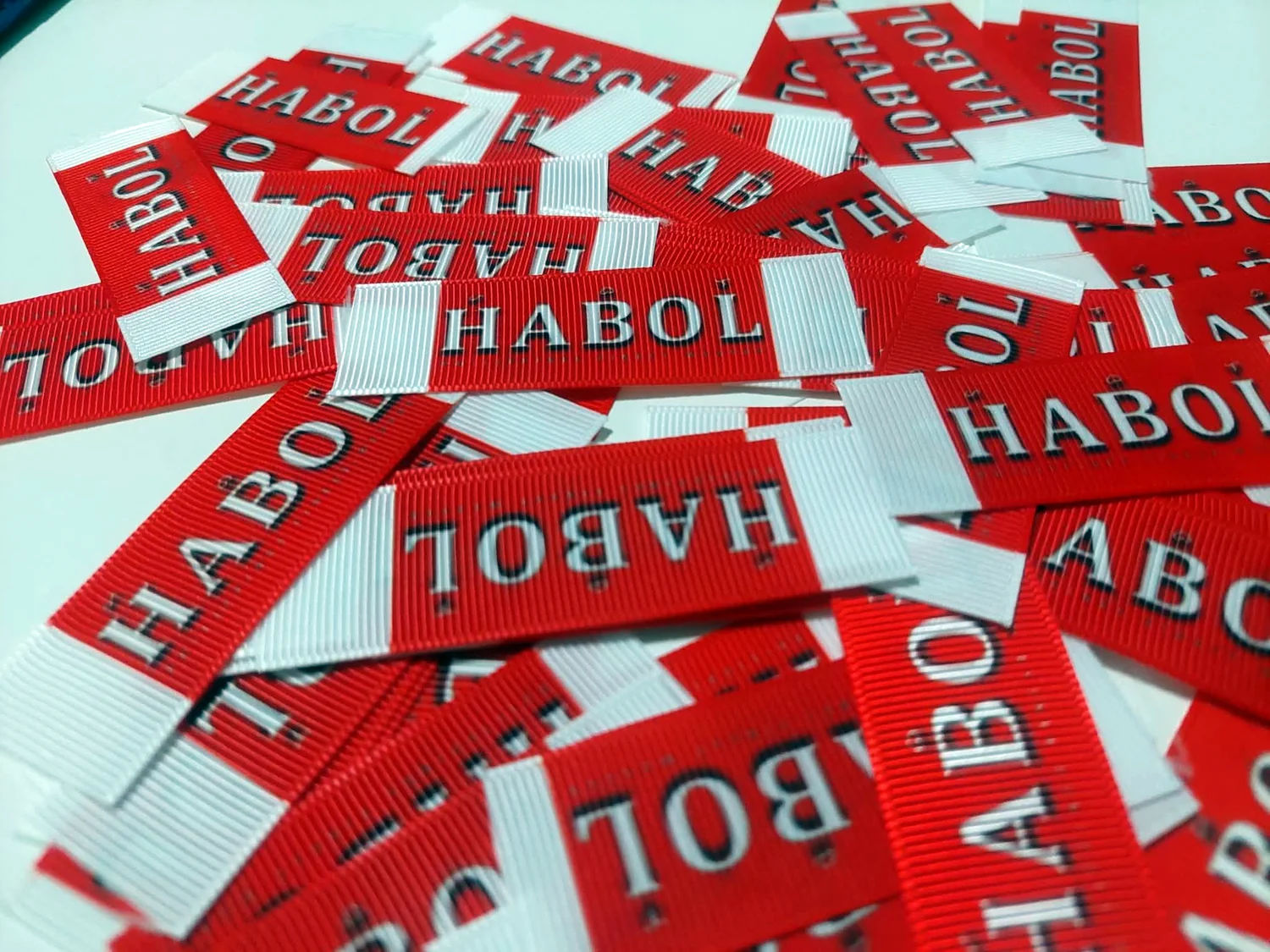
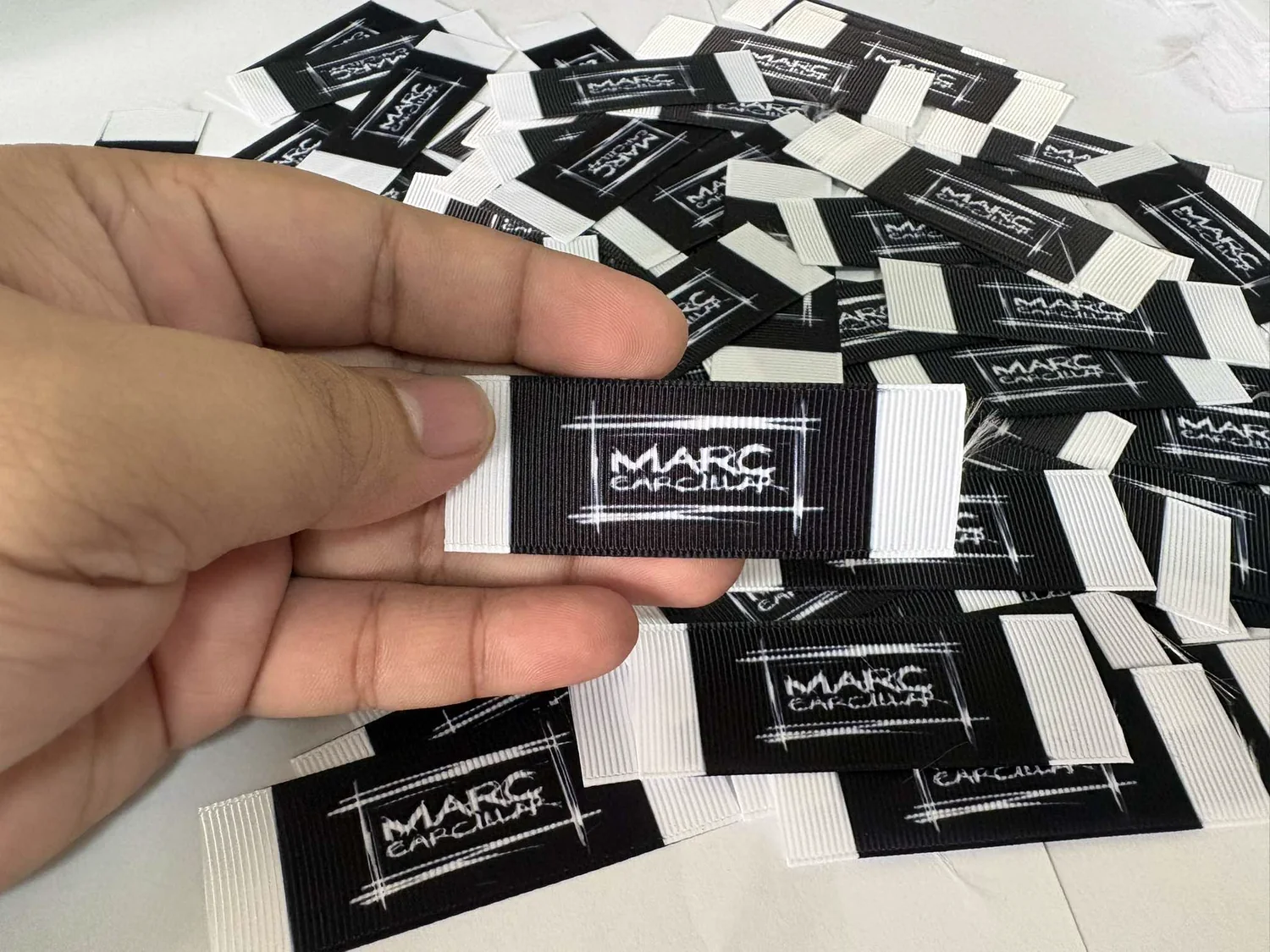
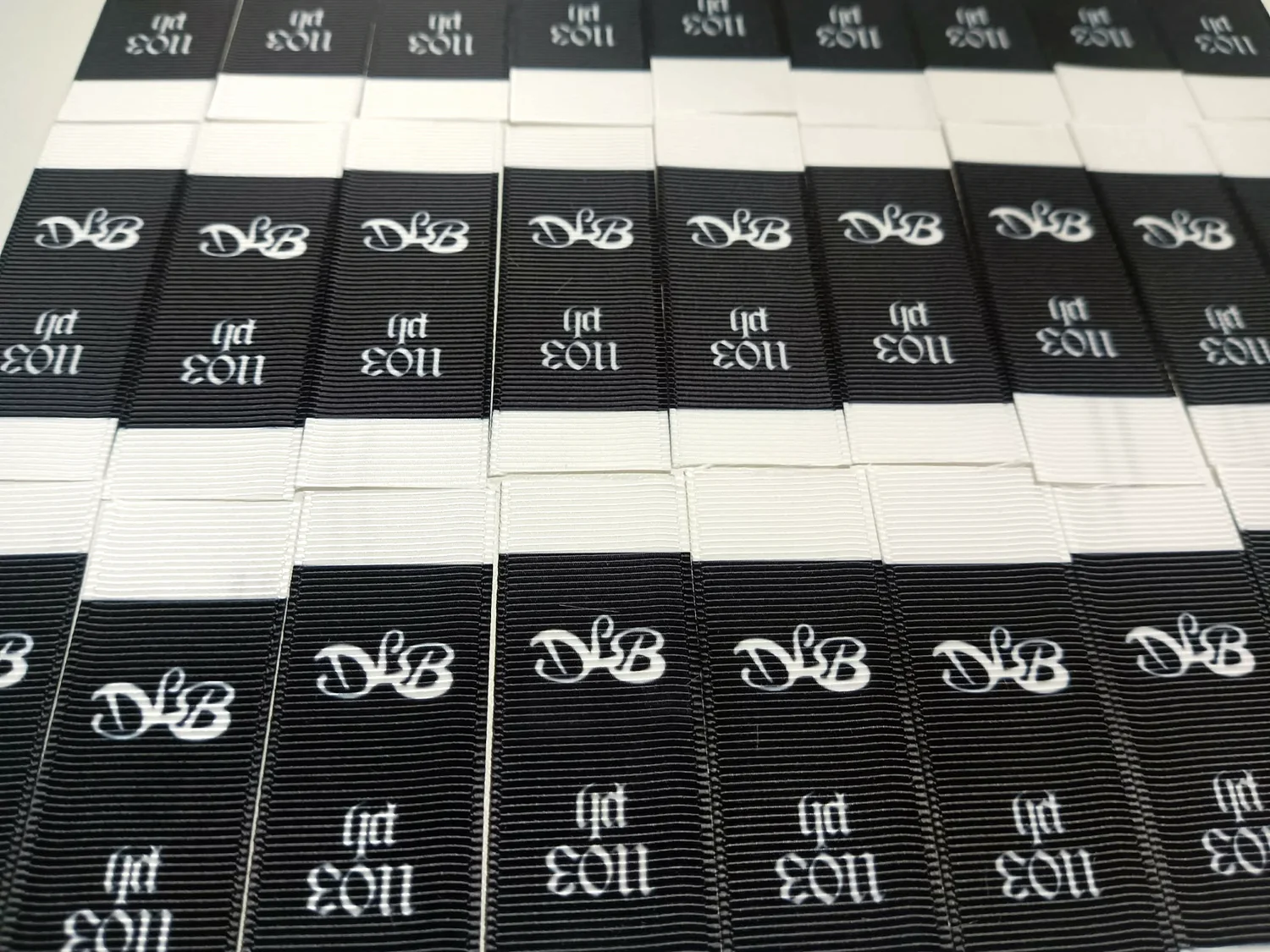
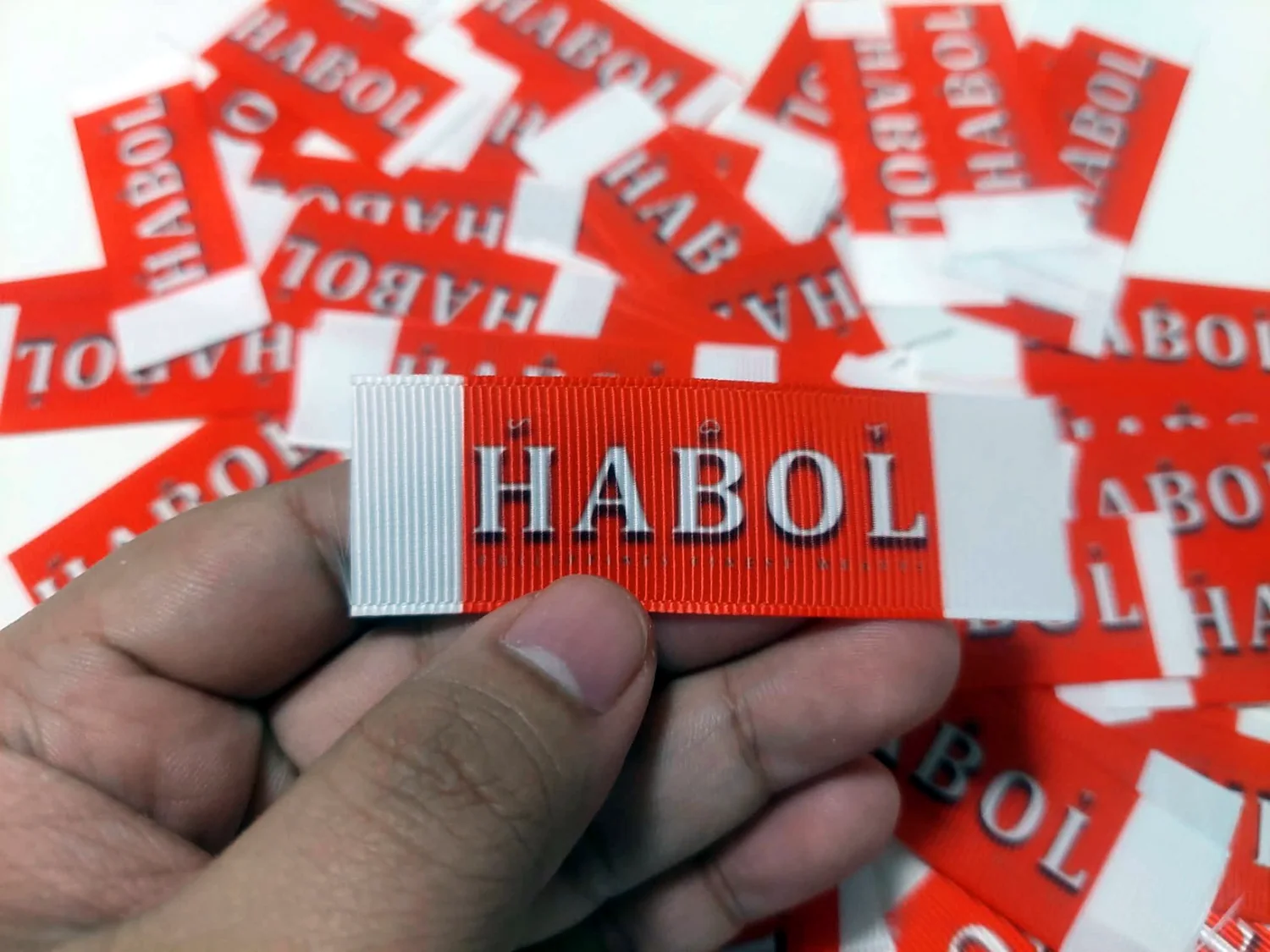
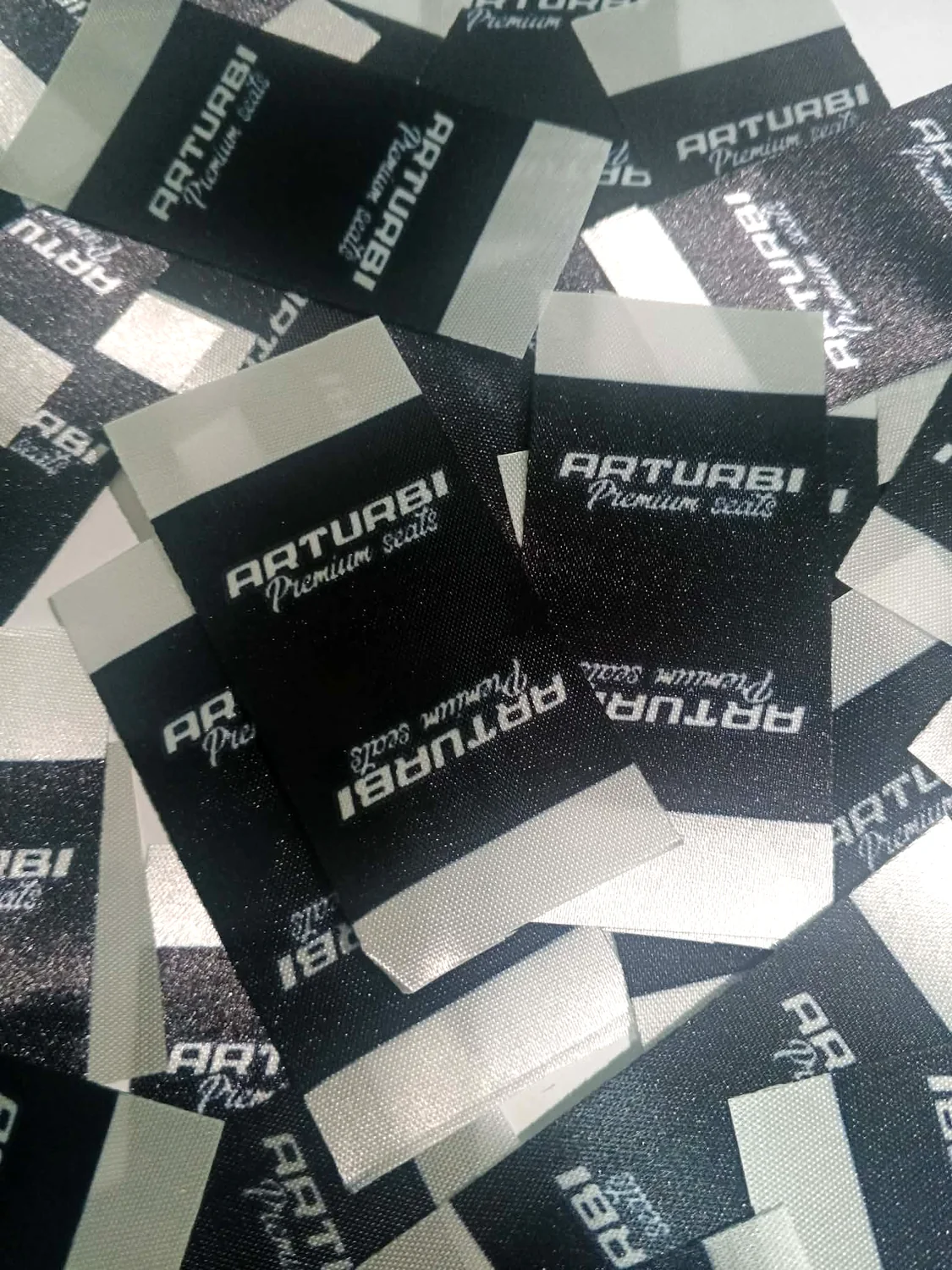
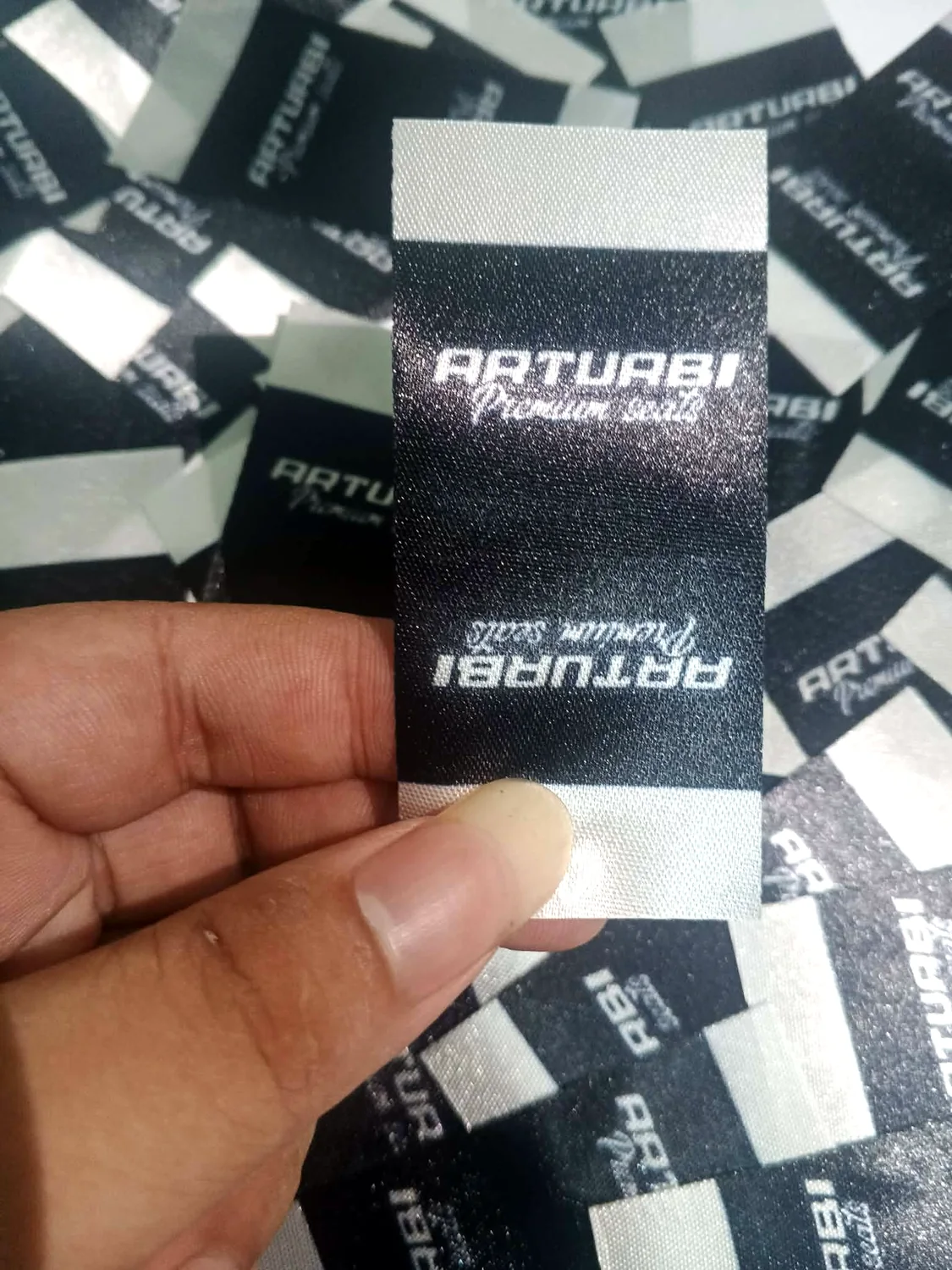
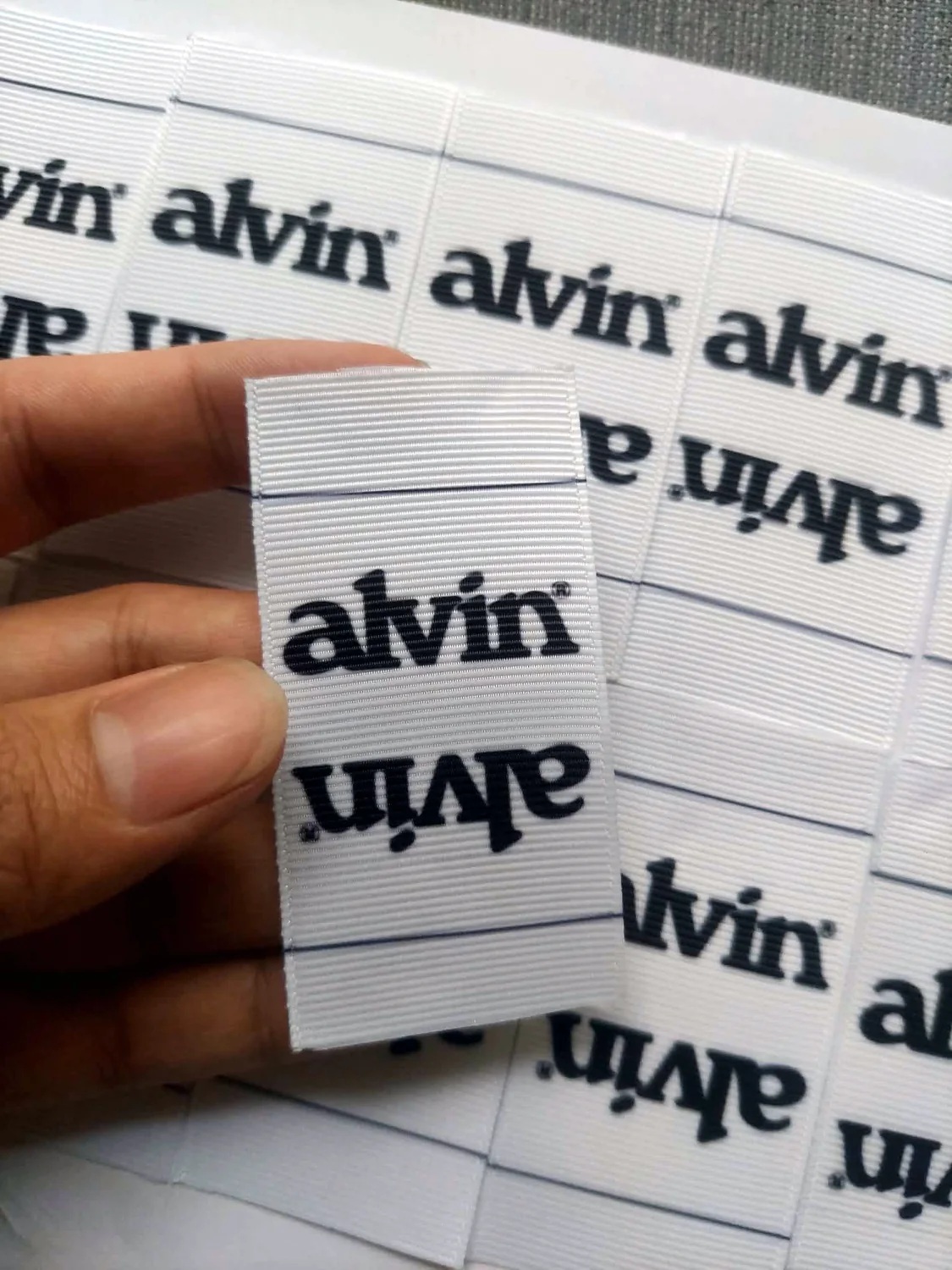
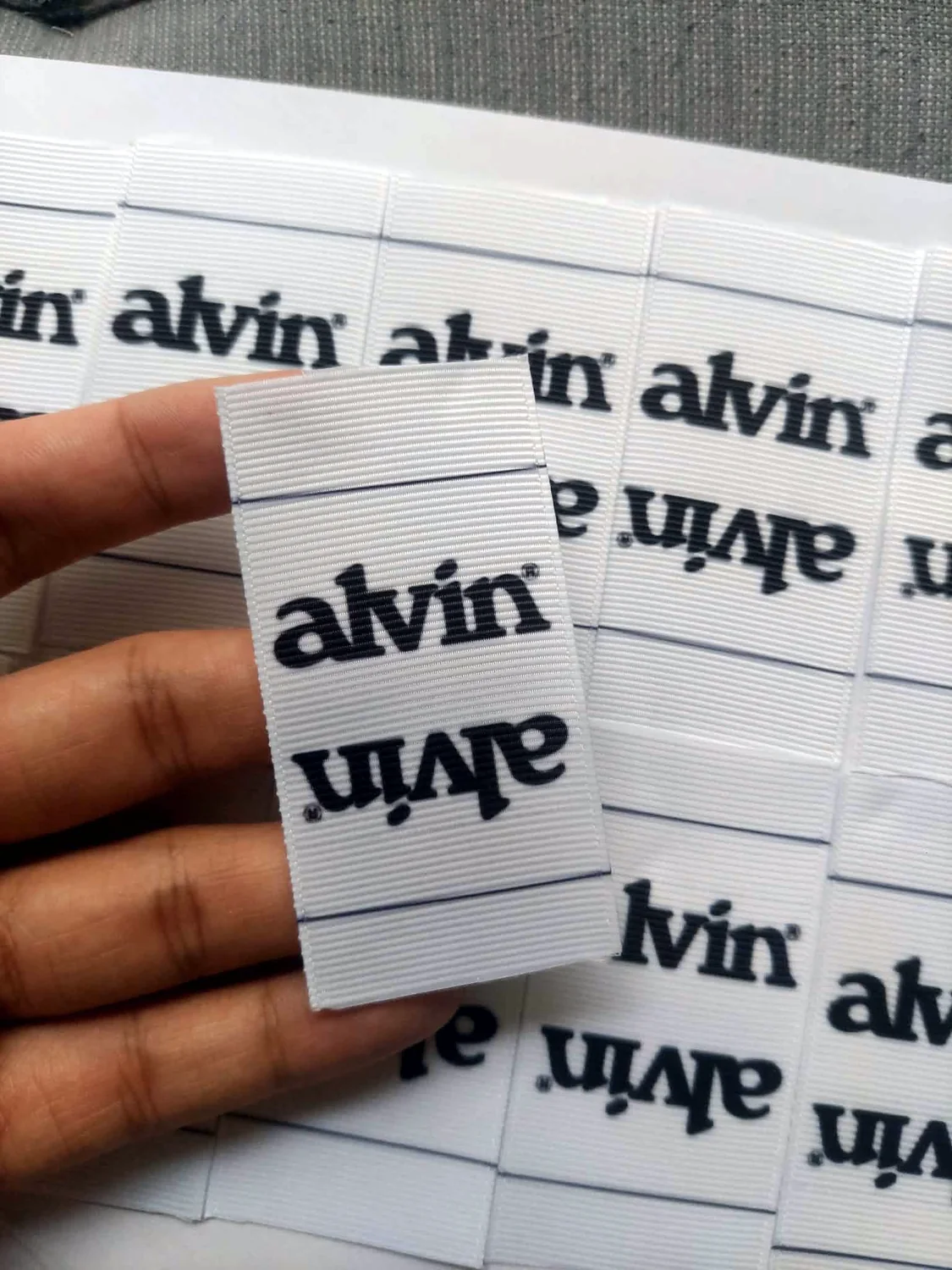
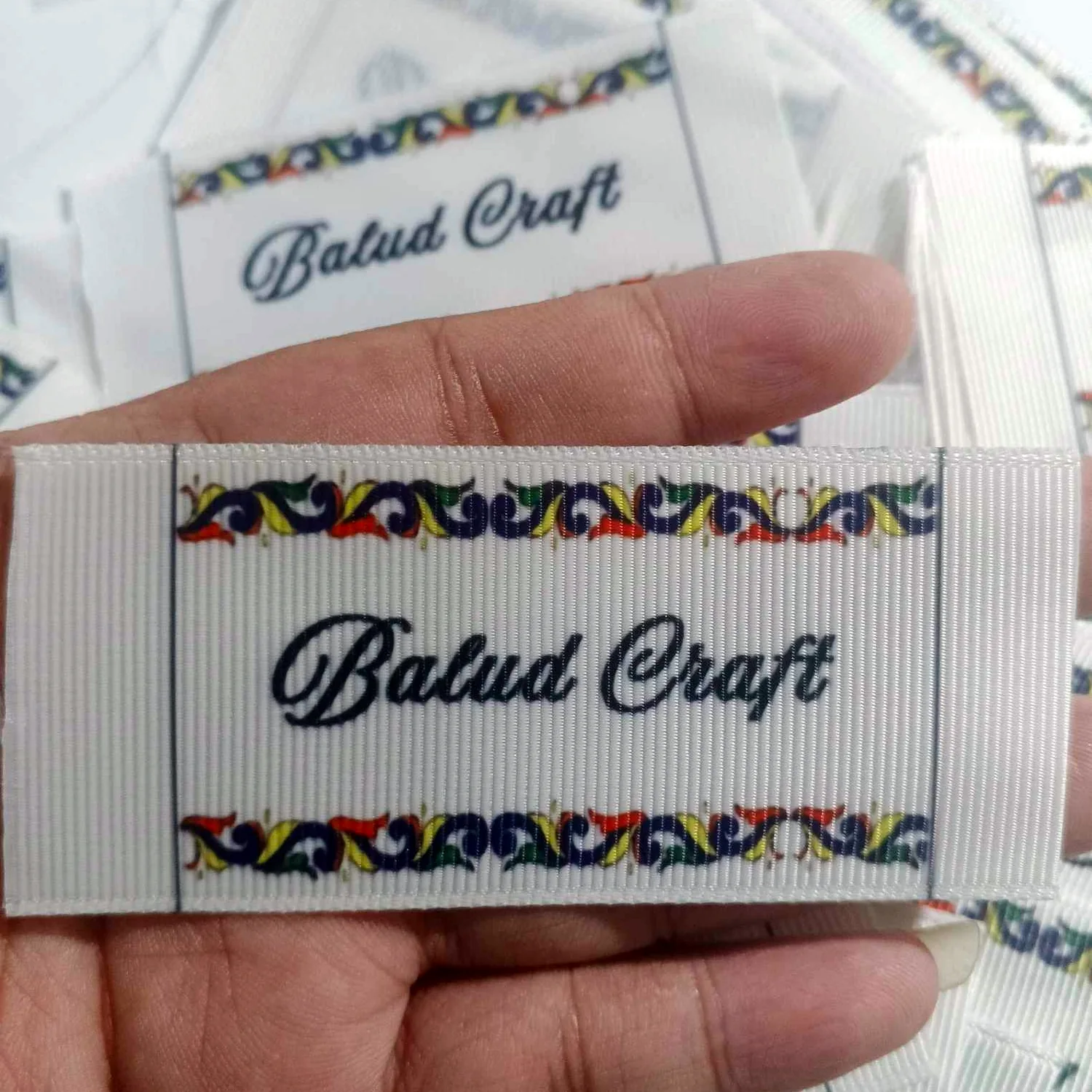
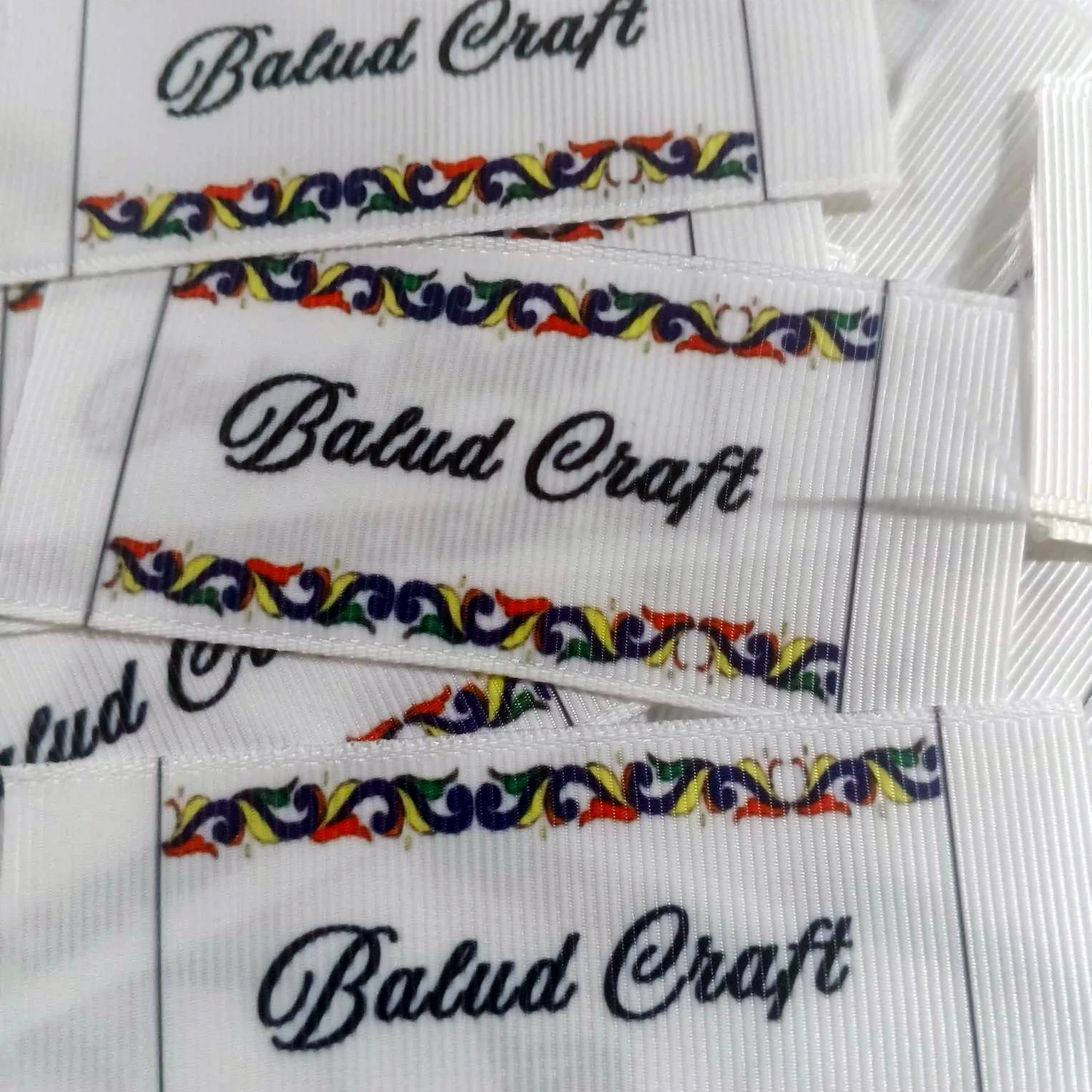
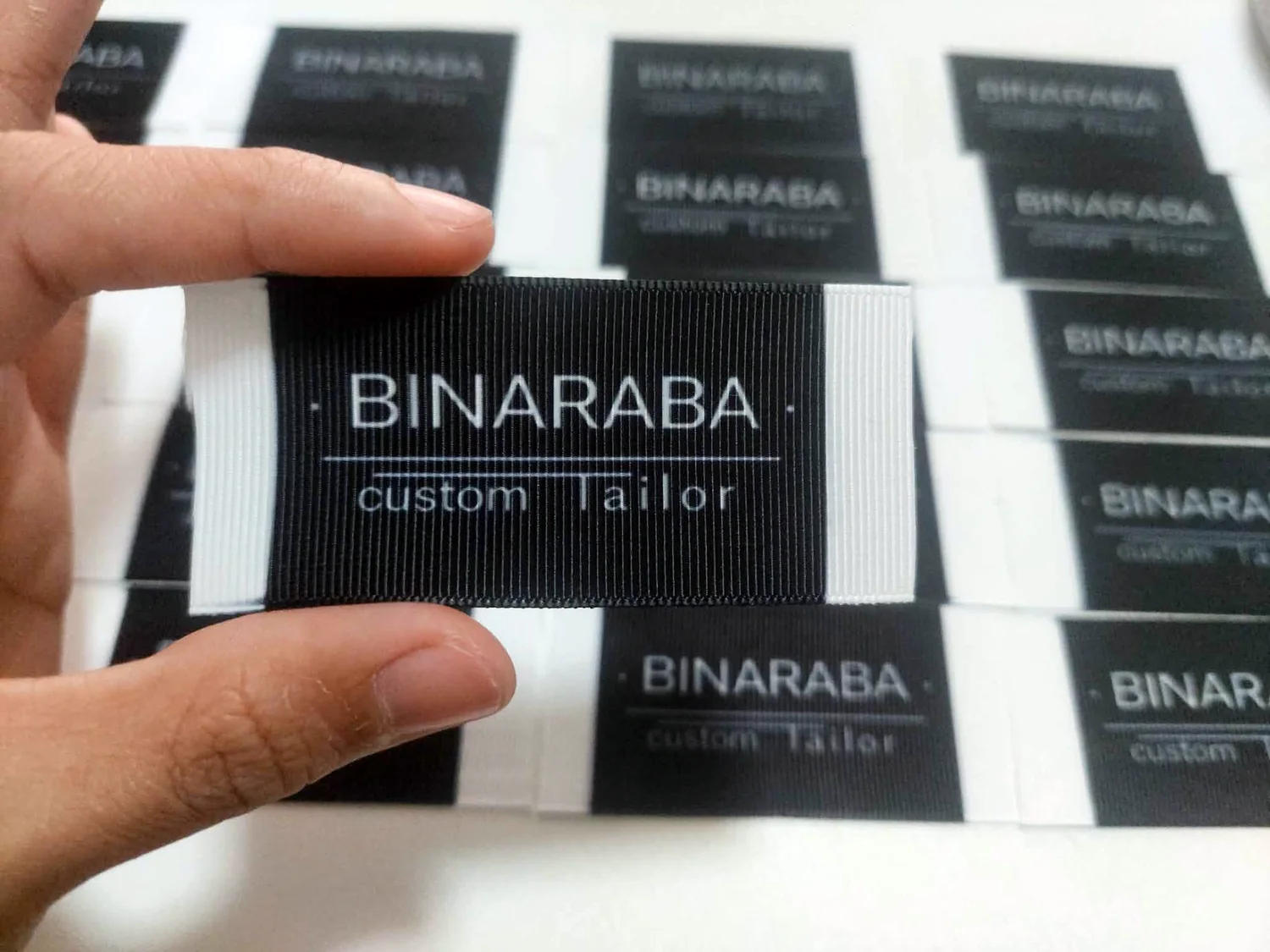
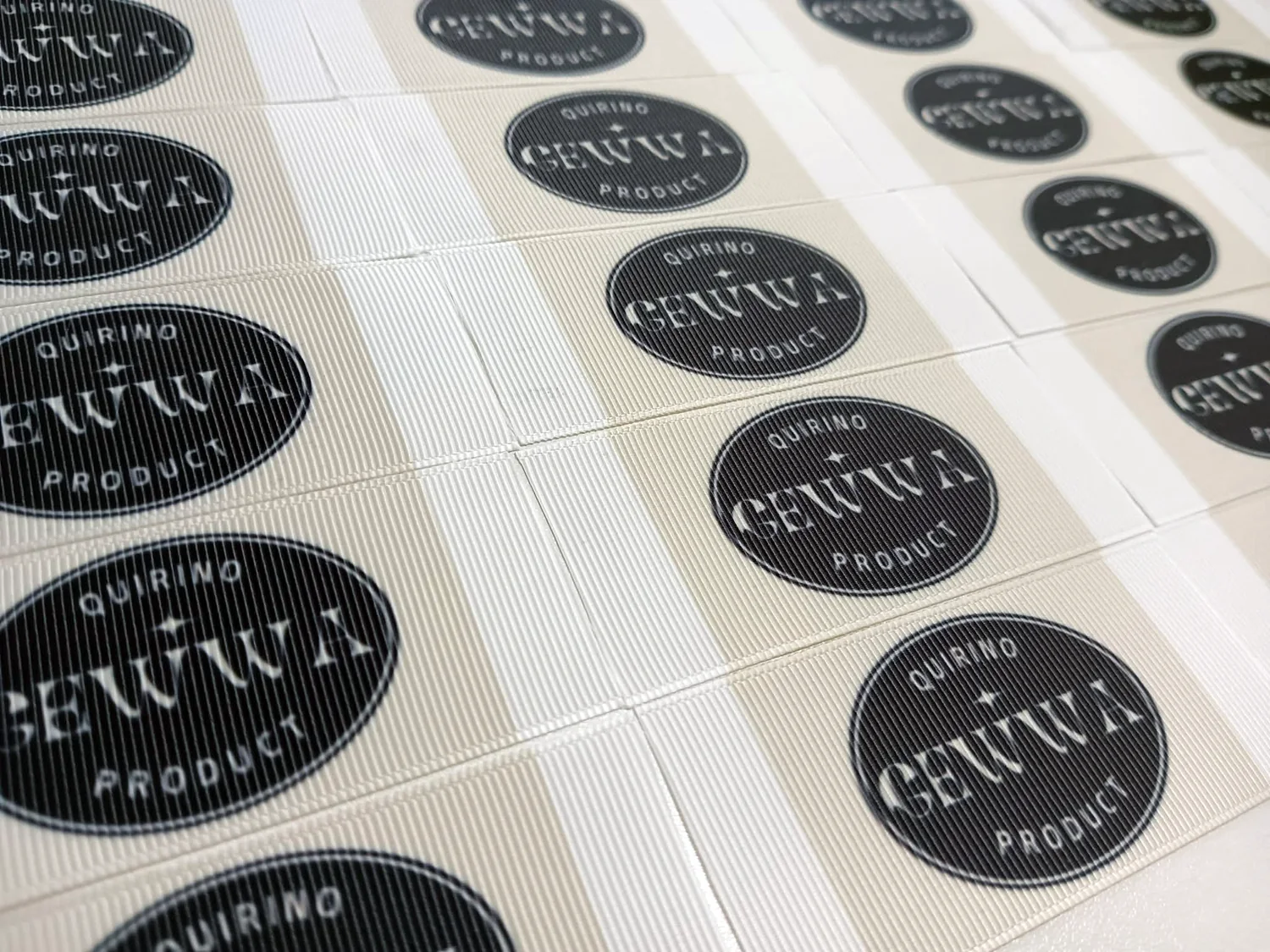
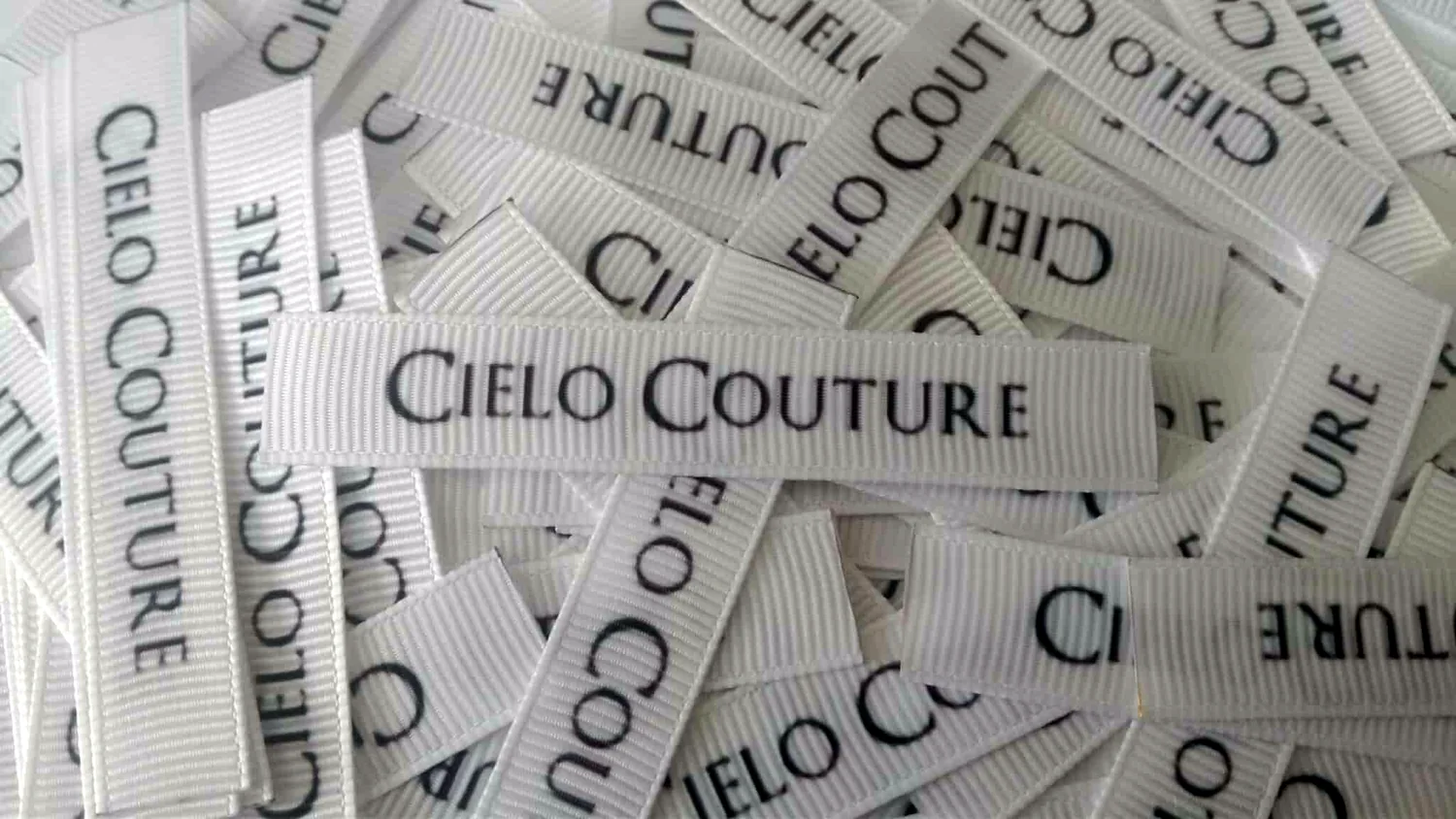
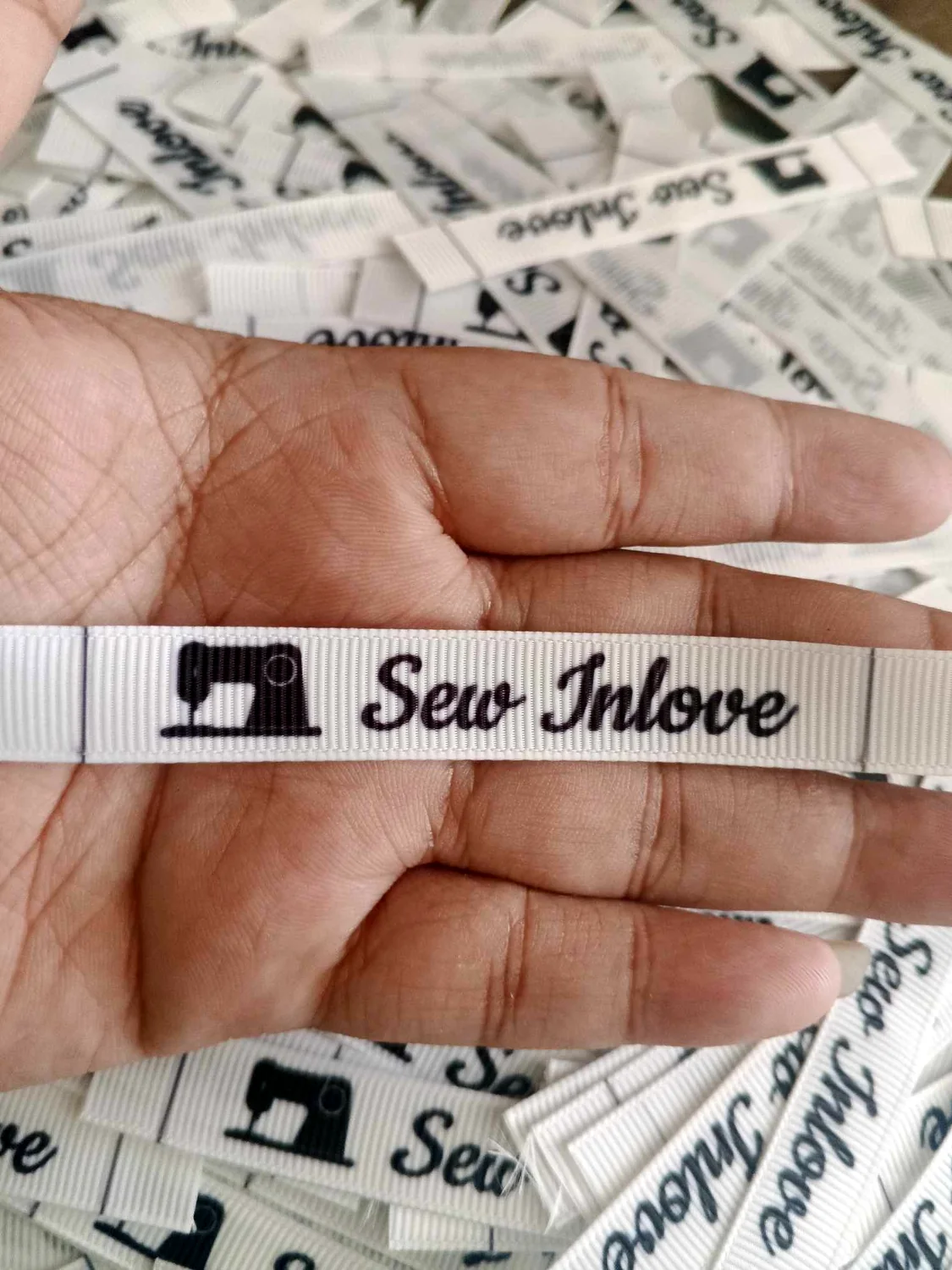
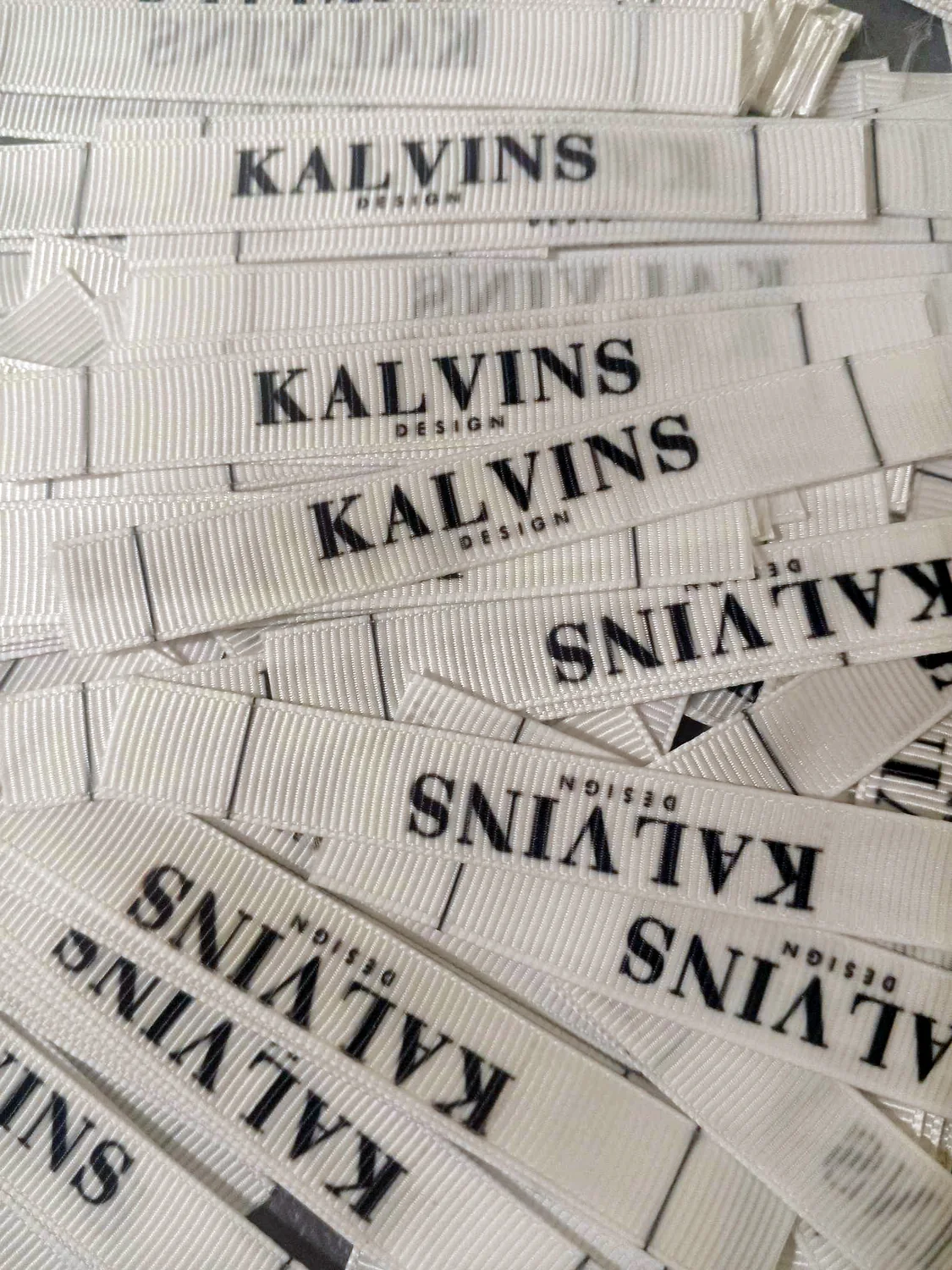
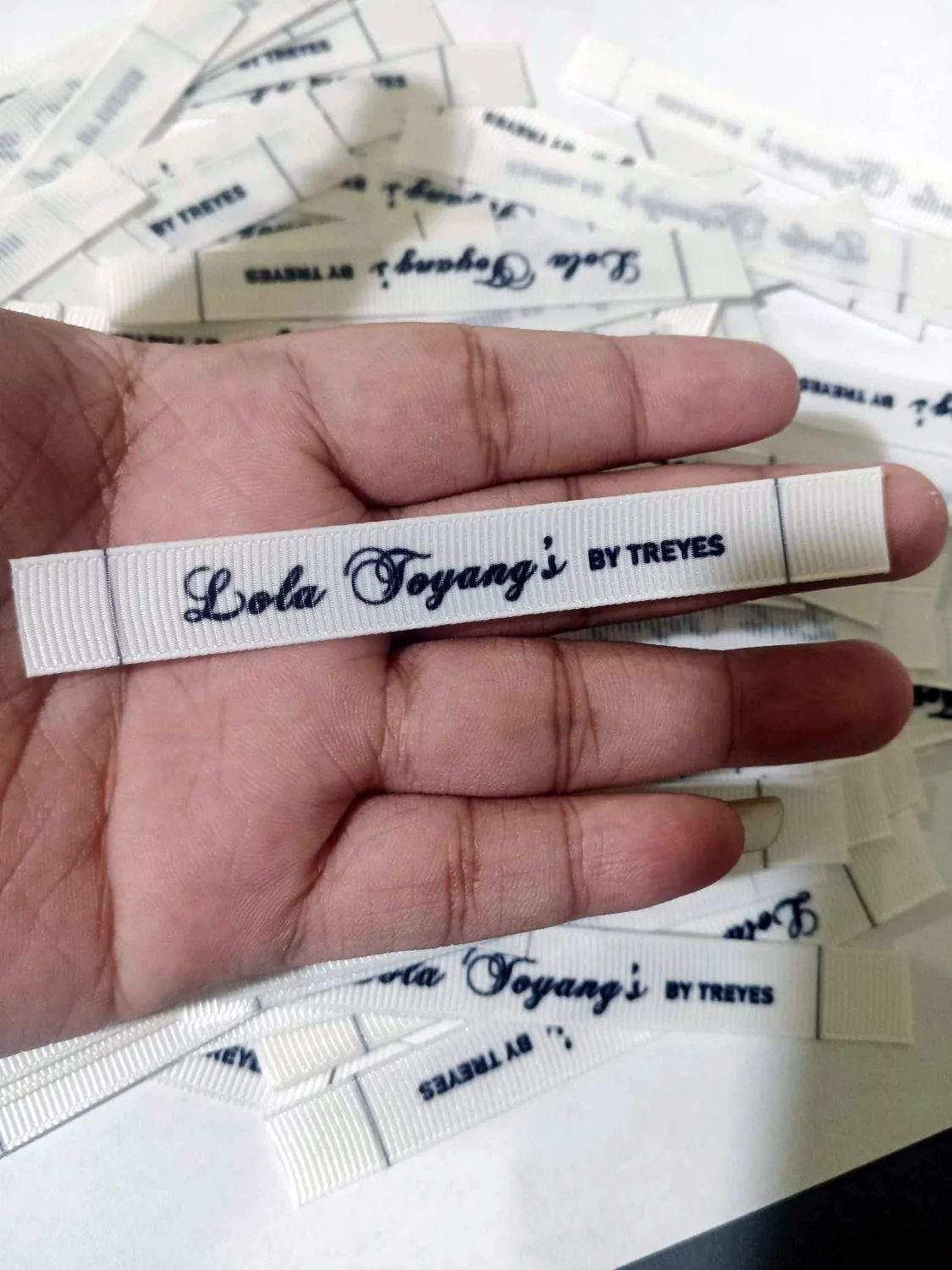
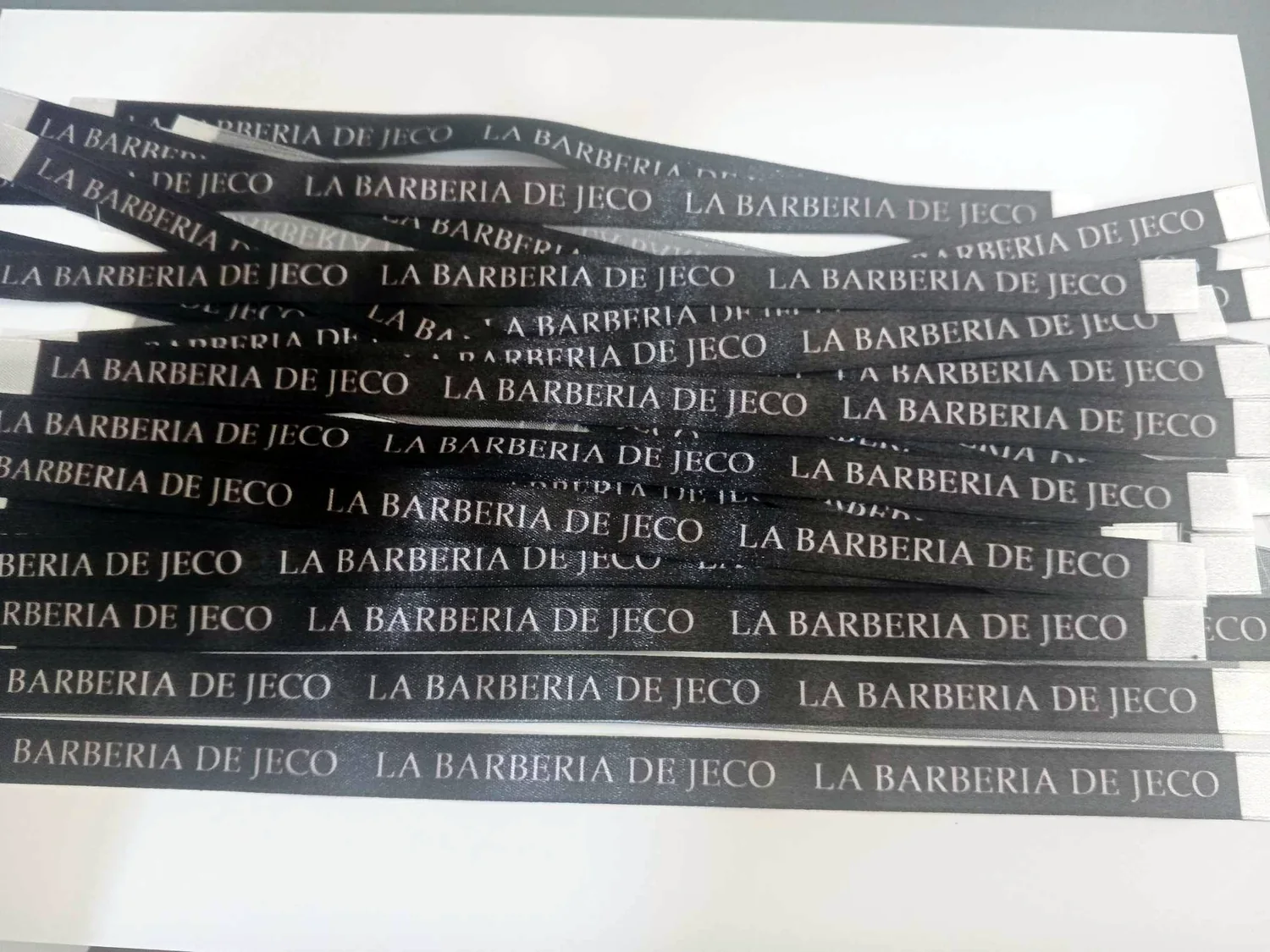
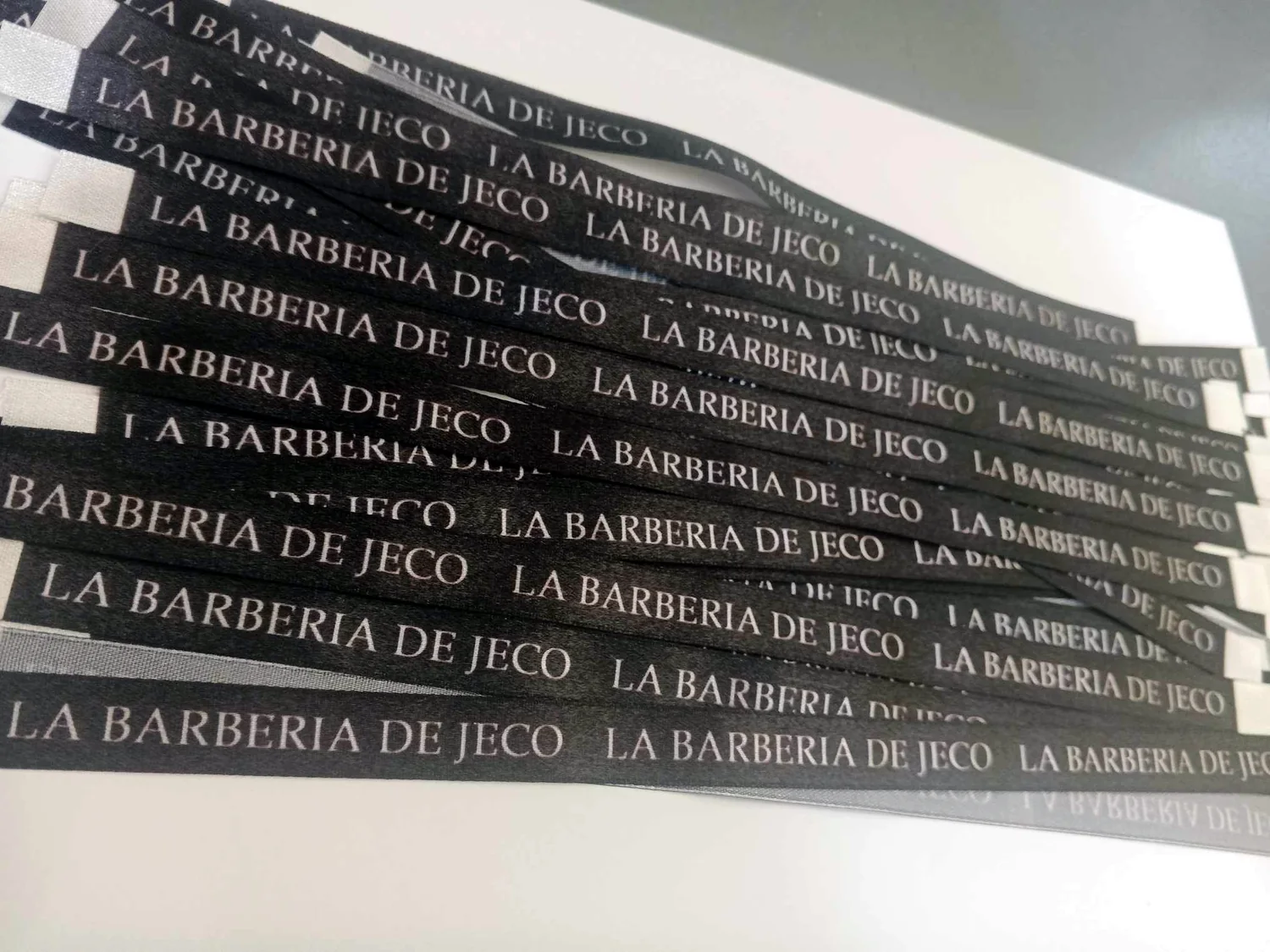
Start with Quick Order for the simplest flow. If you want to build a mockup yourself, use the optional designer link beside it.
Browse standard and frosted calling-card samples, then open the free designer to create your own layout.
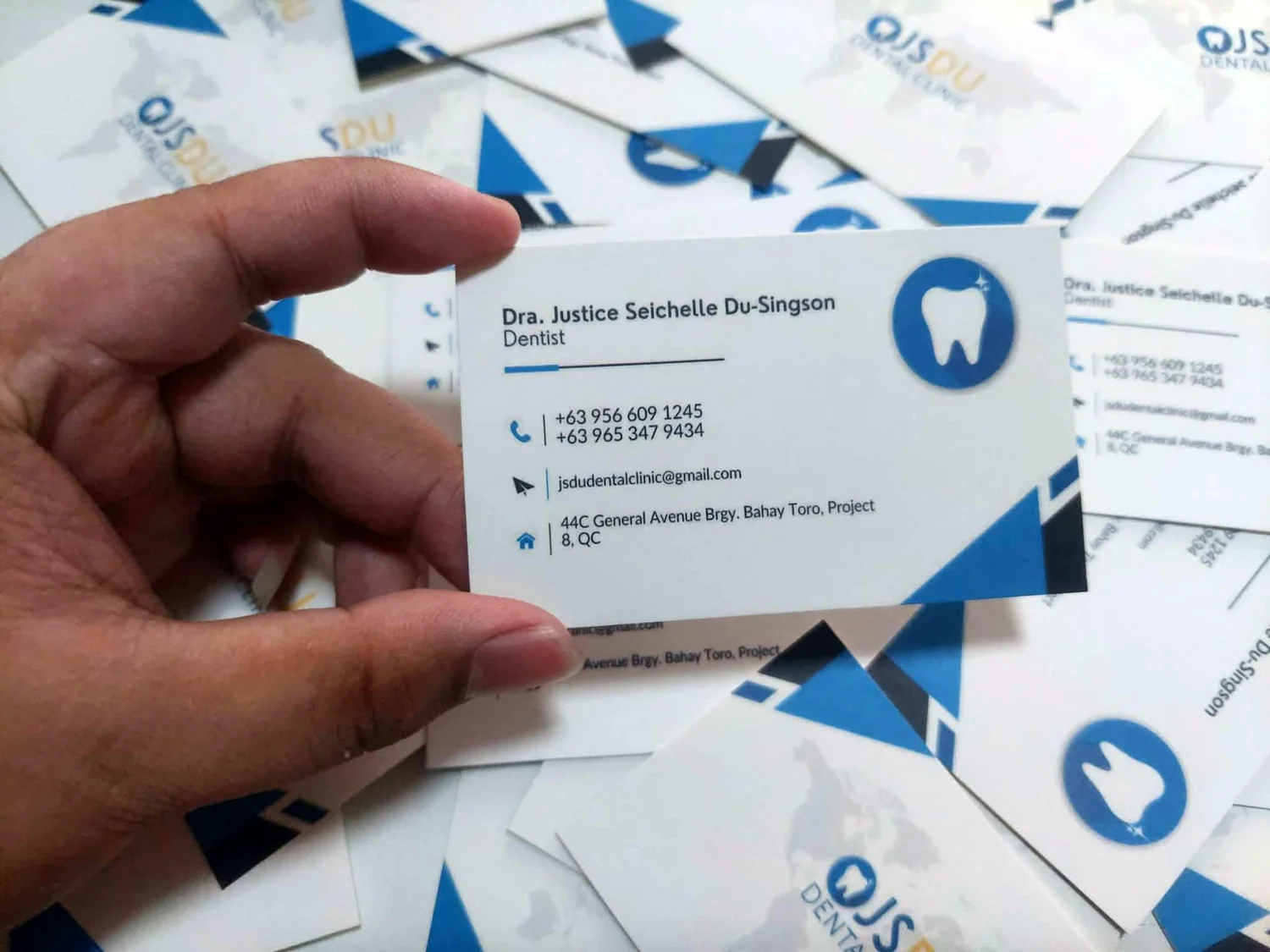
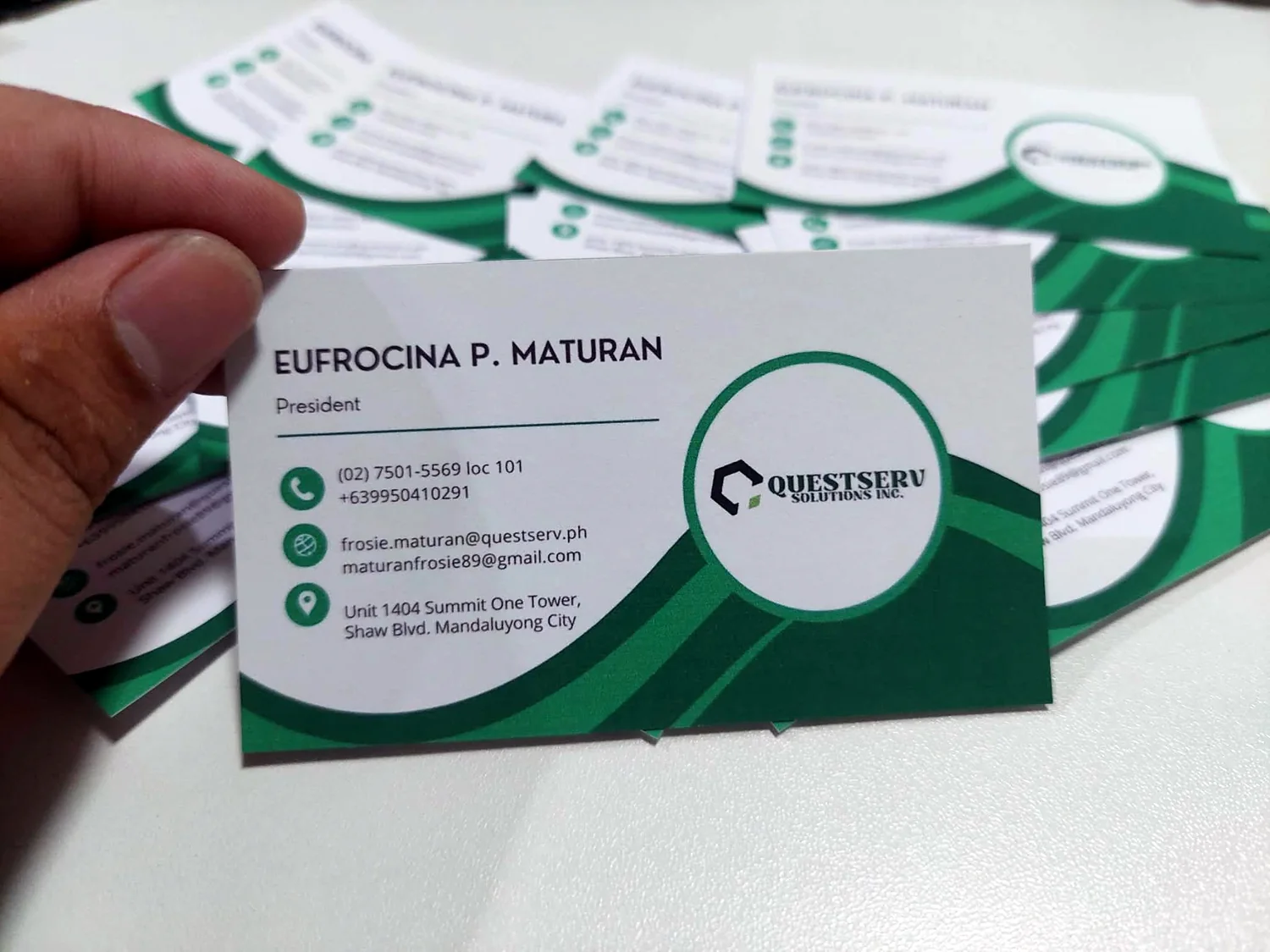
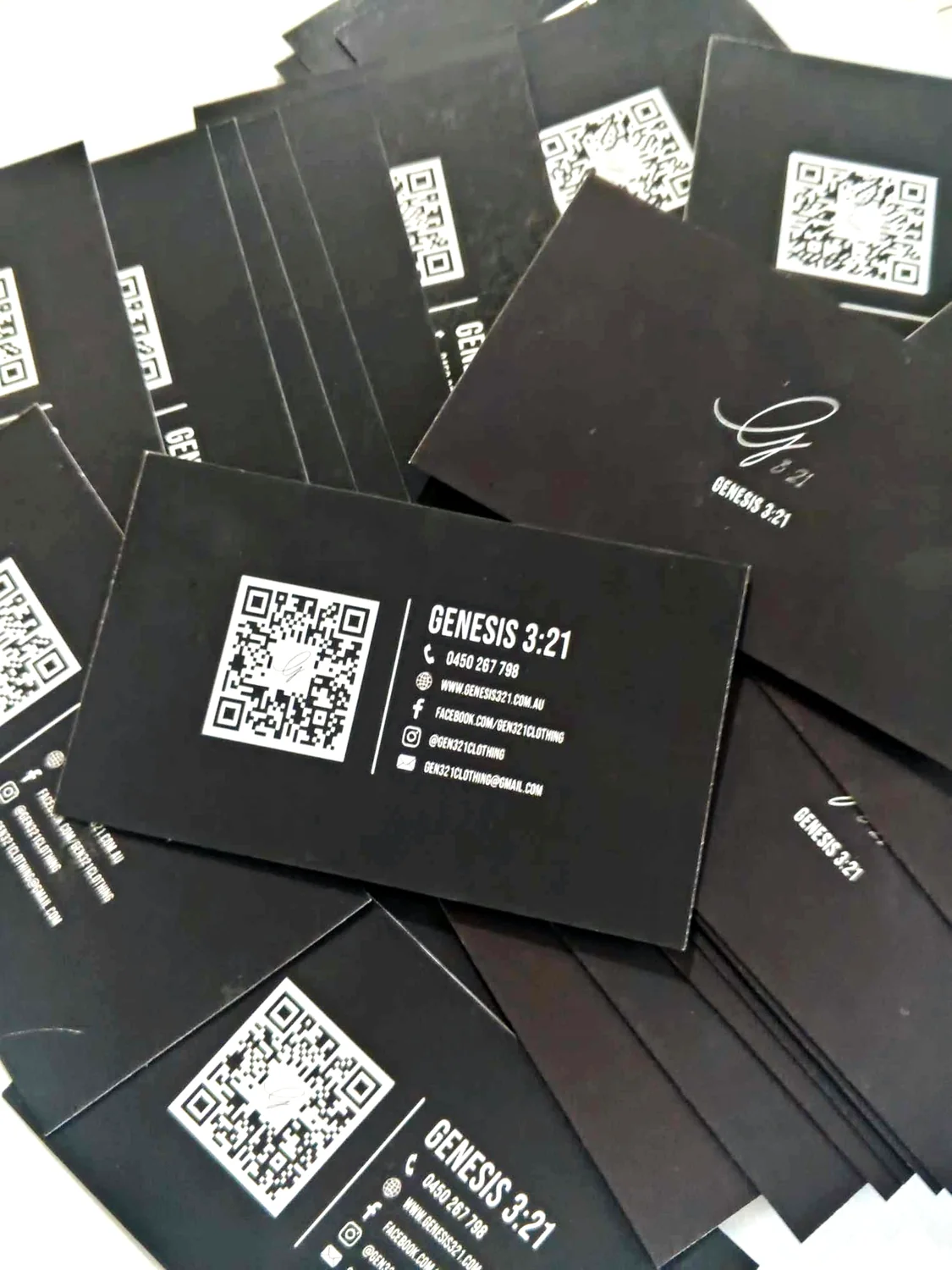
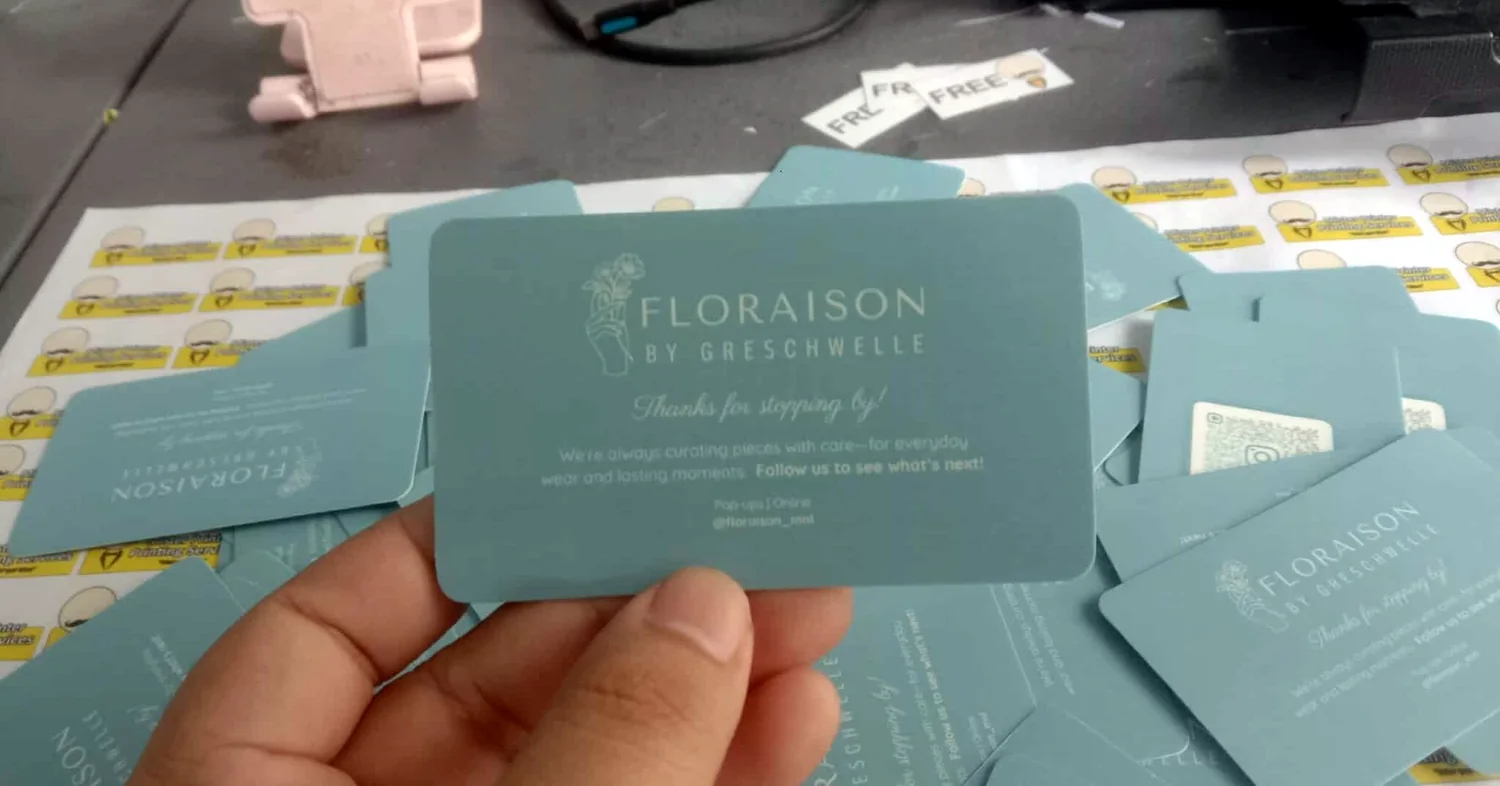
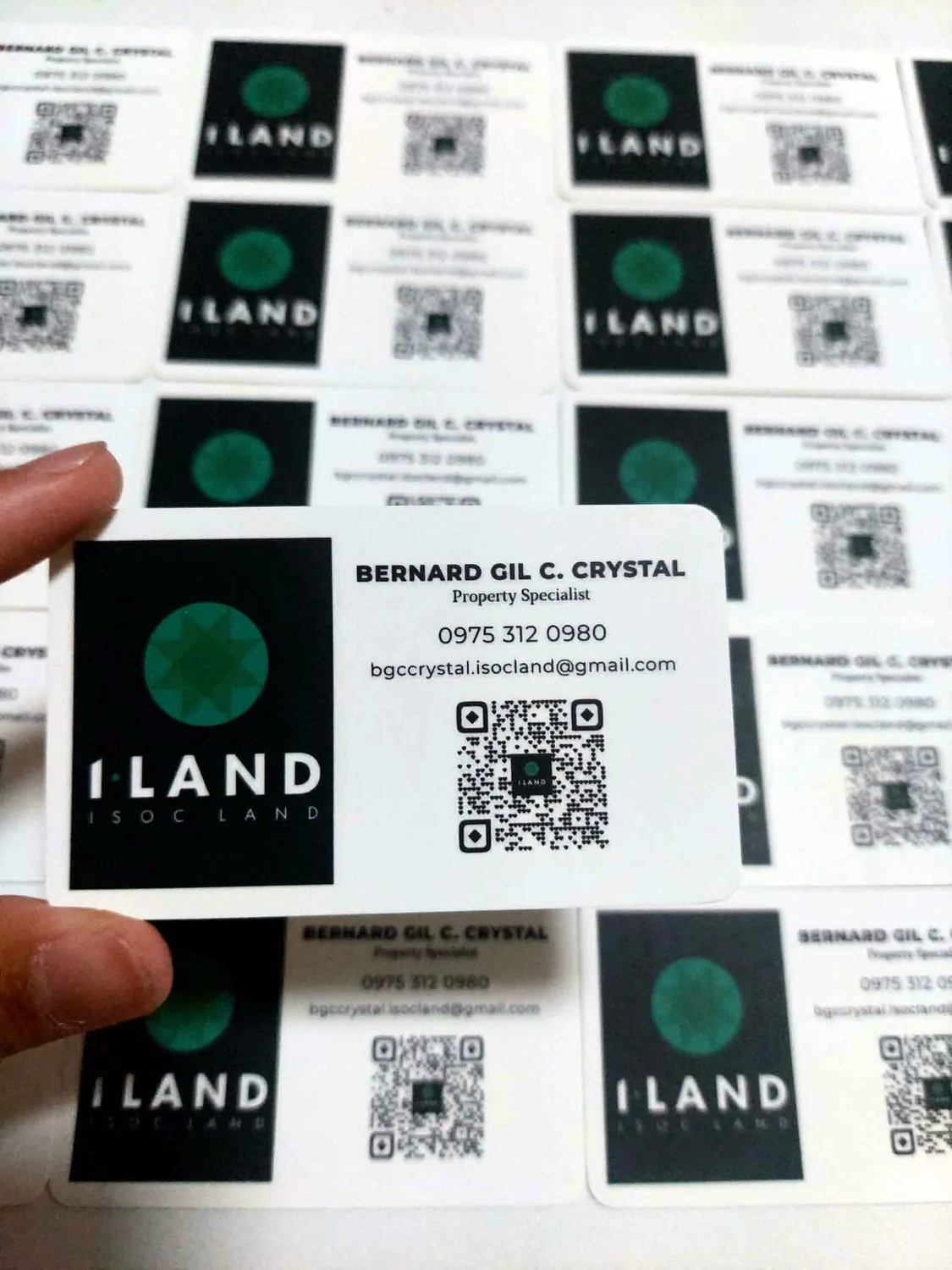
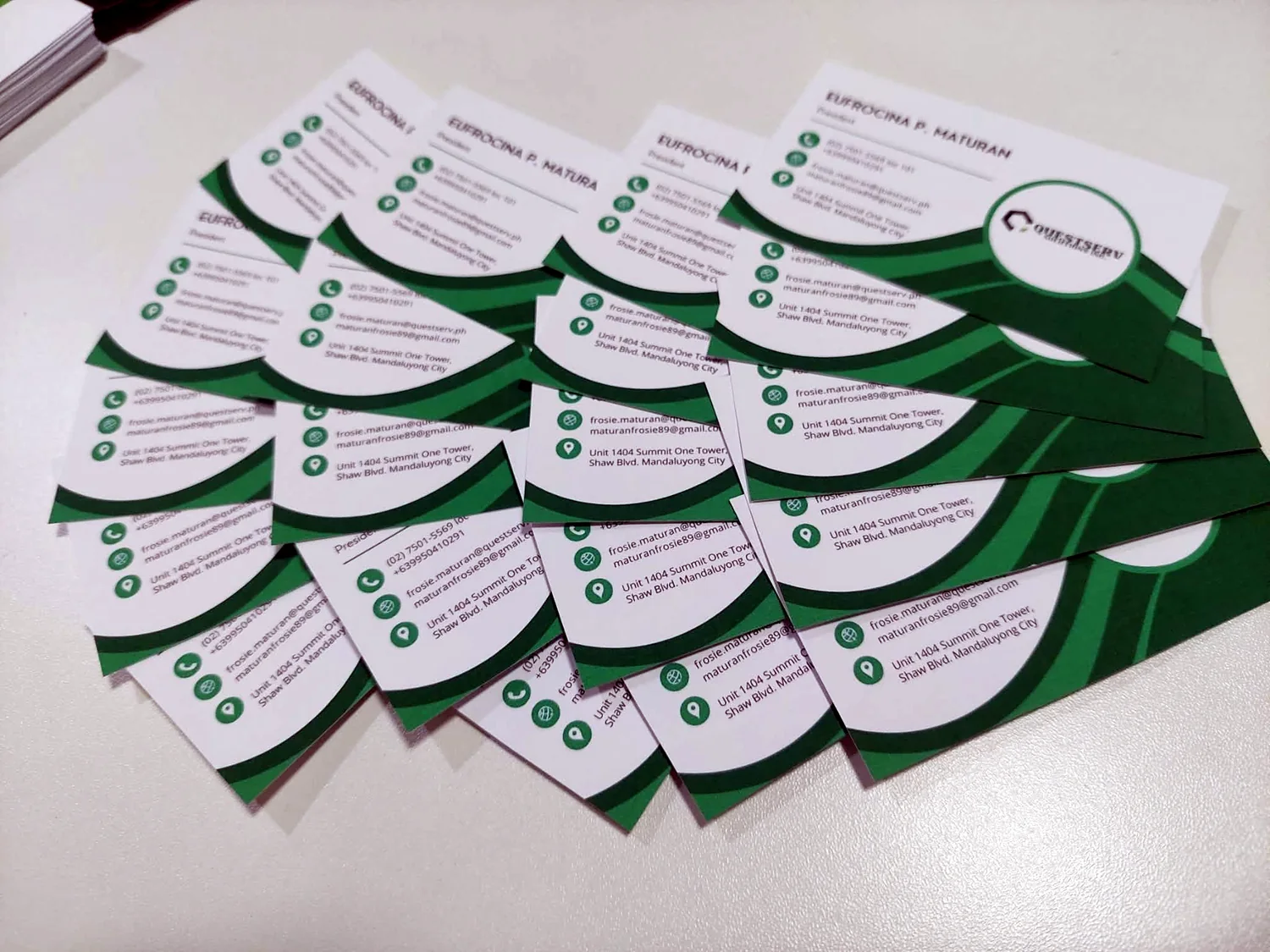
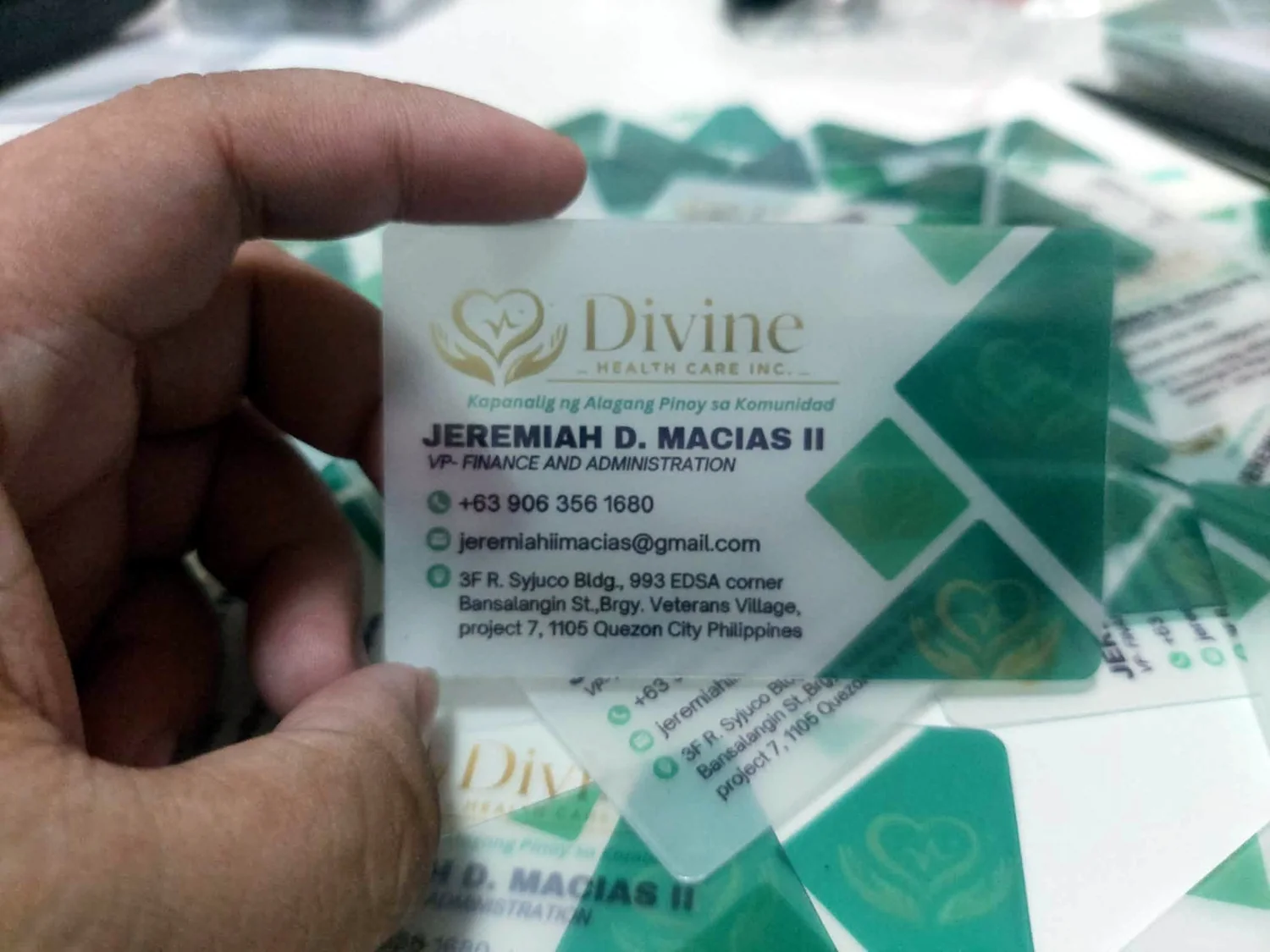
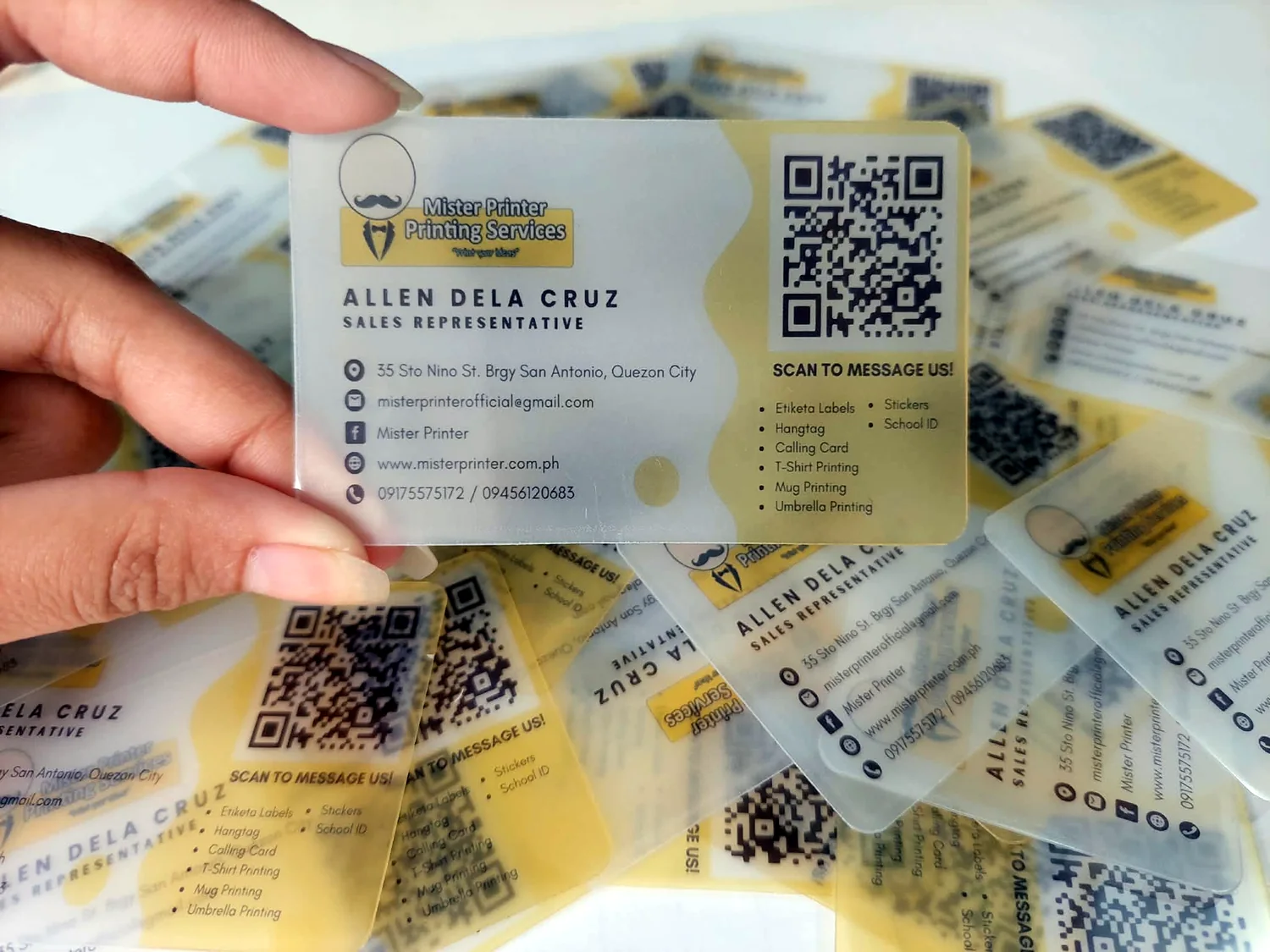
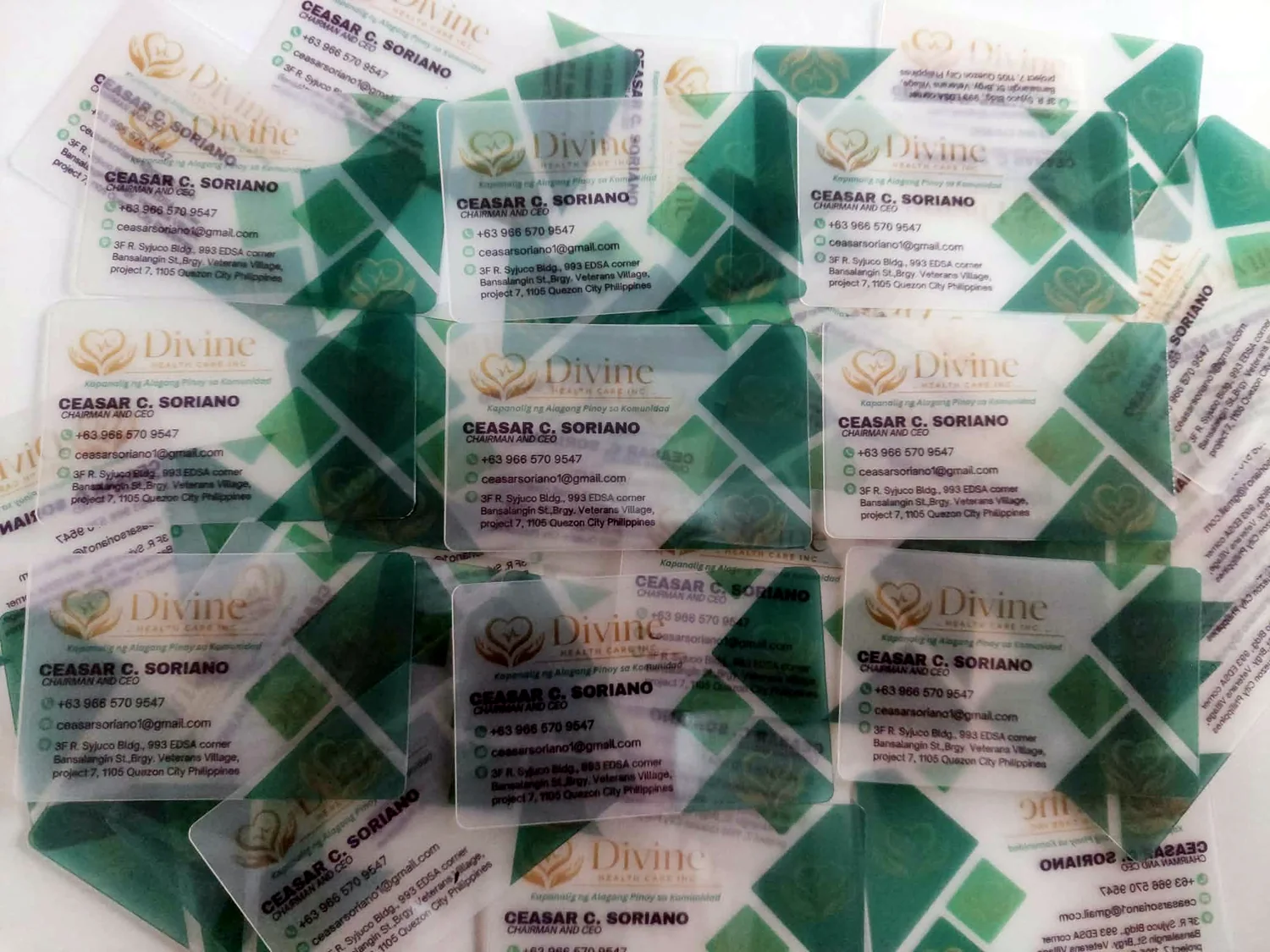
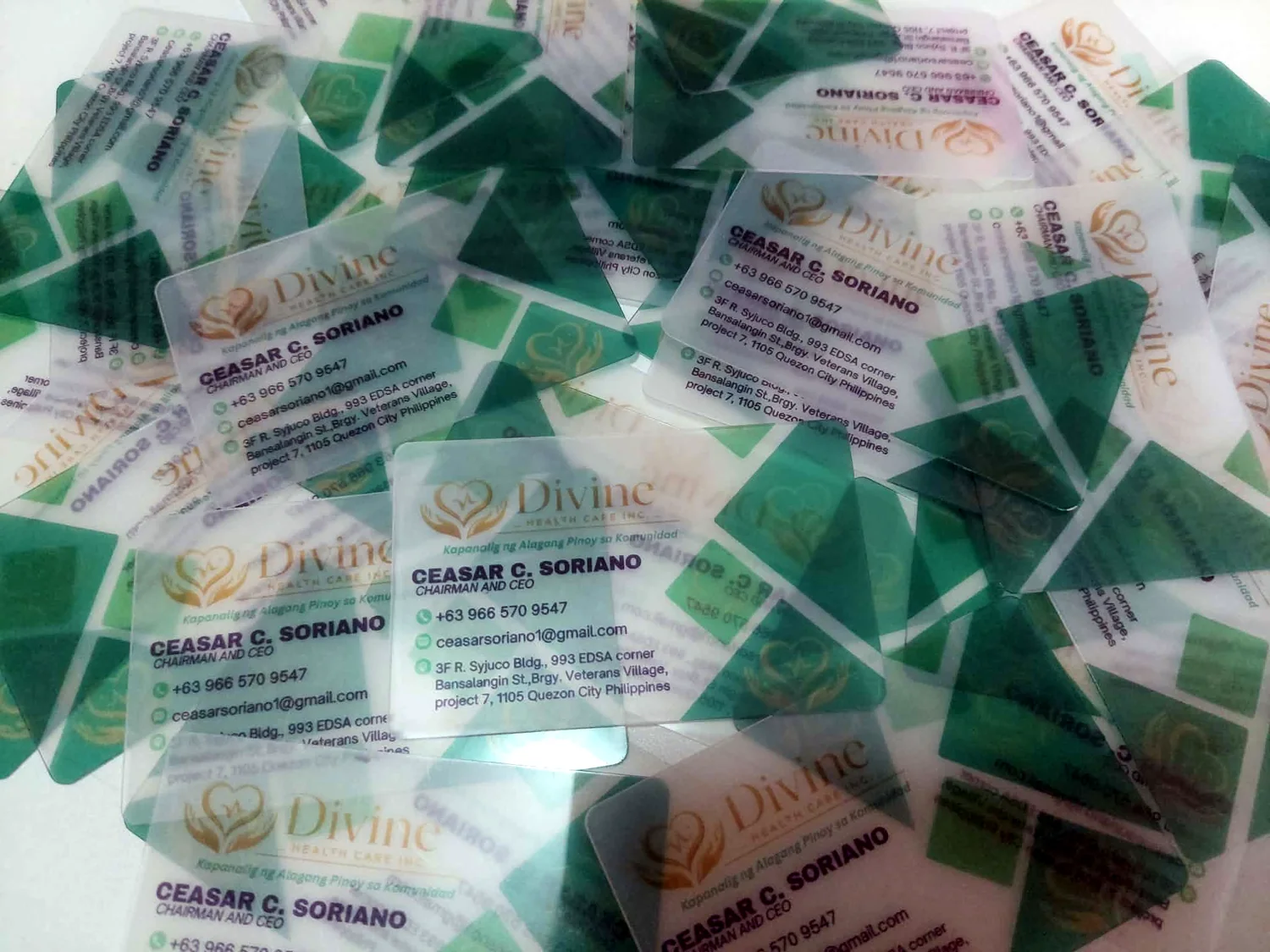
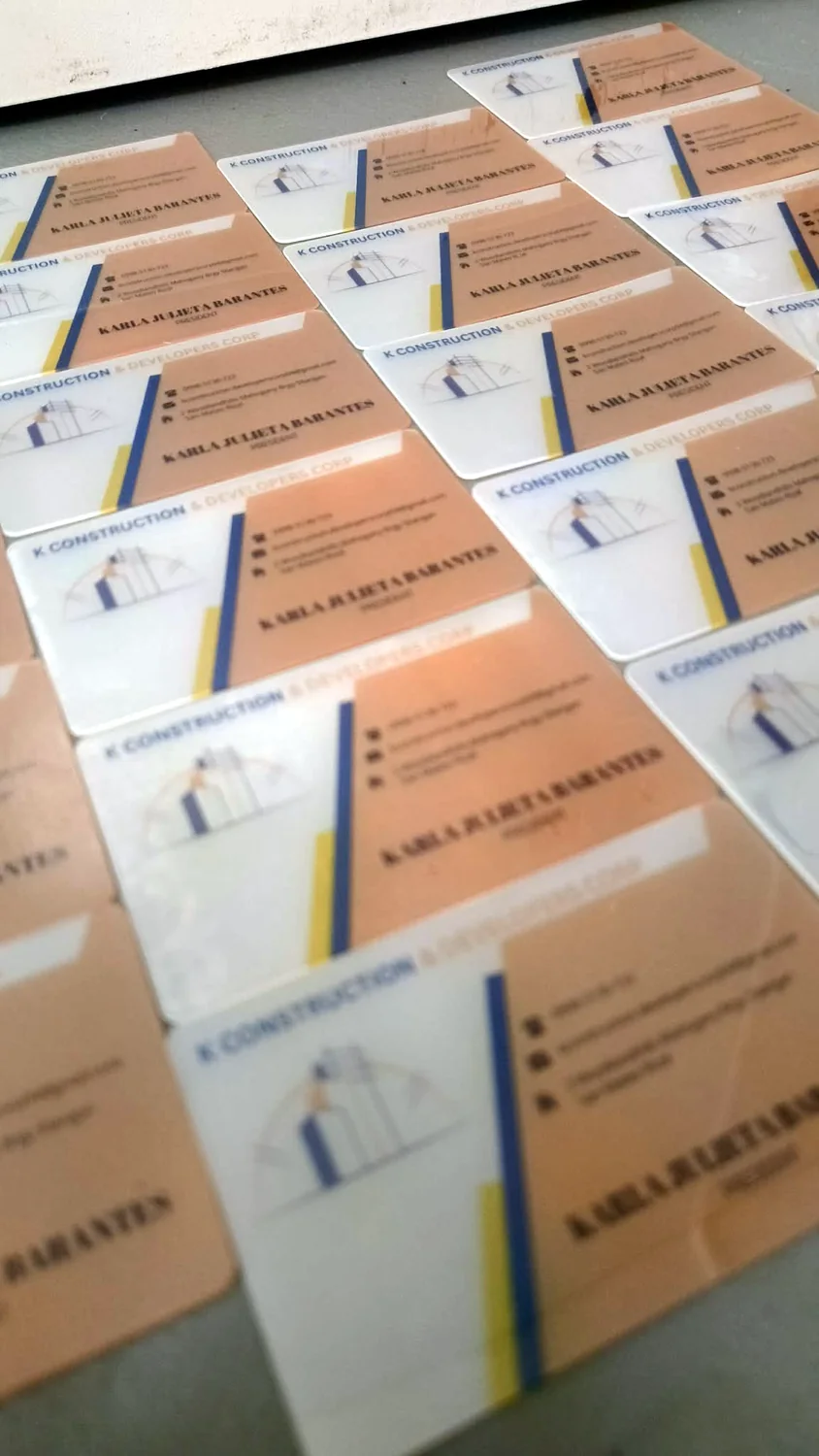
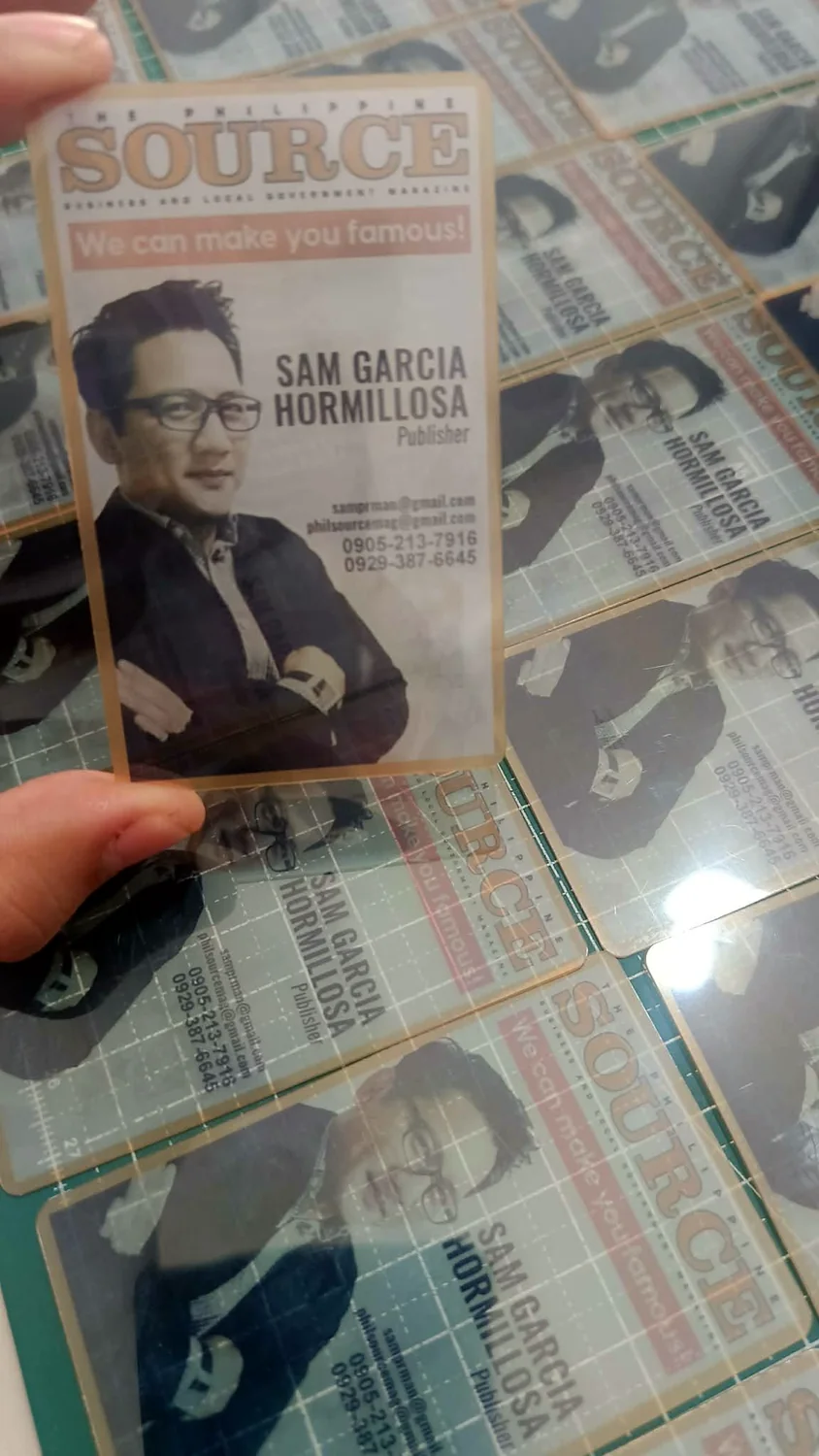
Start with Quick Order for the simplest flow. If you want to build a mockup yourself, use the optional designer link beside it.
Browse plain, glossy, matte, holographic and specialty work. Thank-you cards, seasonal/Christmas cards and bookmarks are grouped here as requested.
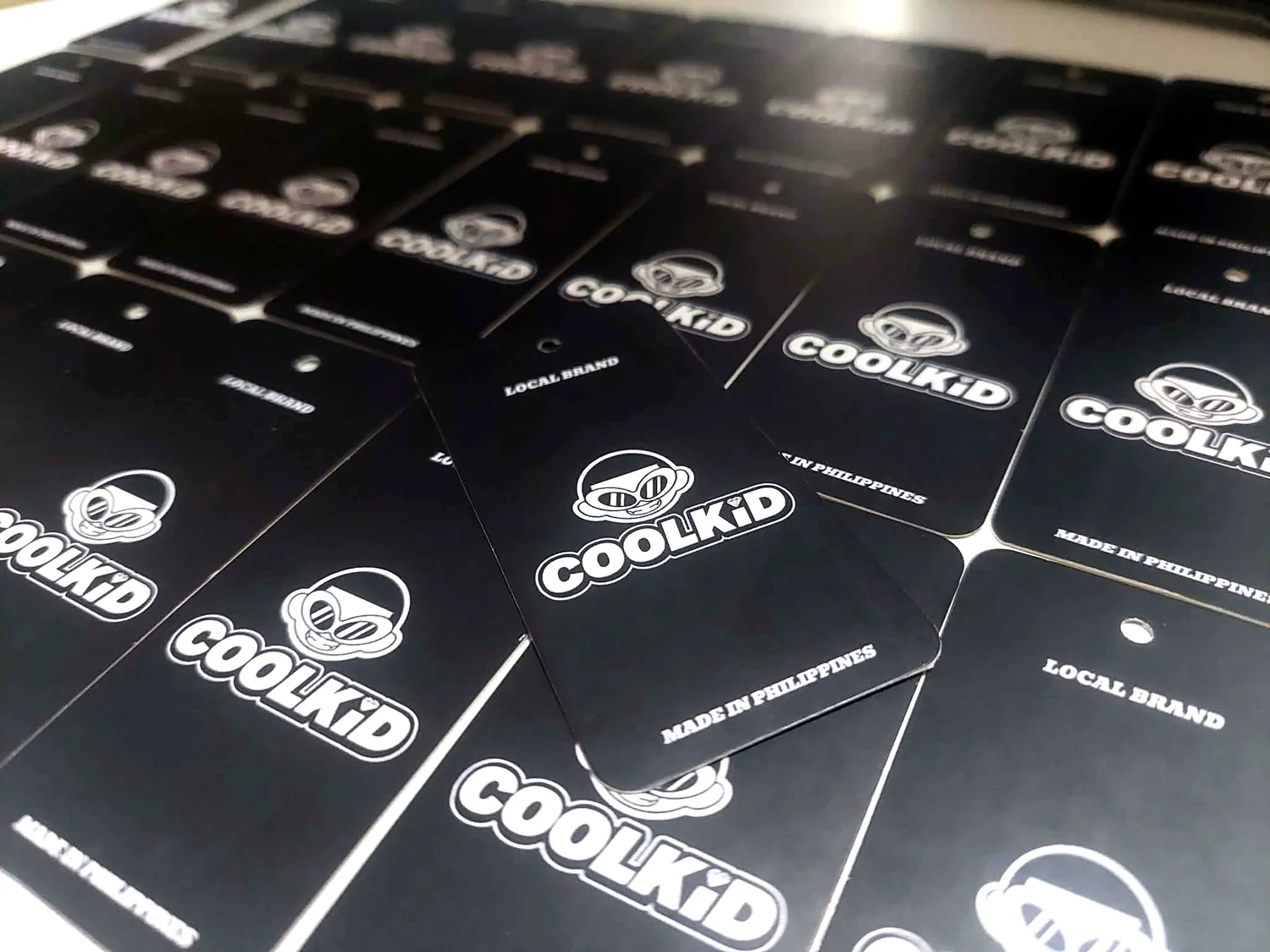
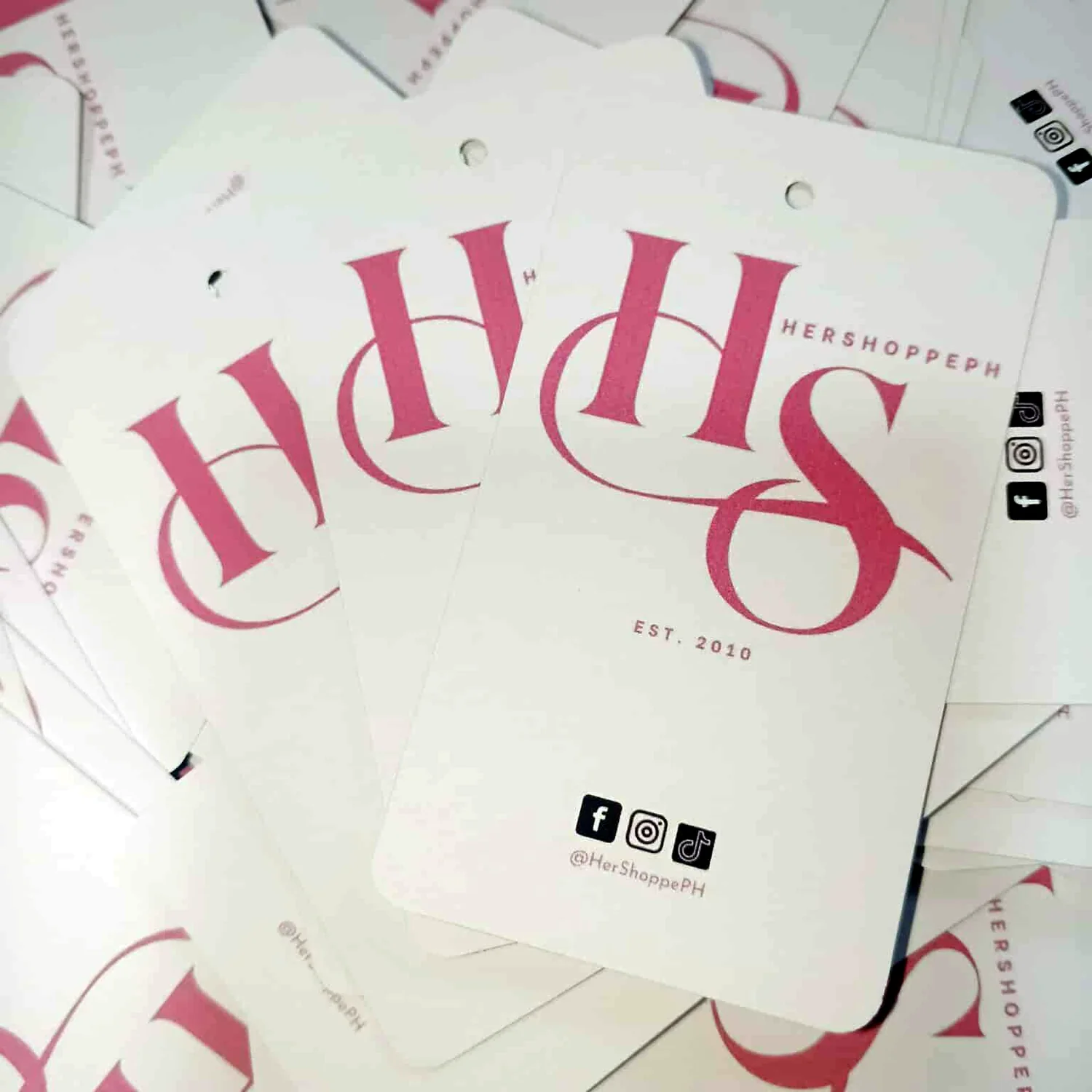
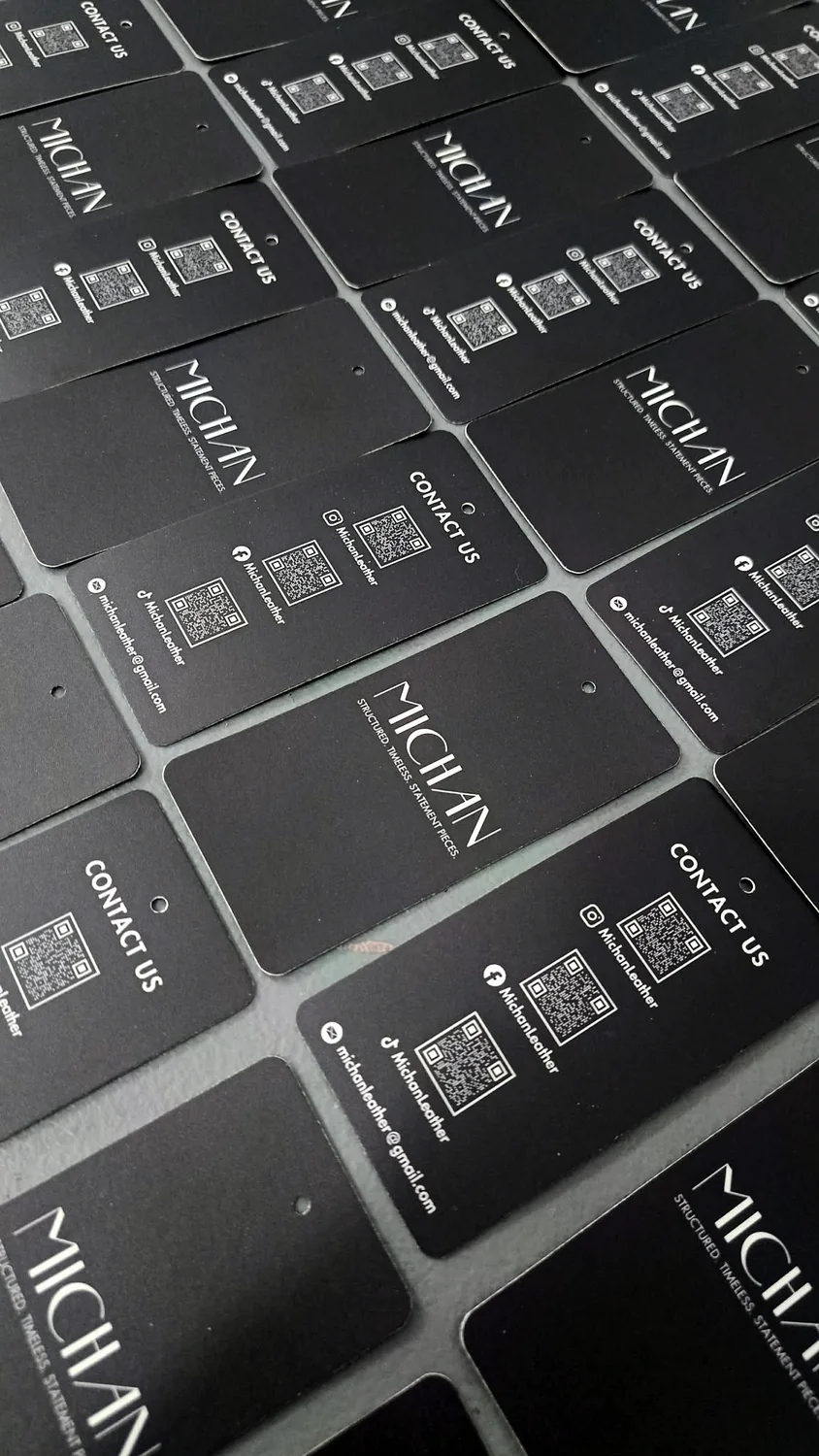
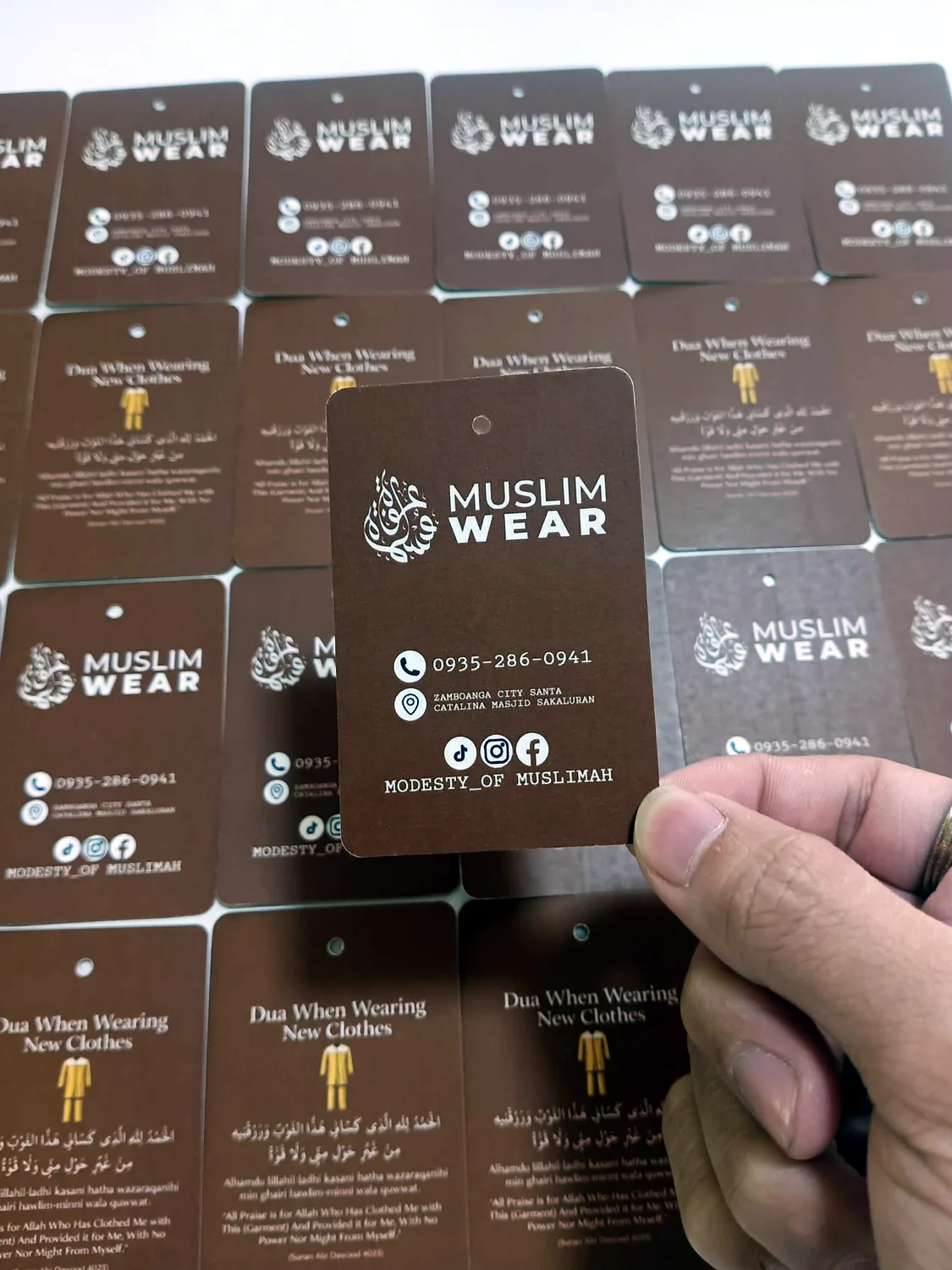
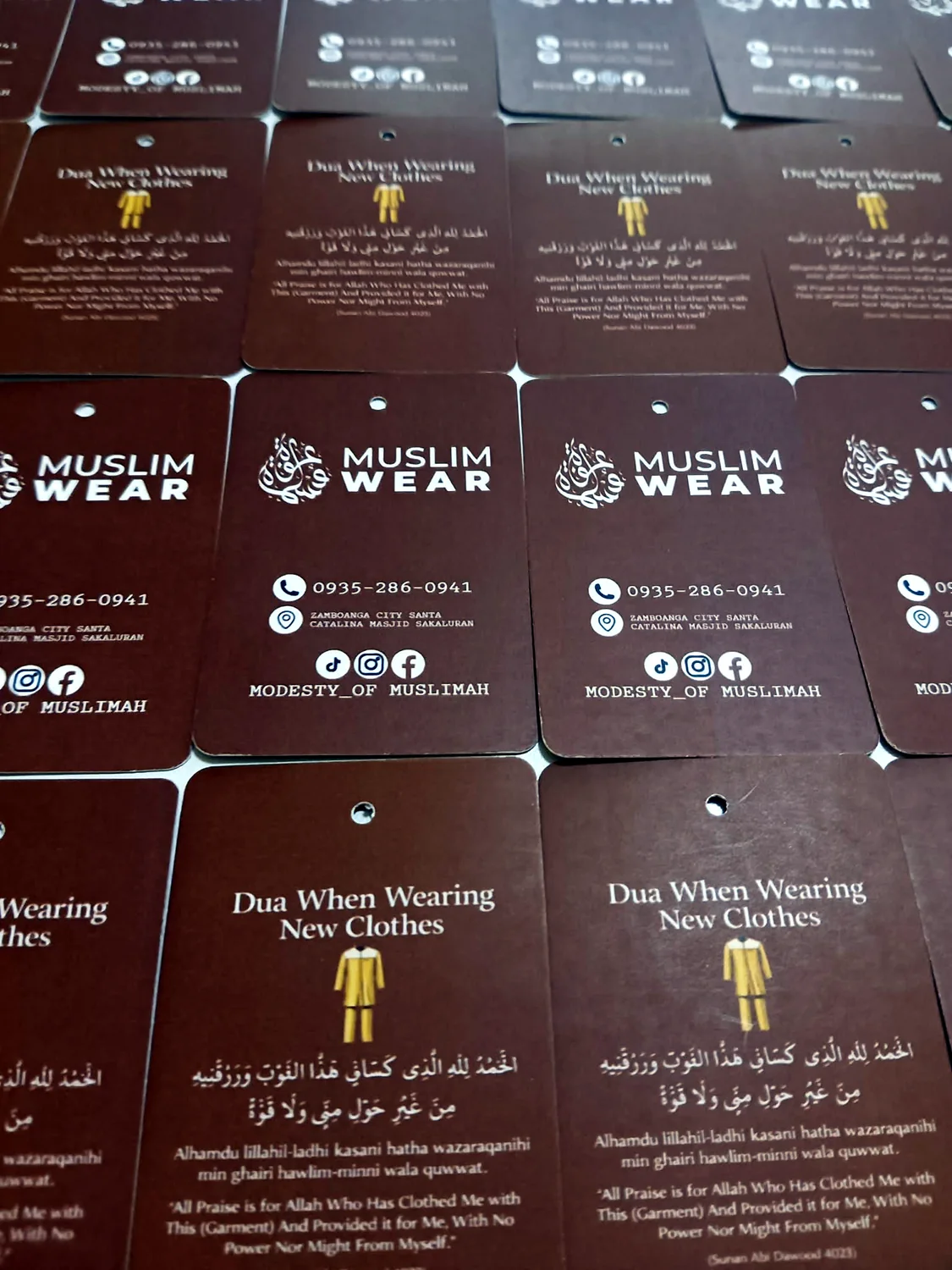
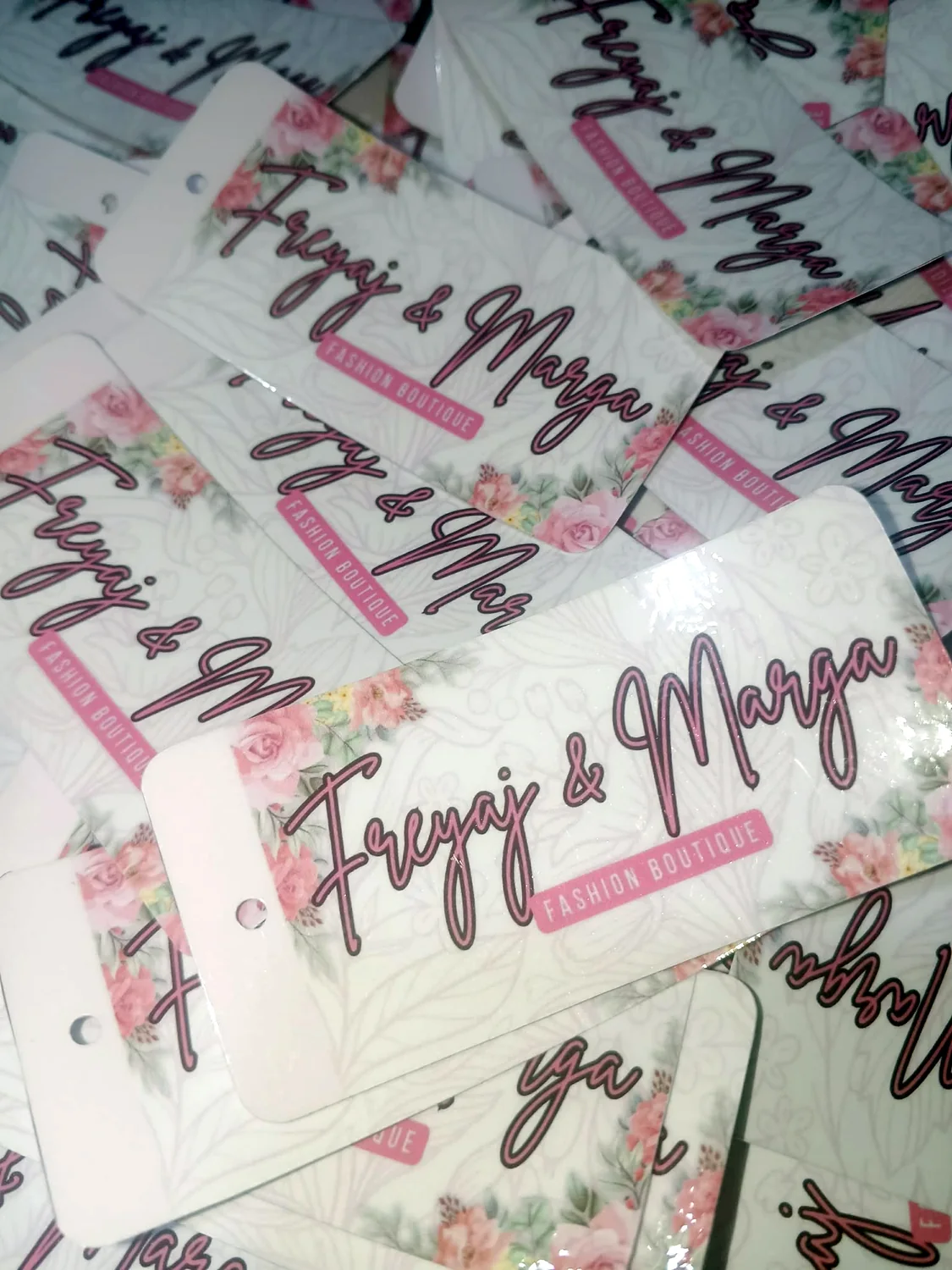
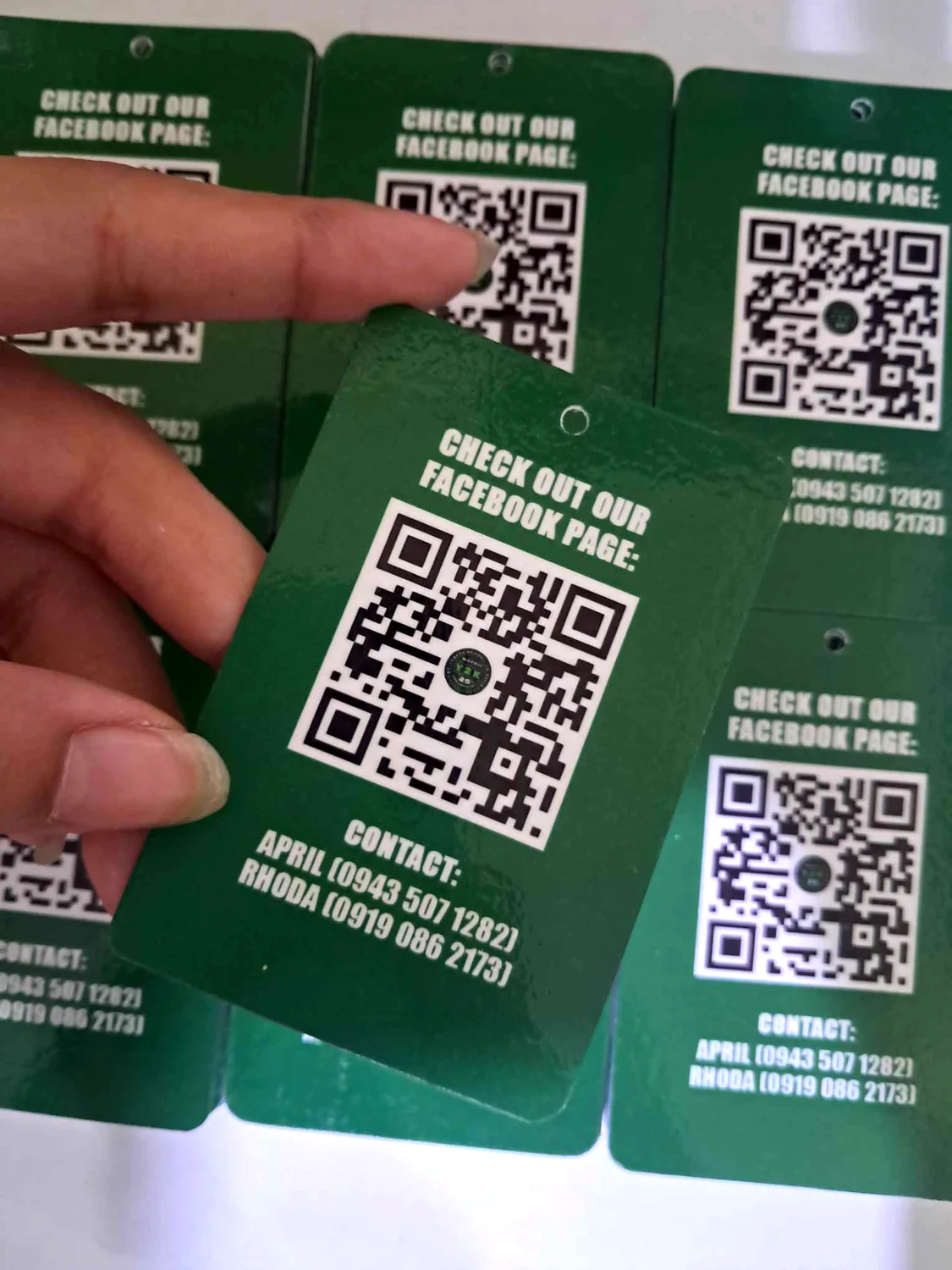
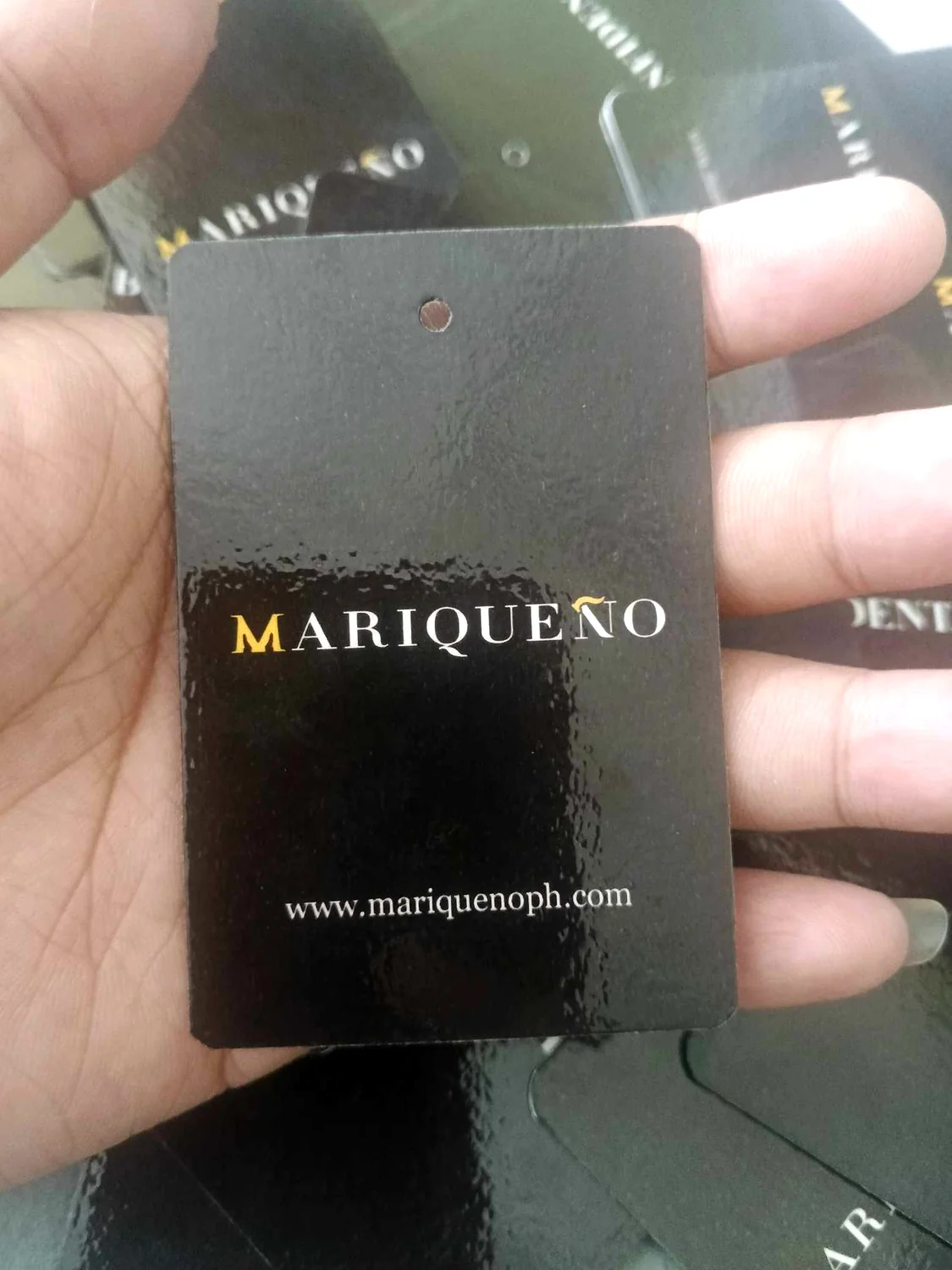
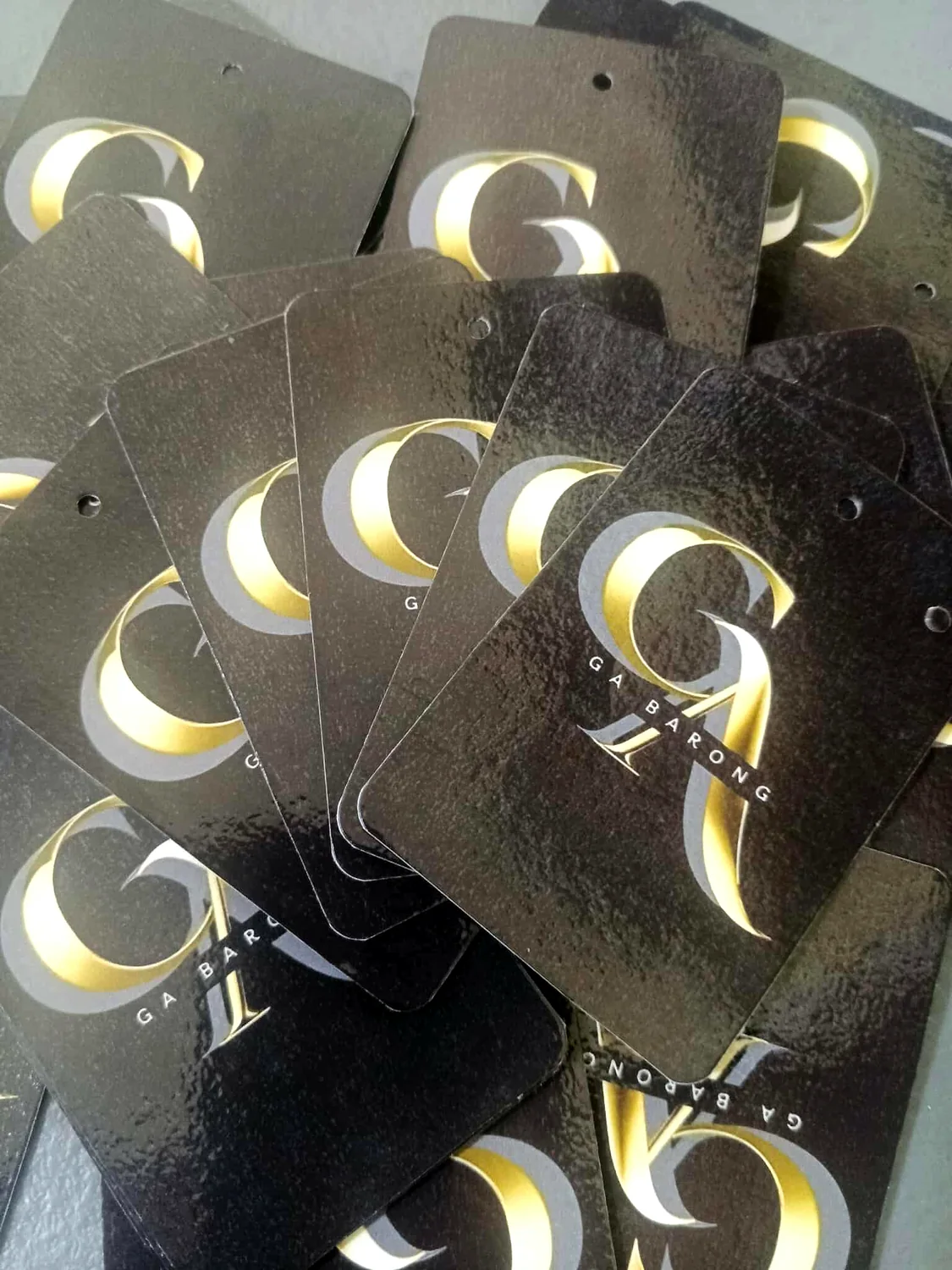
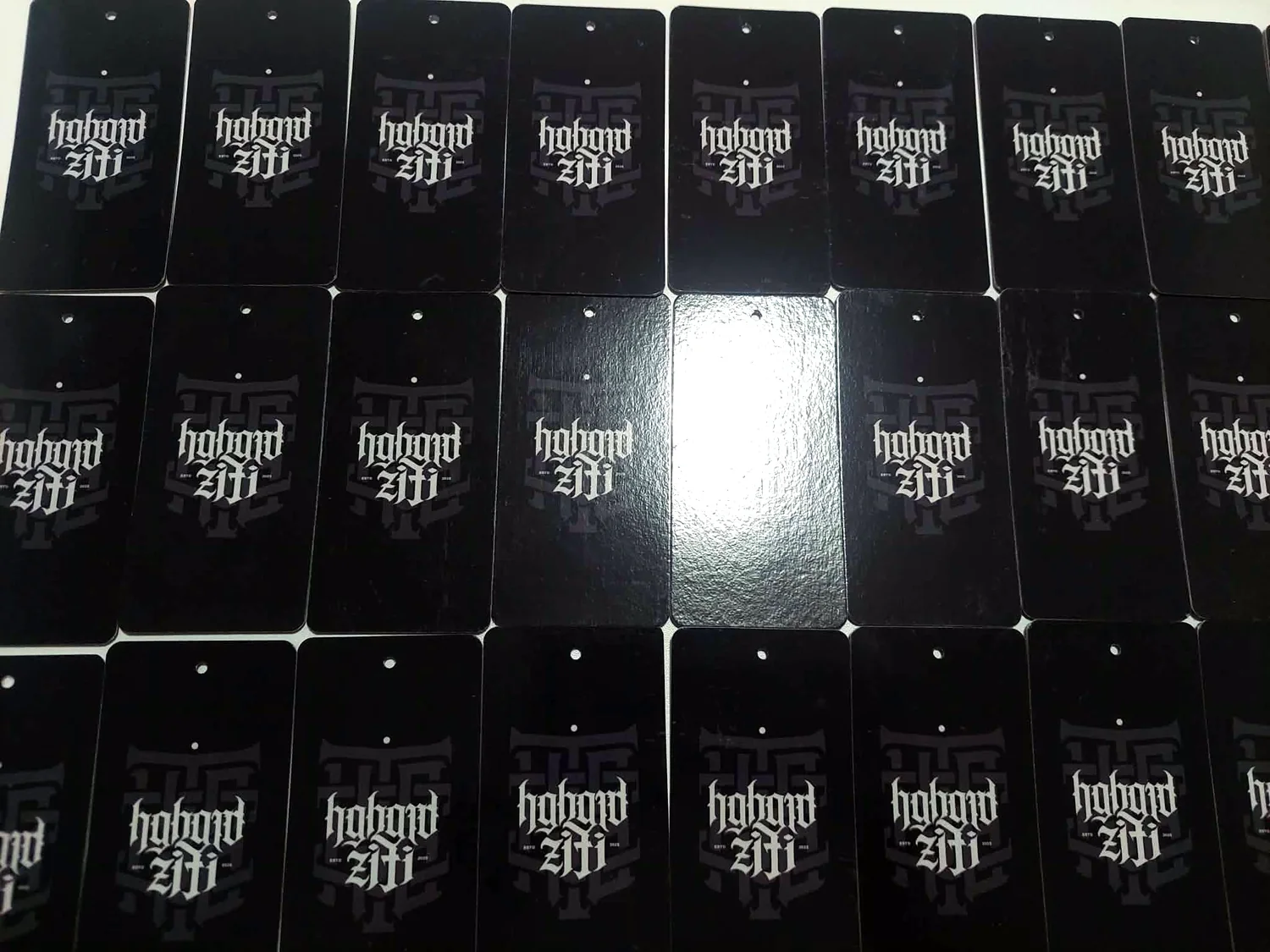
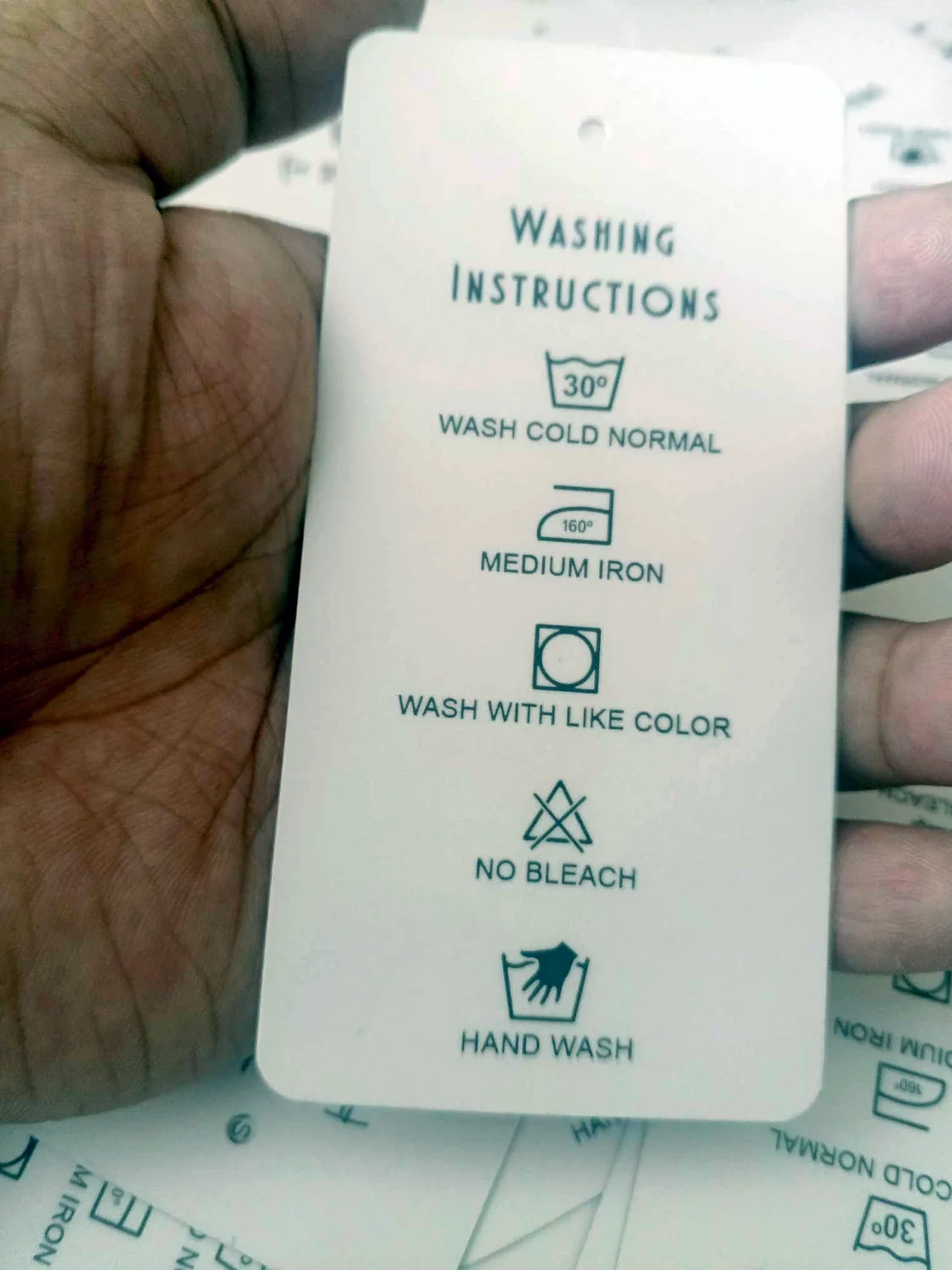
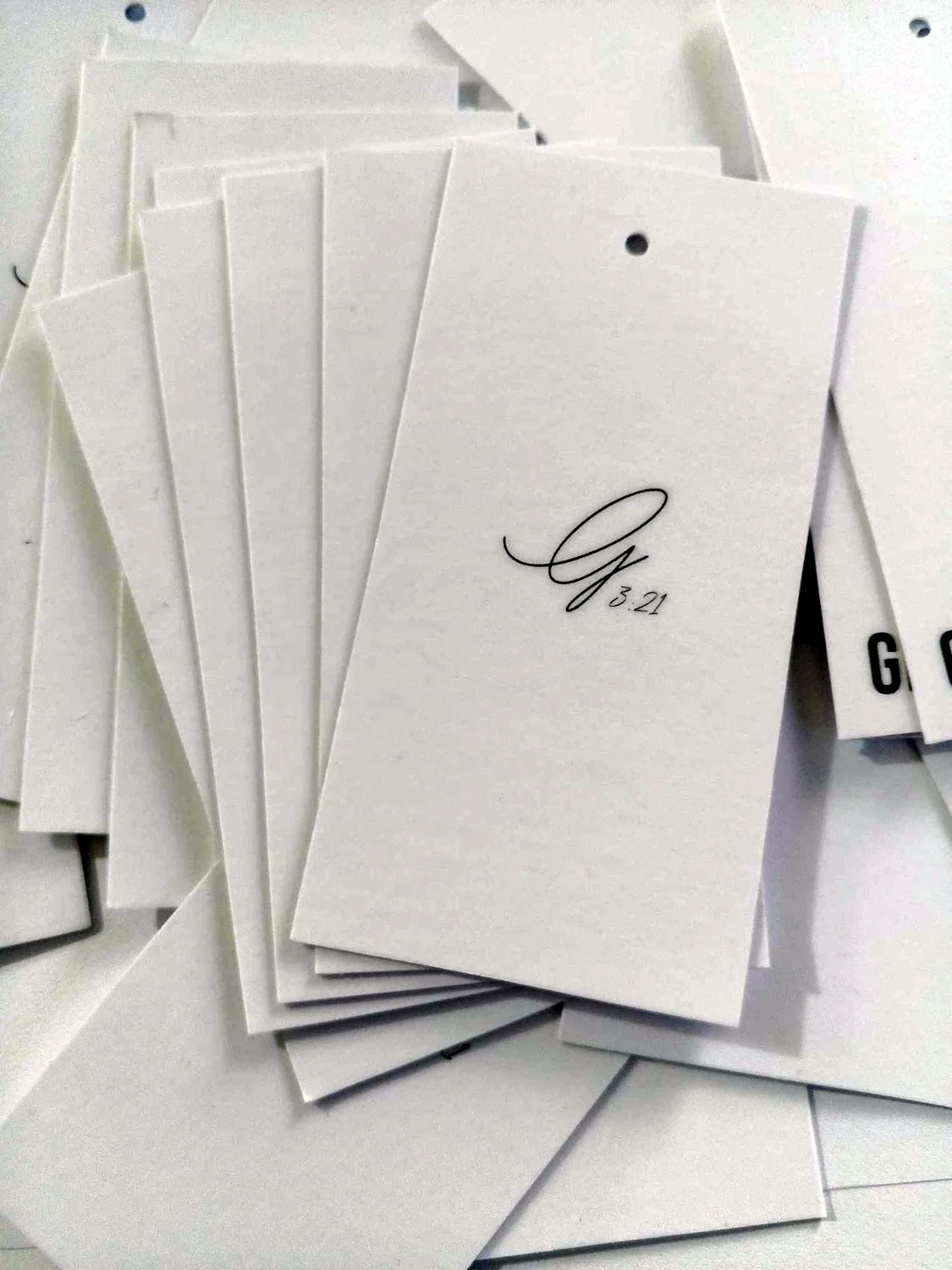
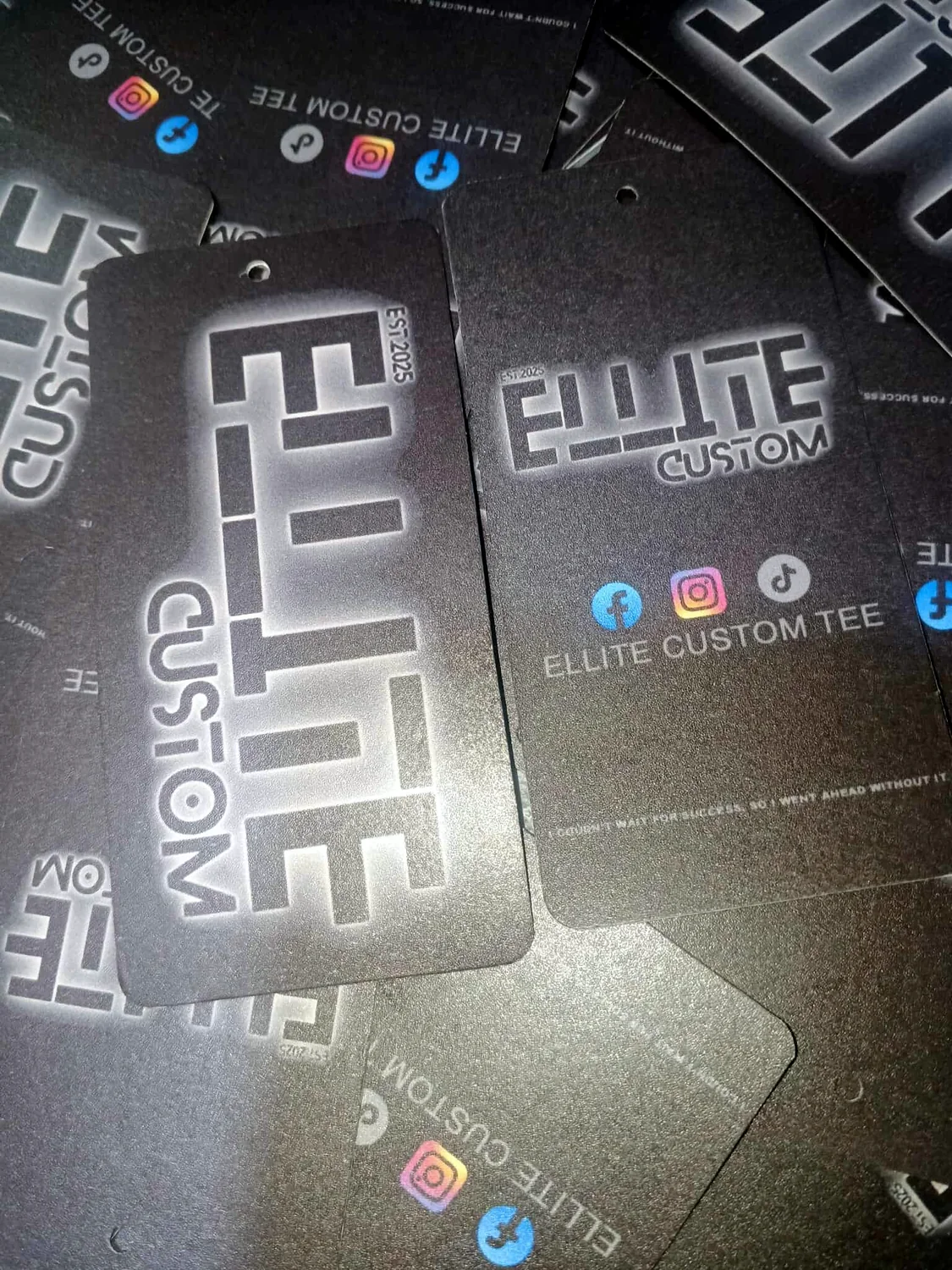
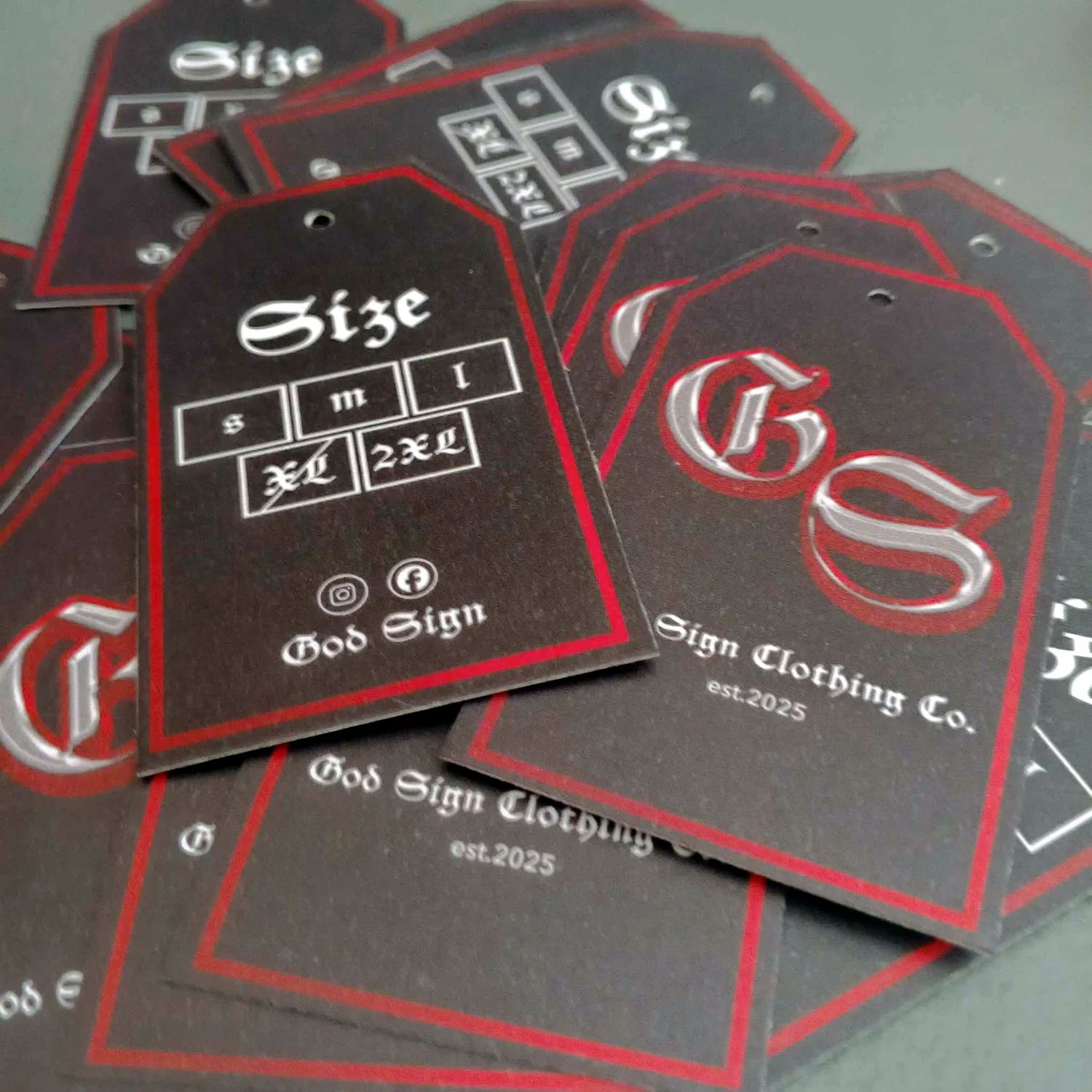
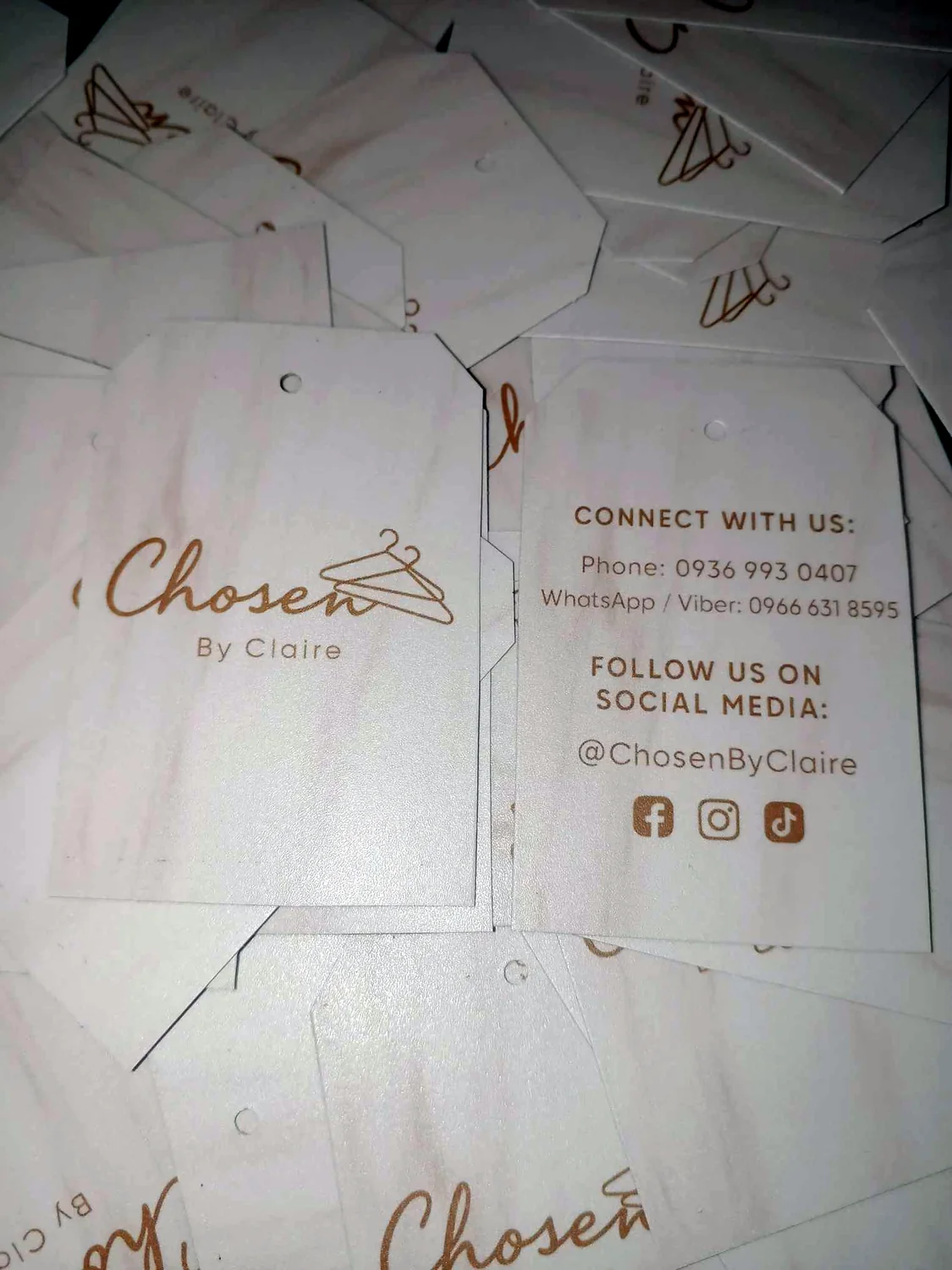
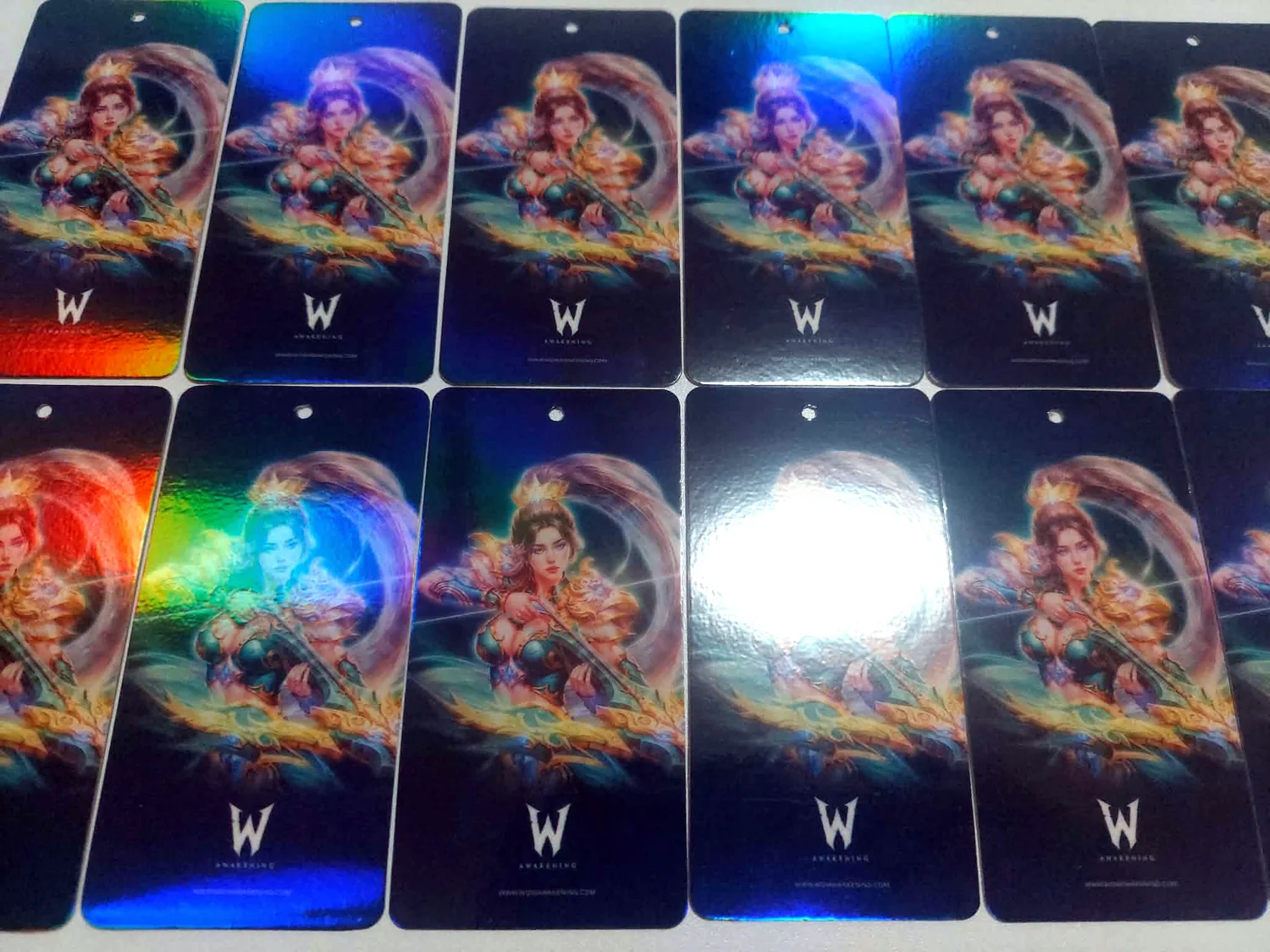
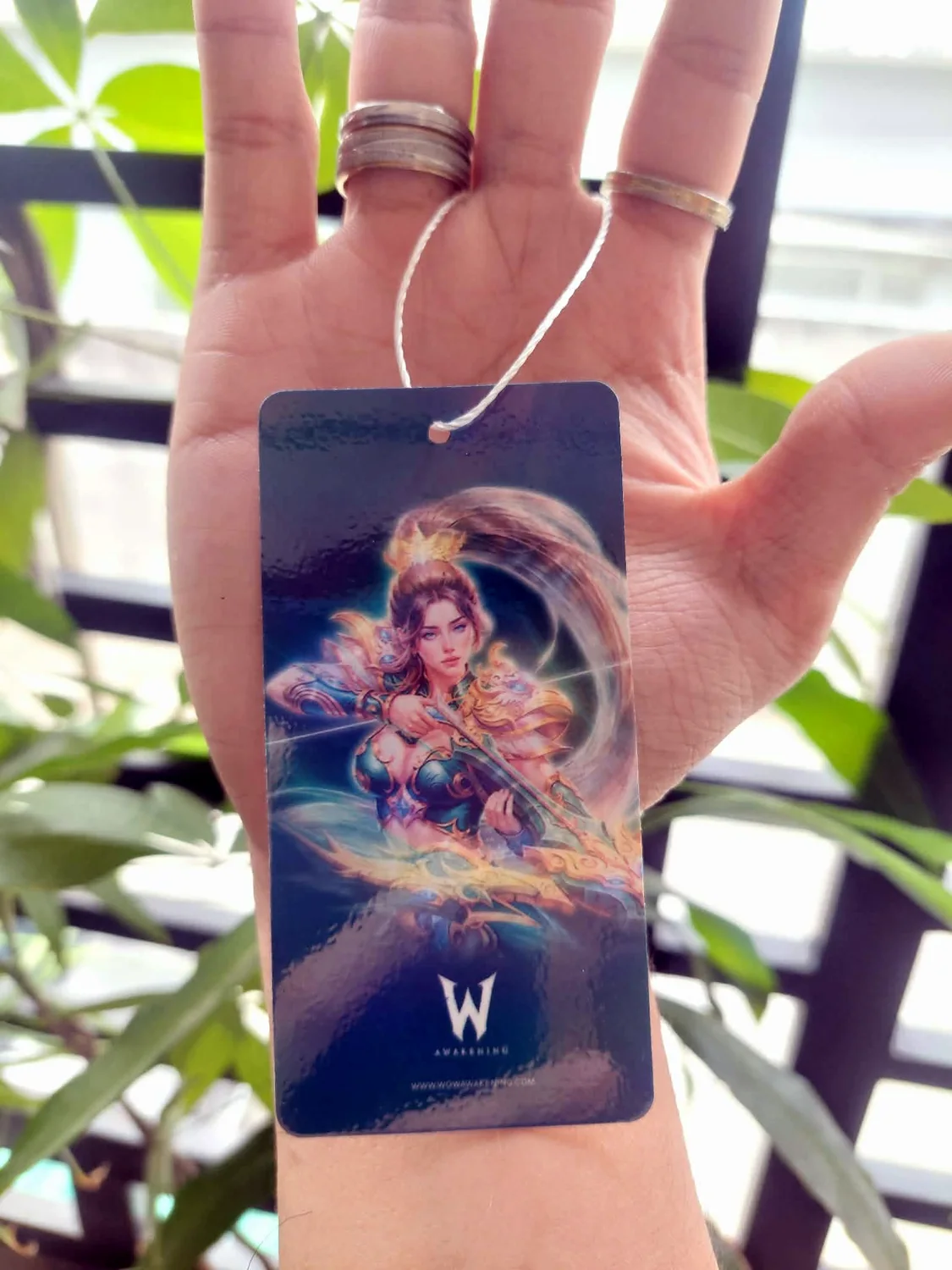
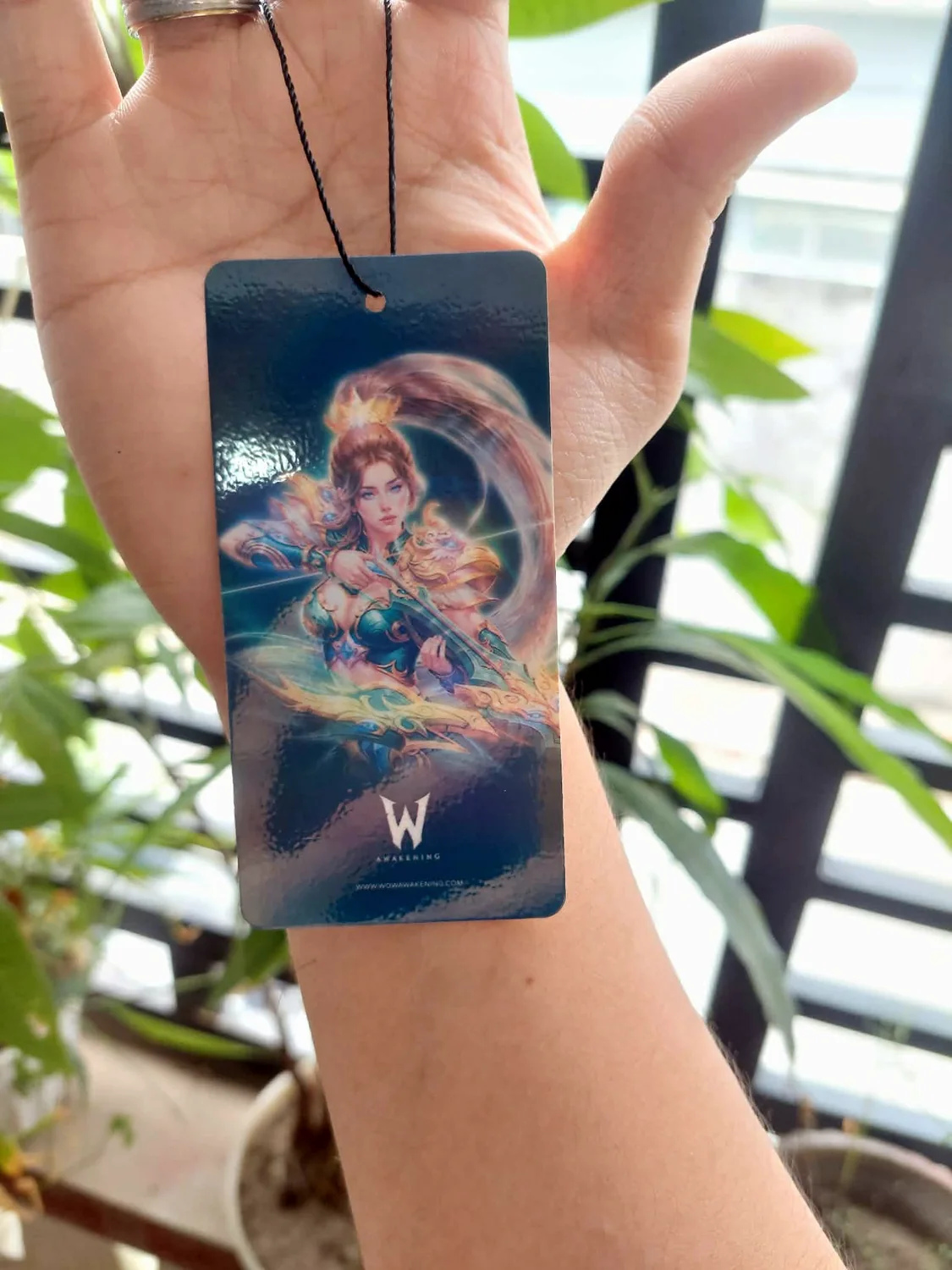
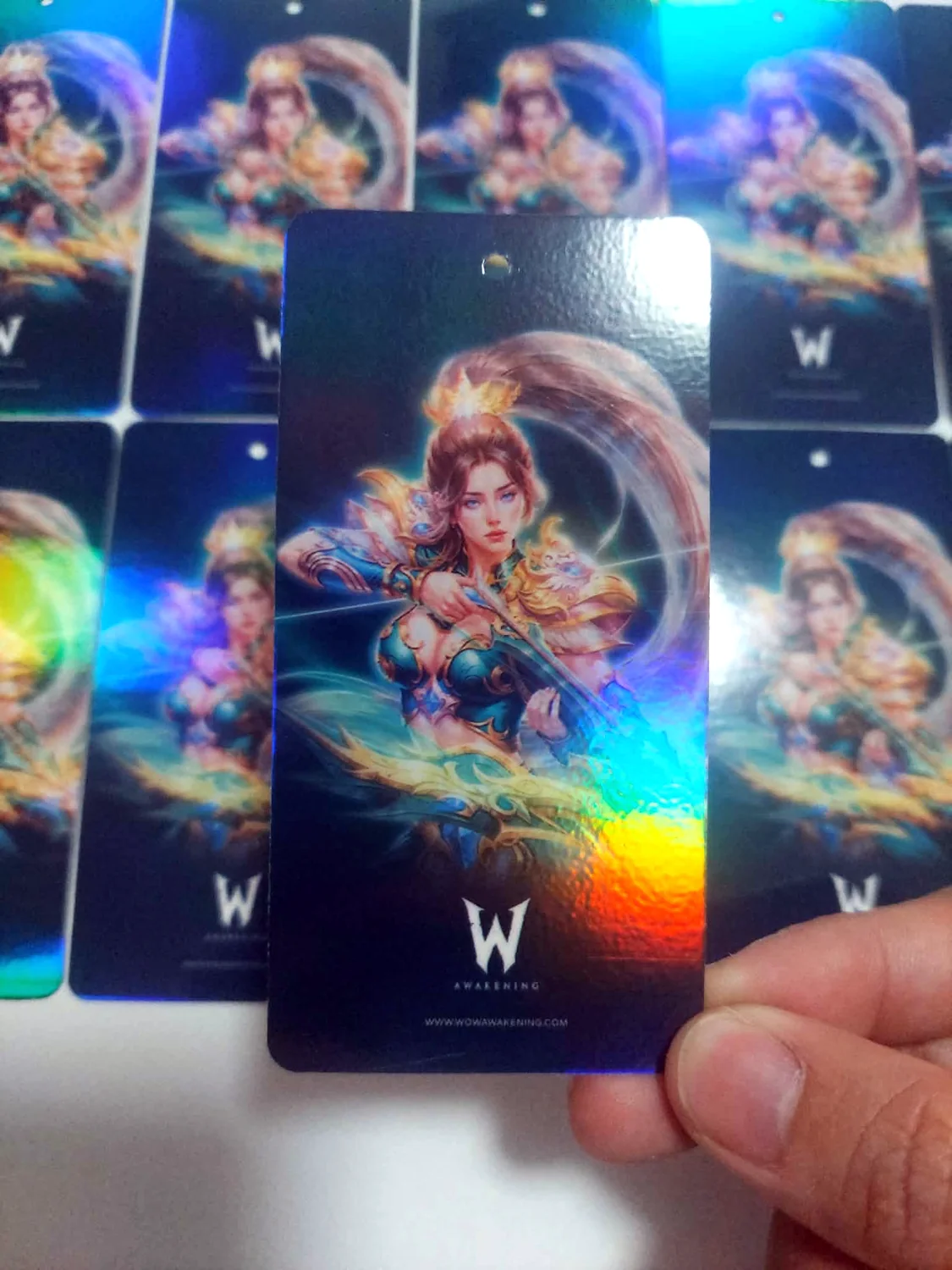
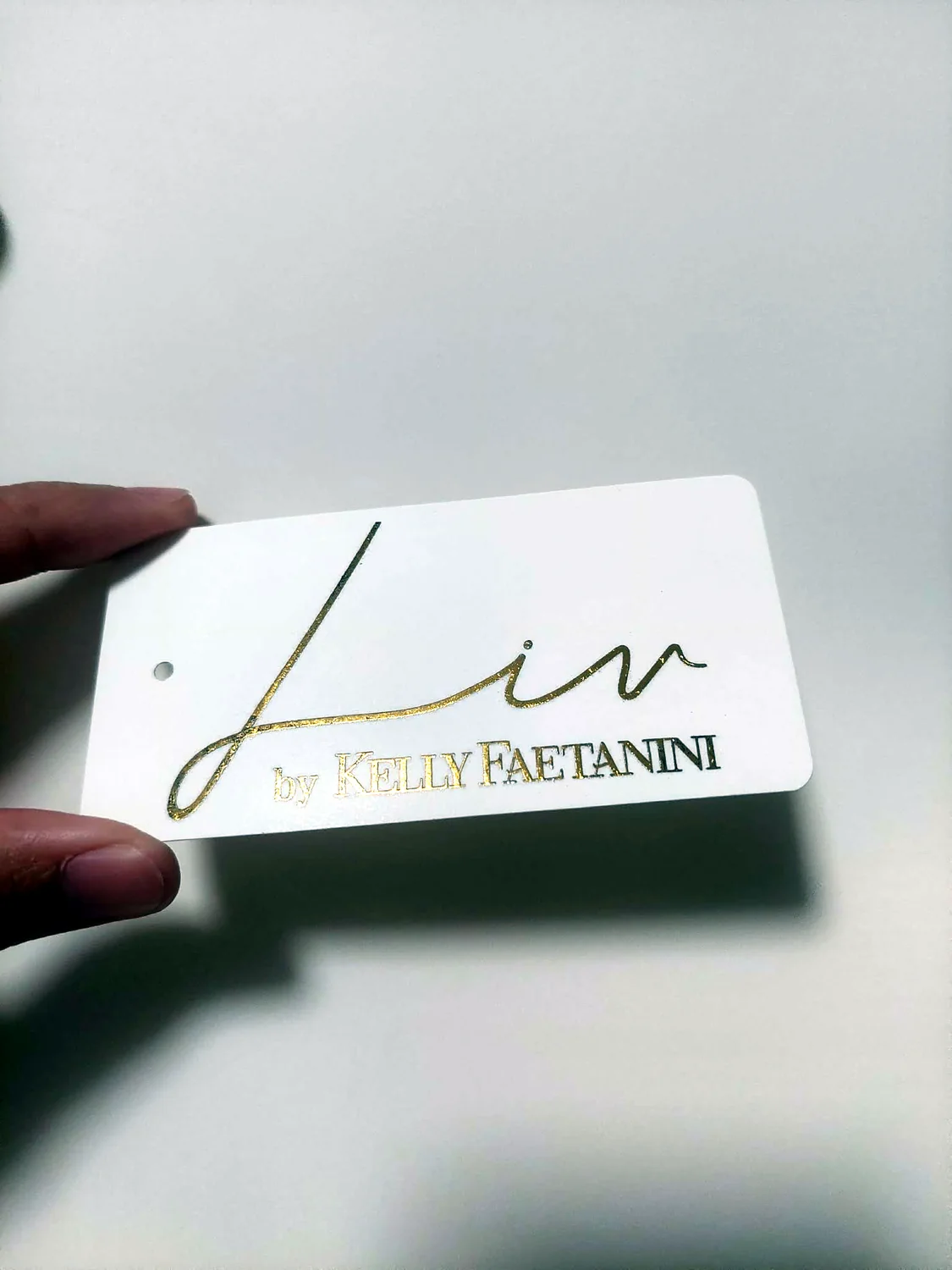
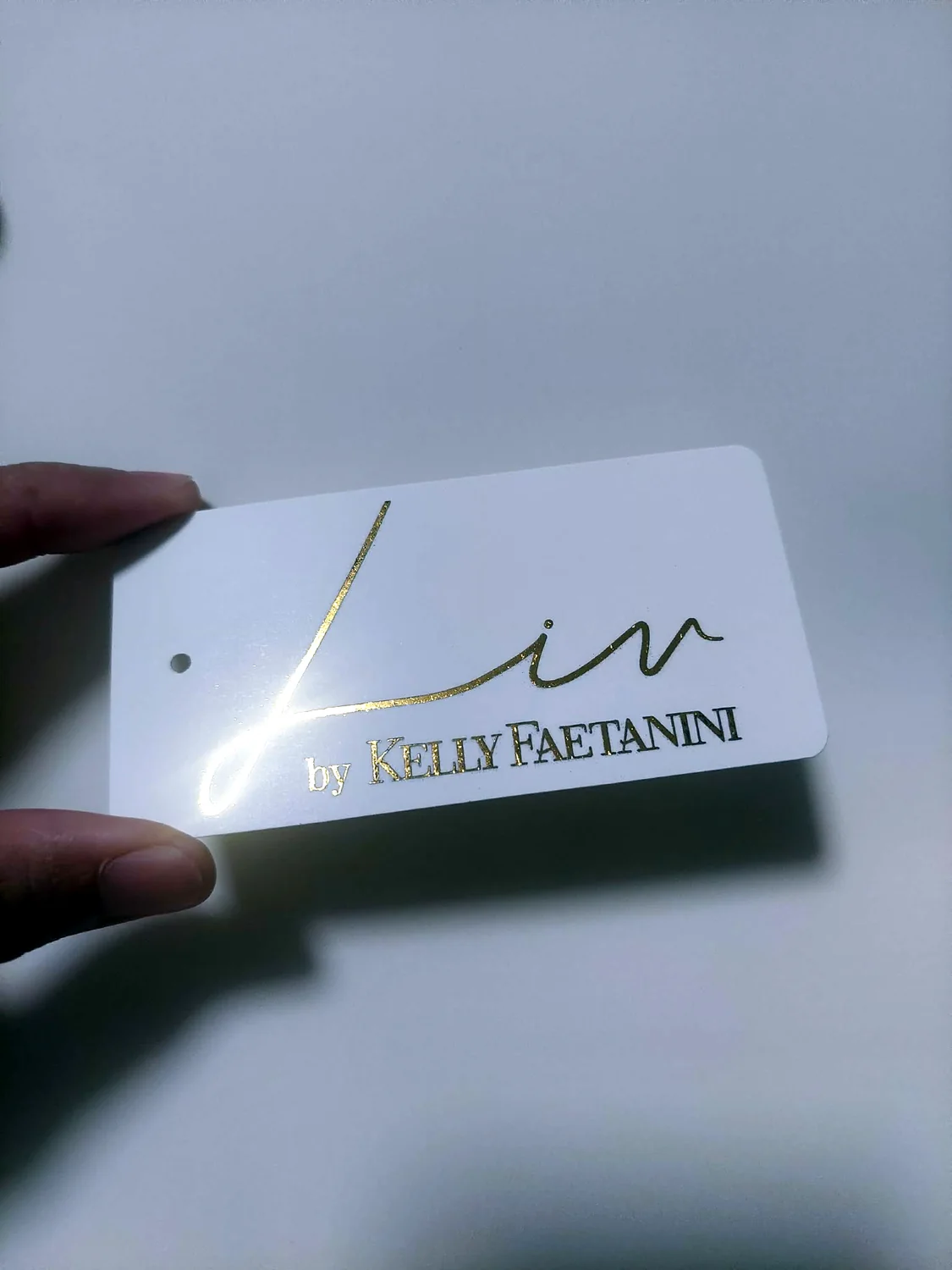
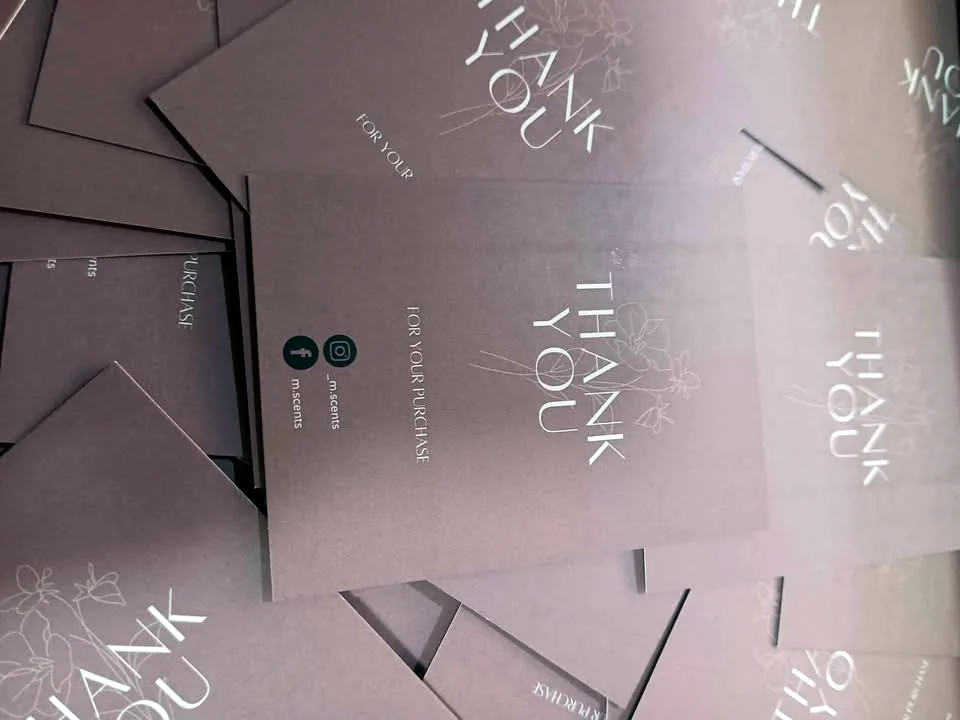
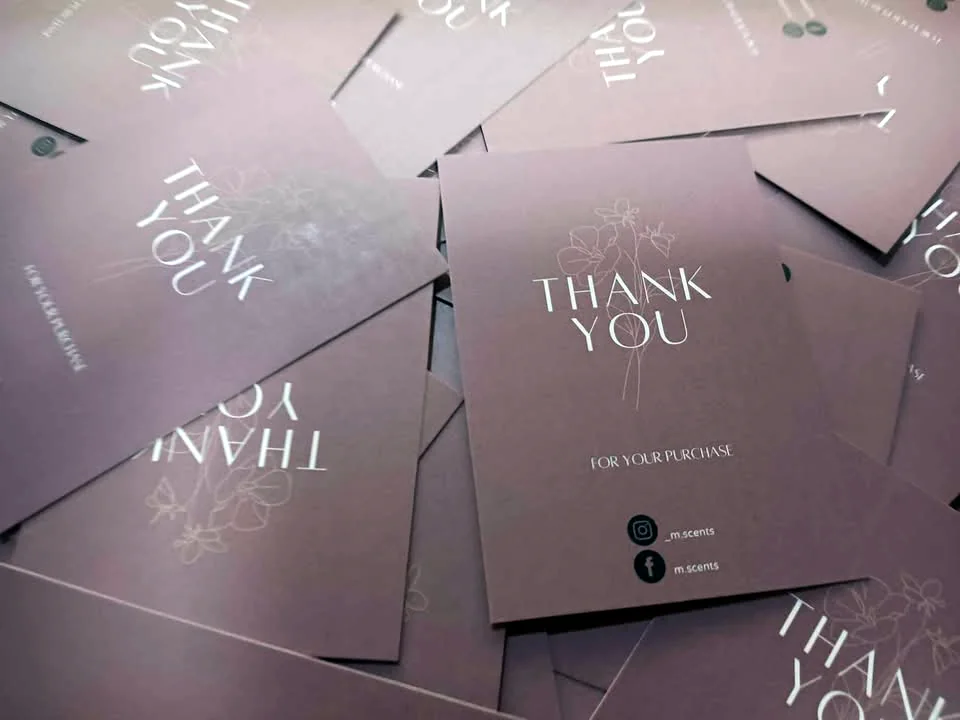
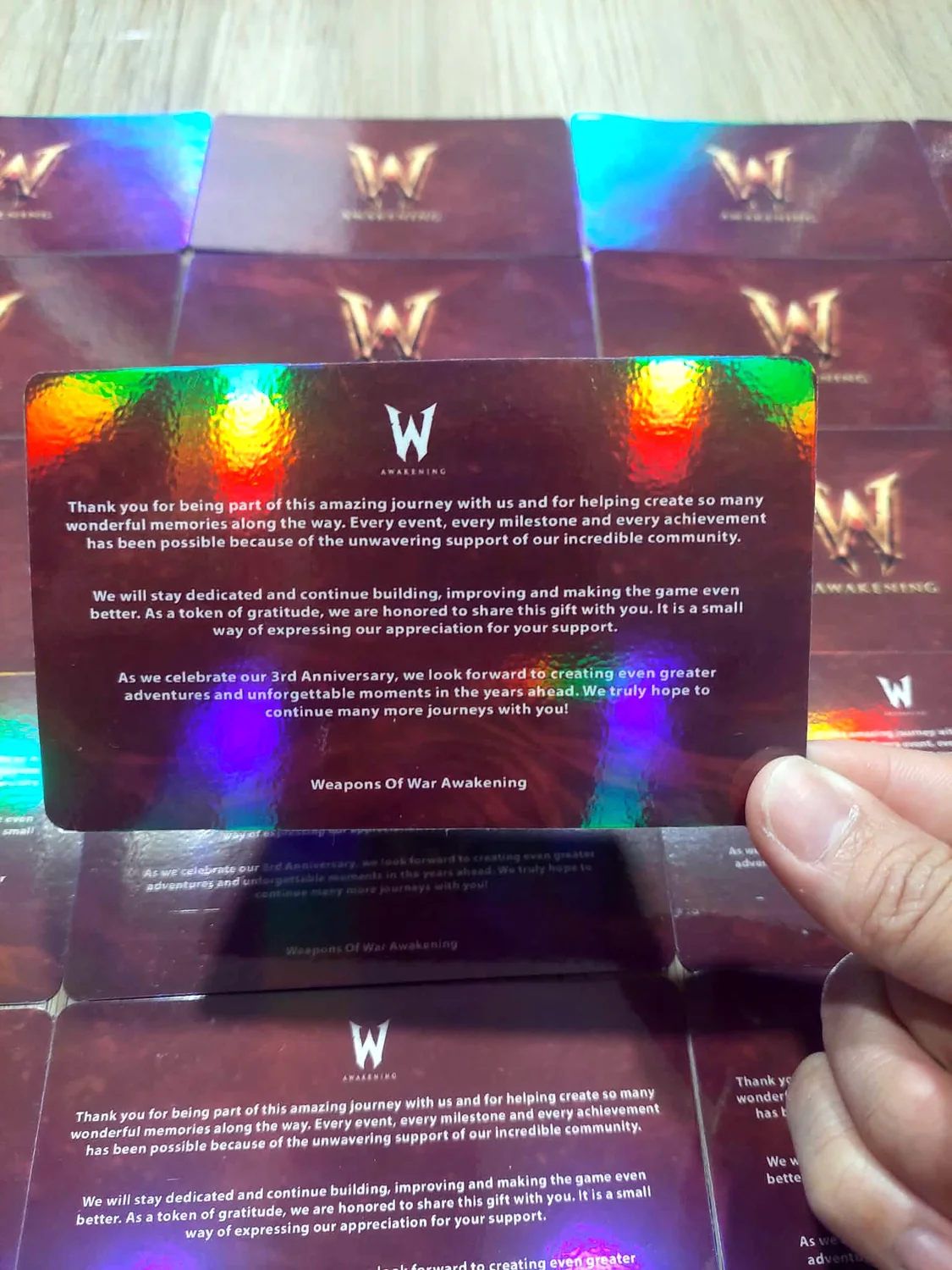
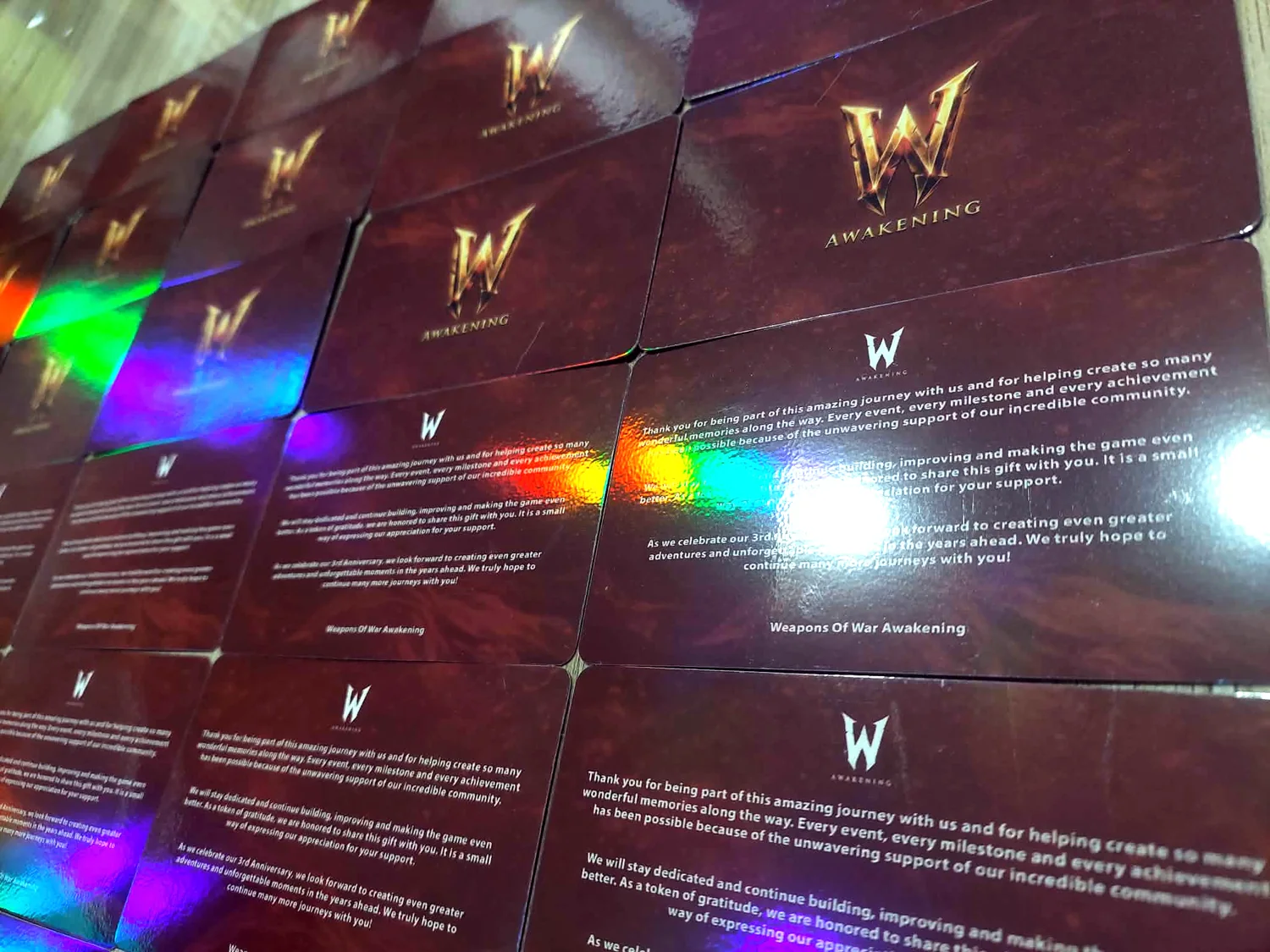
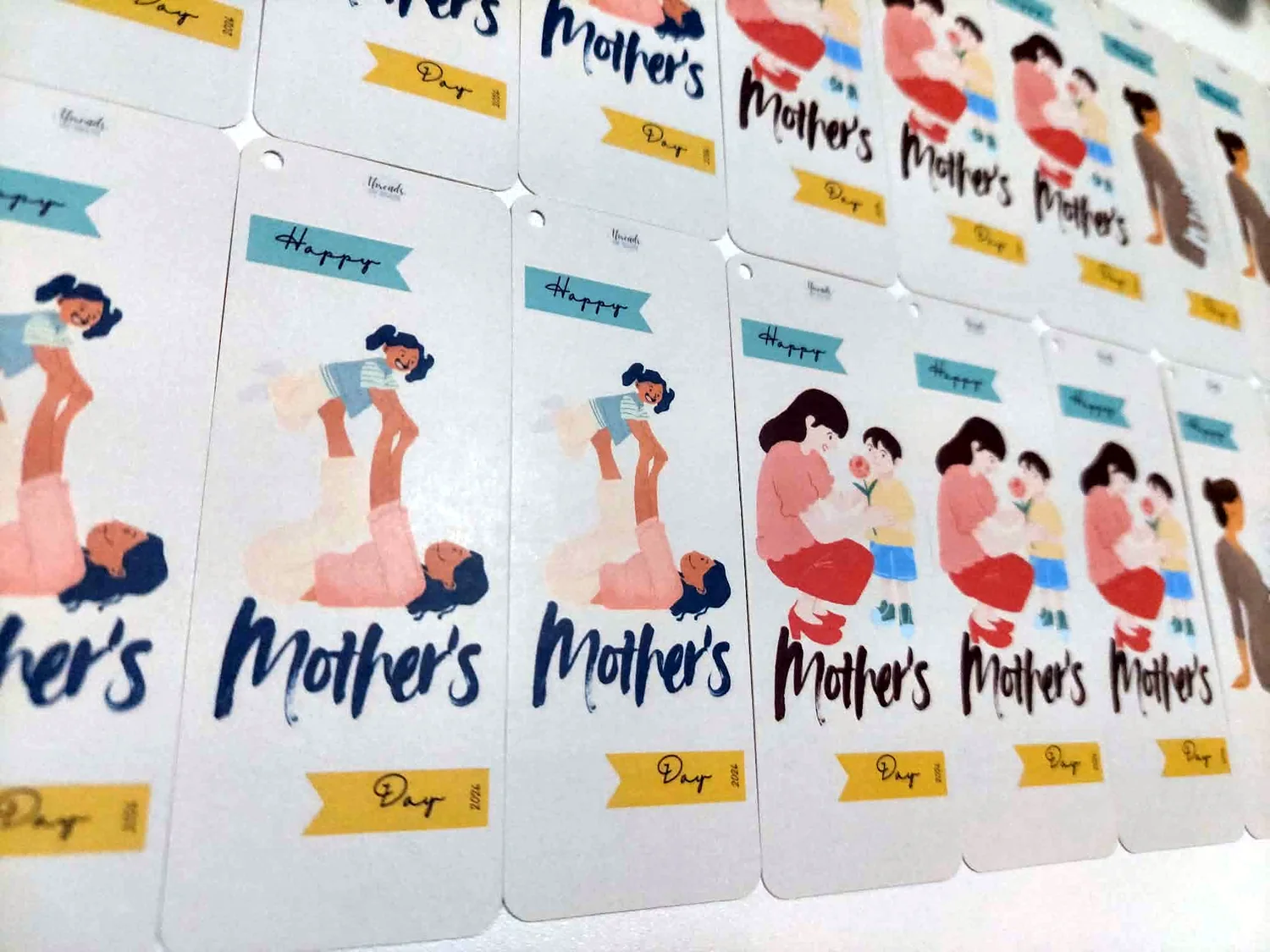
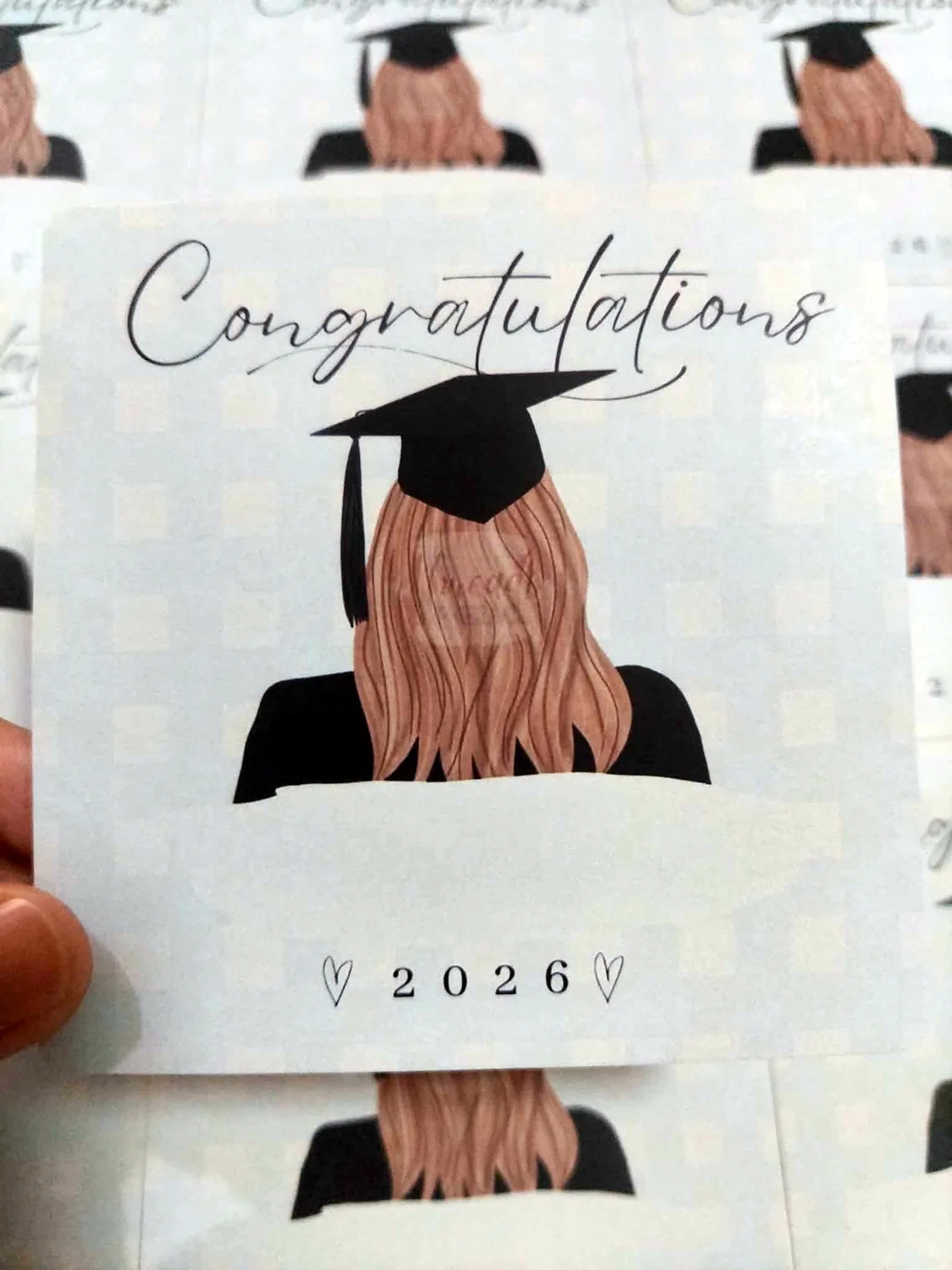
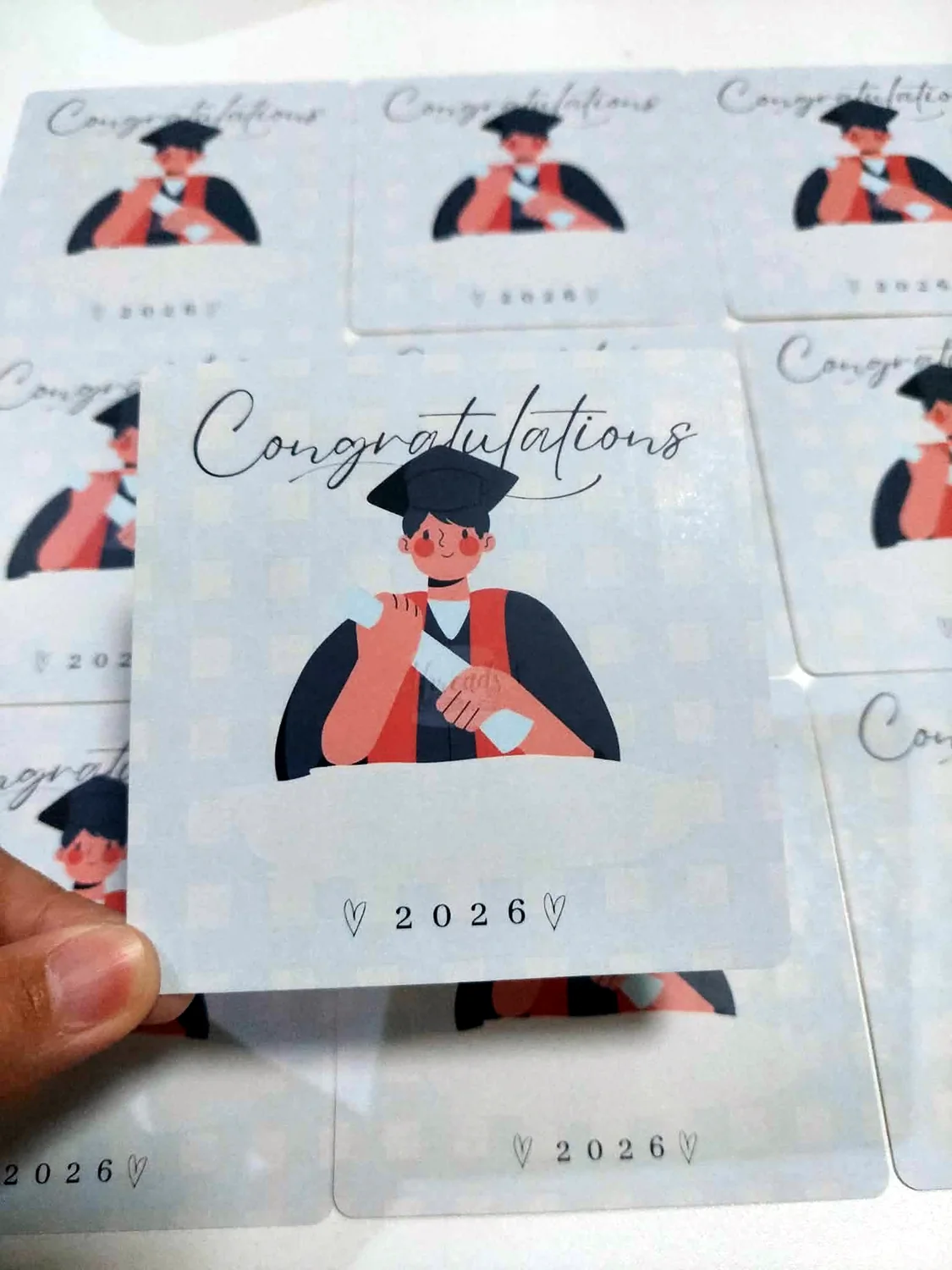
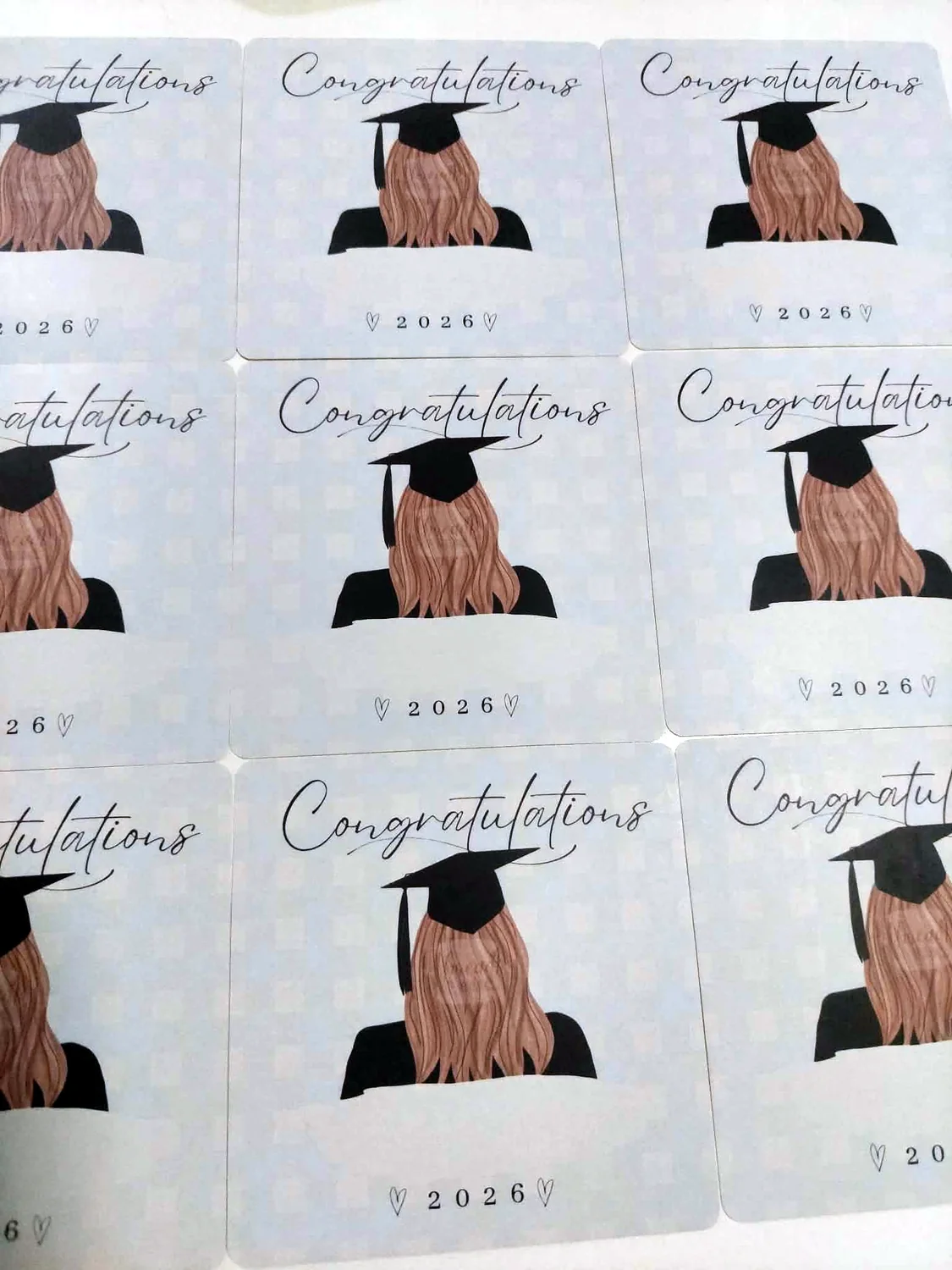
Start with Quick Order for the simplest flow. If you want to build a mockup yourself, use the optional designer link beside it.
Quick Order is now the default path for a simpler, linear experience. Upload ready artwork, add multiple products to one Printing Cart and submit for review before payment. Mockup designers remain optional for Etiketa, Hangtags, Calling Cards and T-Shirts.
Choose Satin or Grosgrain, size and quantity, then upload your ready artwork. A mockup designer is available only if you want to build or preview the design yourself.
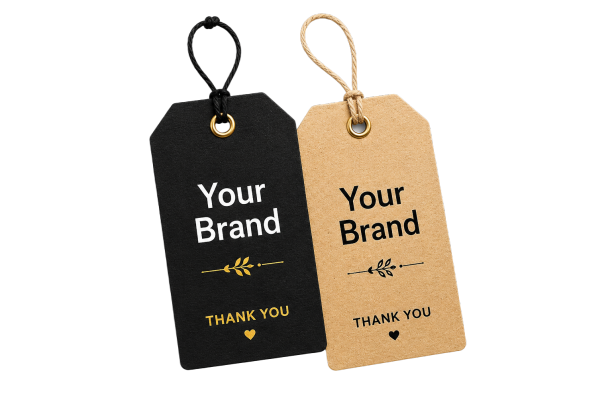
Choose size, front-only or back-to-back, finish and quantity, then upload ready artwork. The mockup designer remains optional.
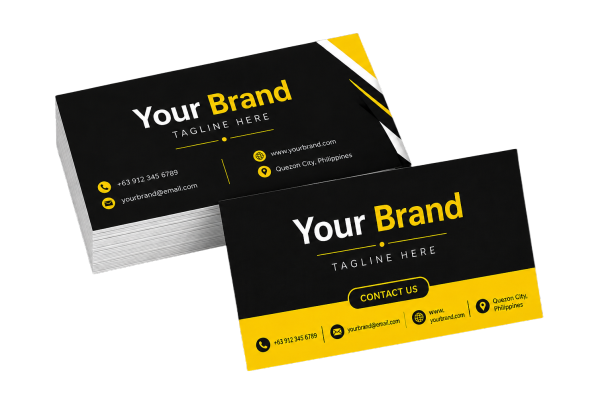
Upload ready 91mm × 56mm artwork, choose print side and coating, then submit for review. The calling-card mockup designer remains optional.
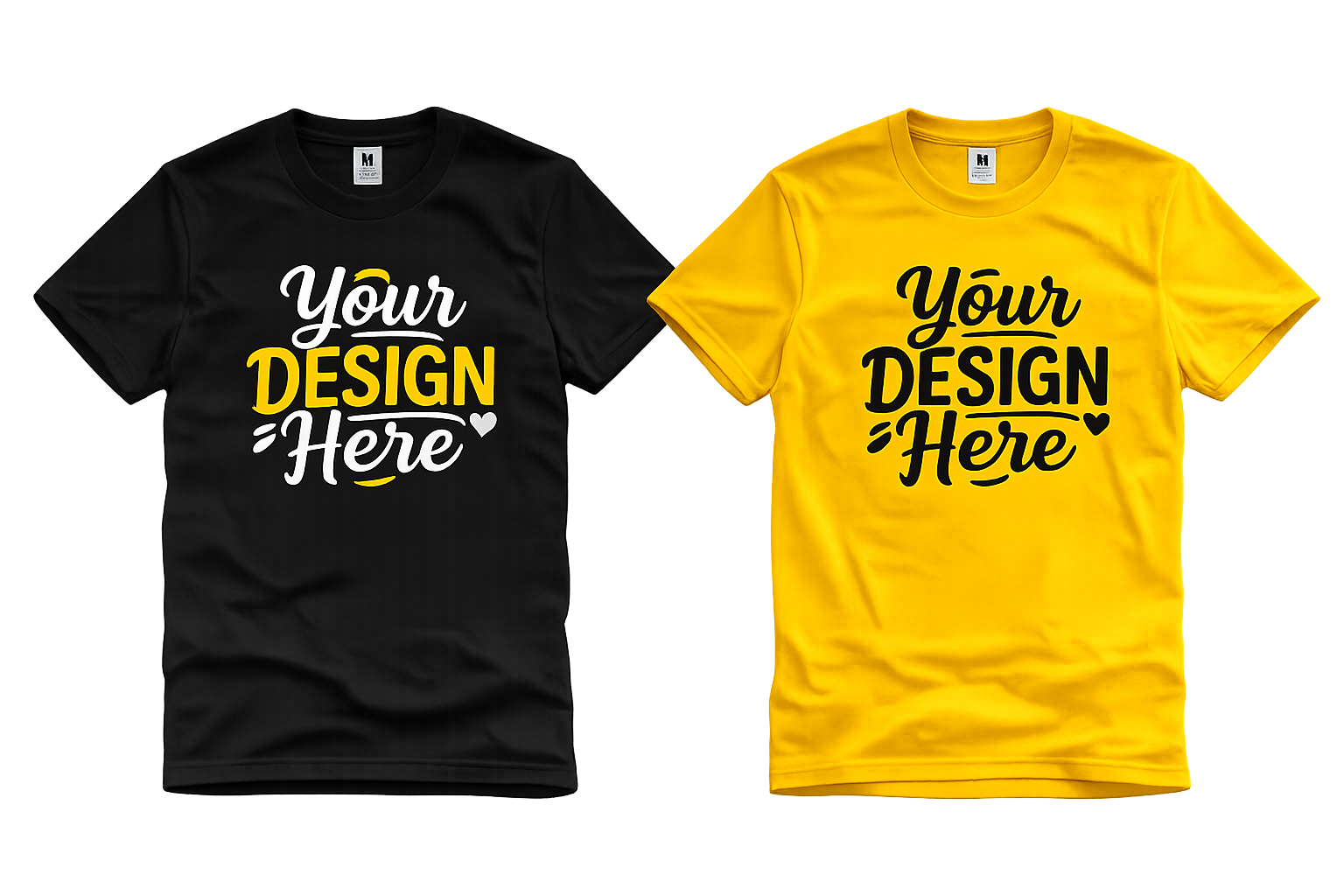
Choose Yalex style, size, color and DTF placement in Quick Order. If you want to position artwork visually first, use the optional T-Shirt Mockup Designer.
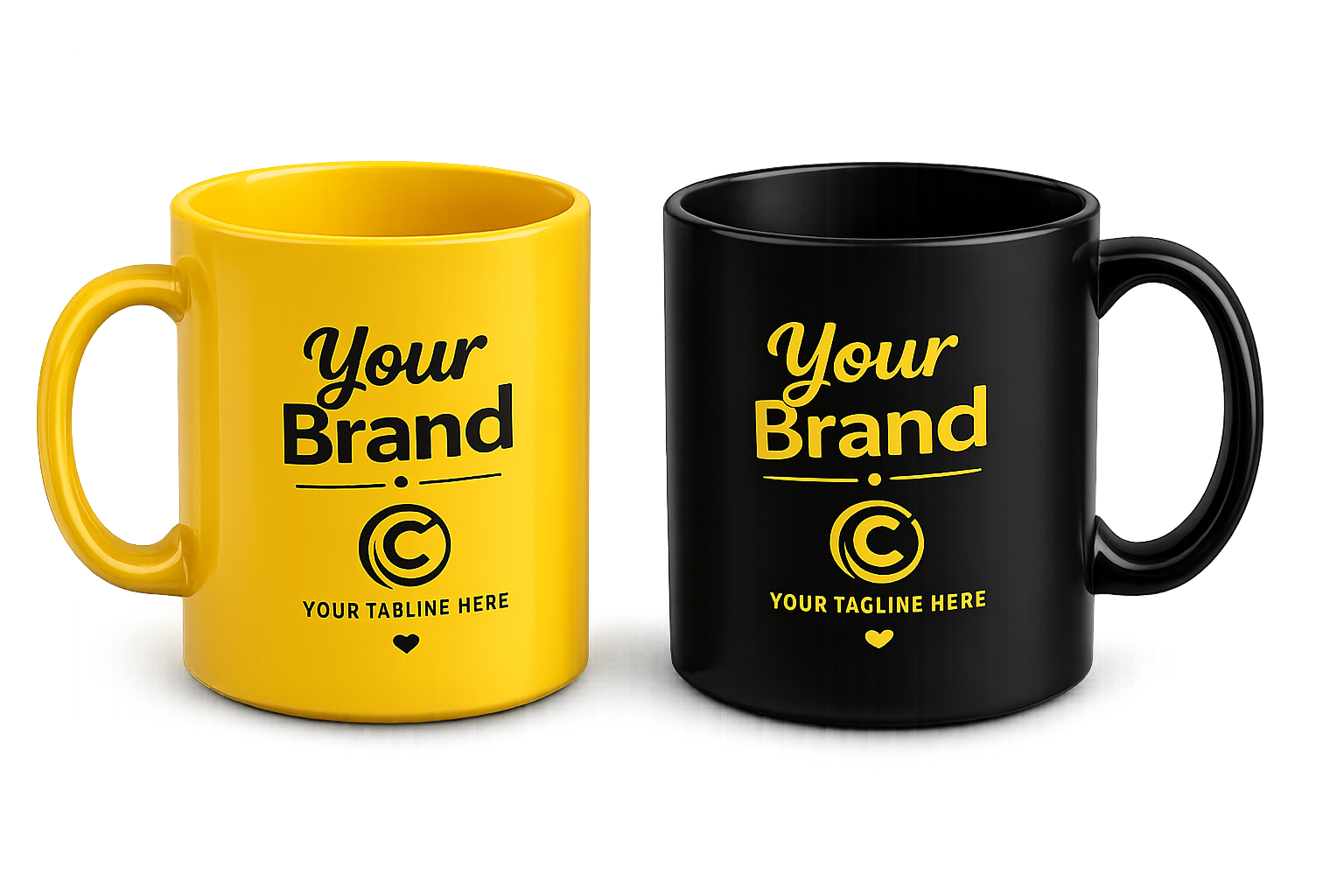
Upload one ready design, choose quantity and optional mug box, then add the mugs to the same Printing Cart as your other products.
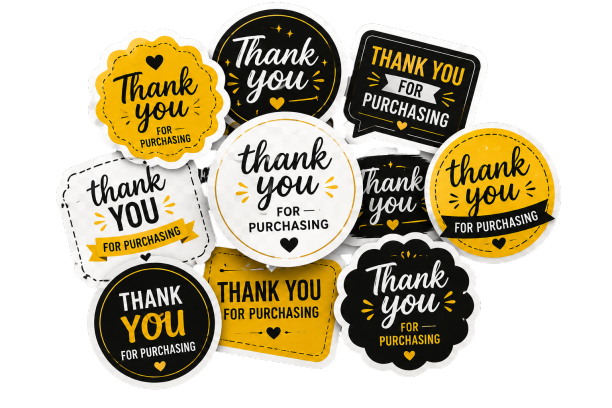
Upload one ready artwork and choose Sticker Paper, Photo Top Sticker Paper or Vinyl Sticker based on active services_tbl options.
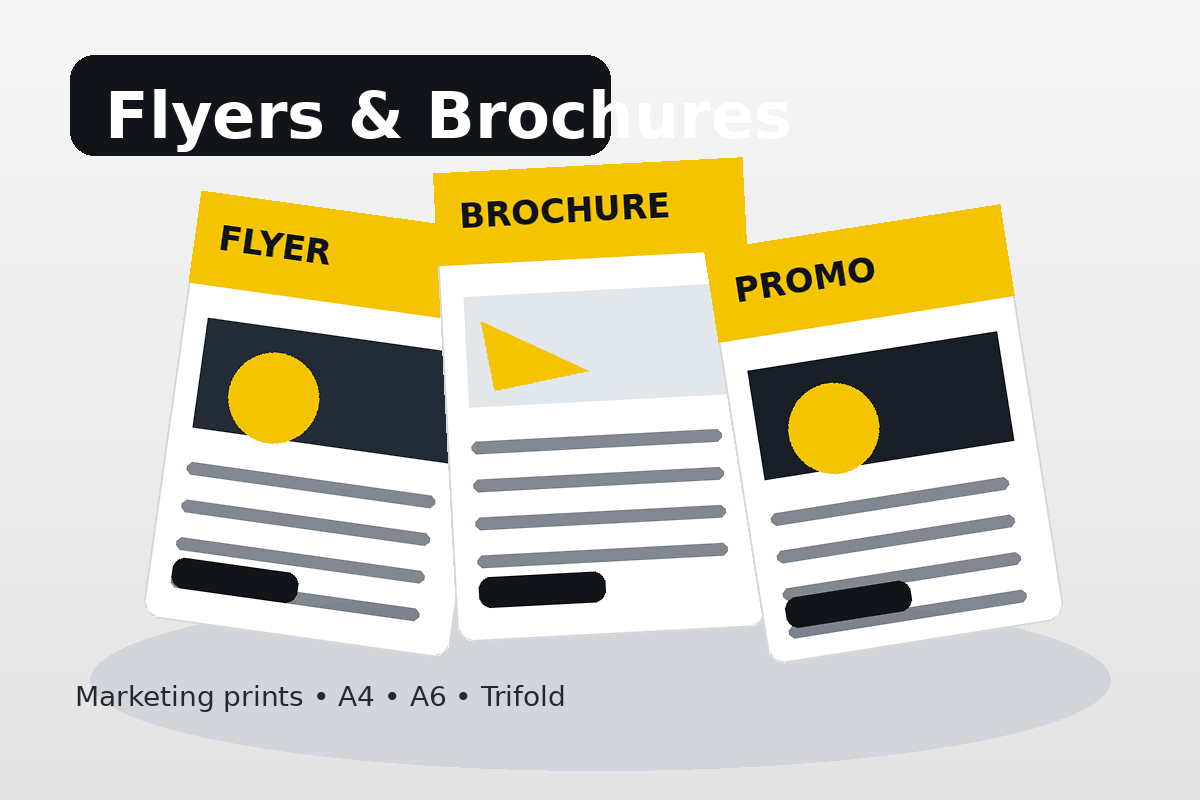
Order A6, A4 half crosswise, A4 flat or trifold flyers. Choose Front Only or Back-to-Back and quantity from 100 pieces.
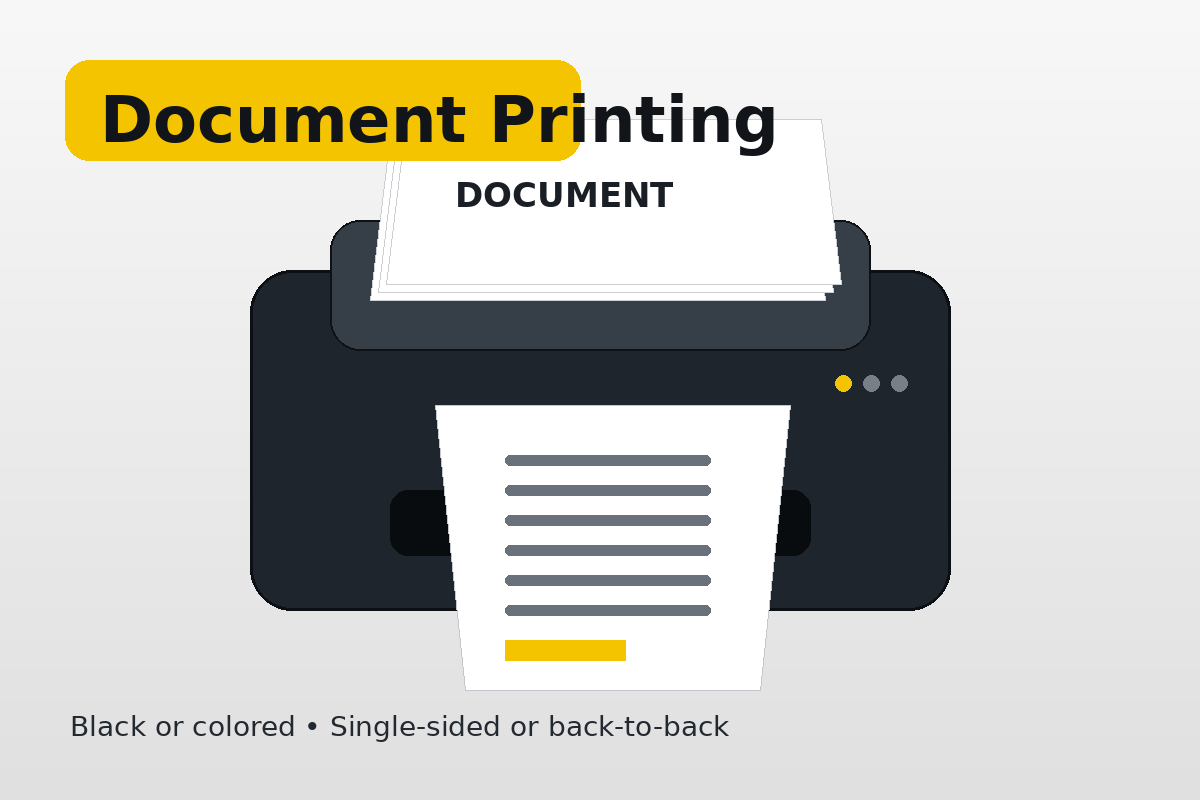
Black or colored document printing with supported paper sizes and single-sided or back-to-back printing.
Upload a photo, choose an available package and background, then continue to pickup or delivery.
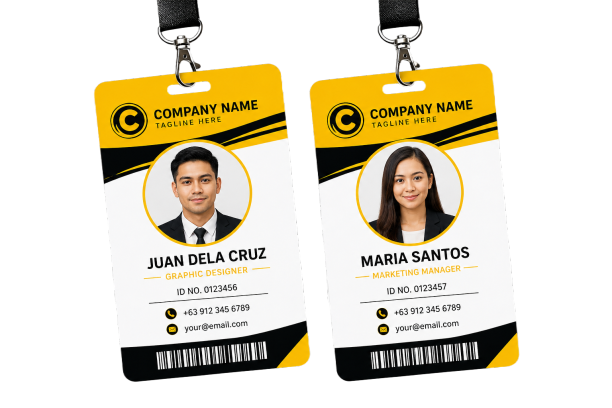
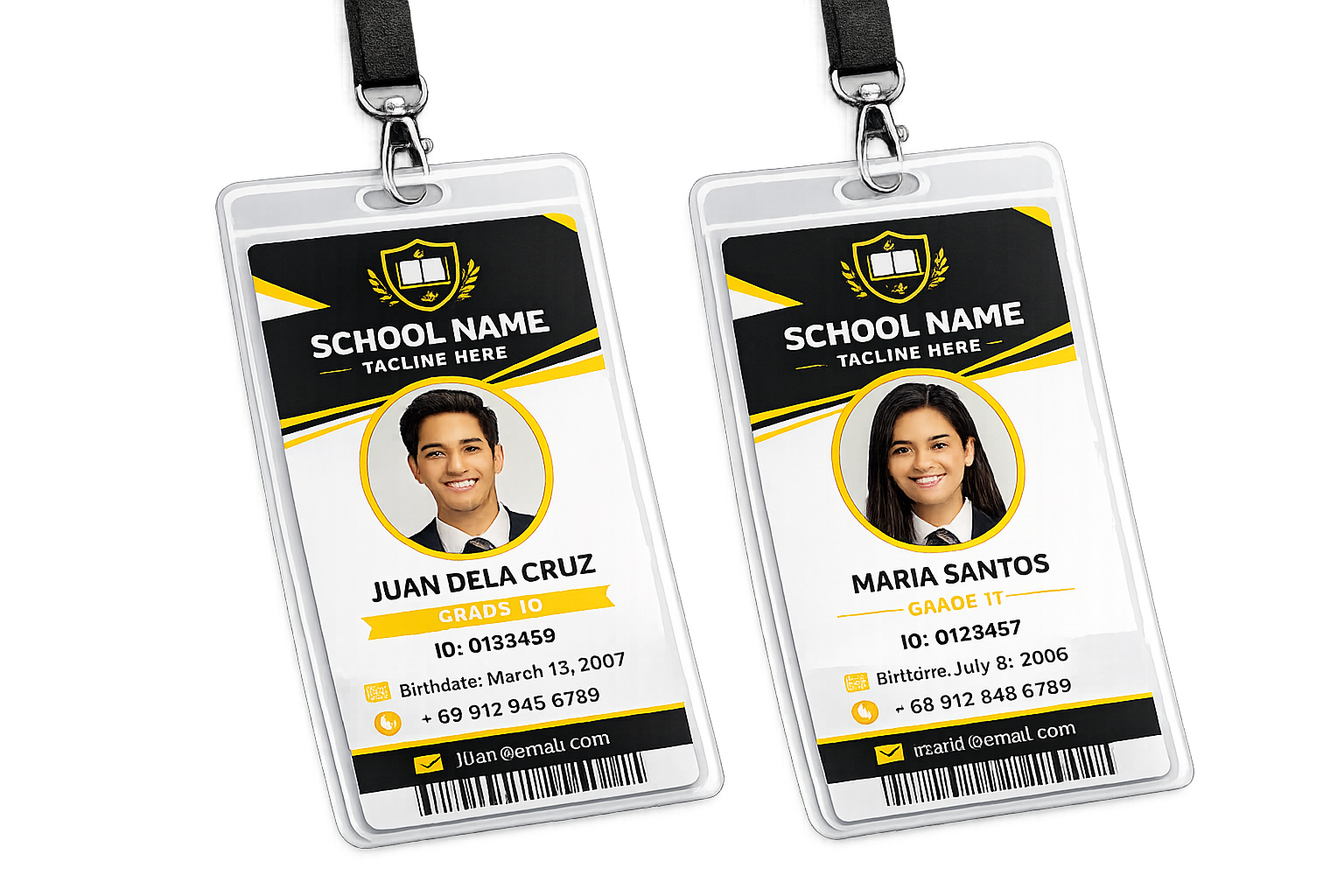
Upload a CR80 front layout and, when needed, a back layout for school IDs, employee/company IDs, membership cards and other PVC cards.
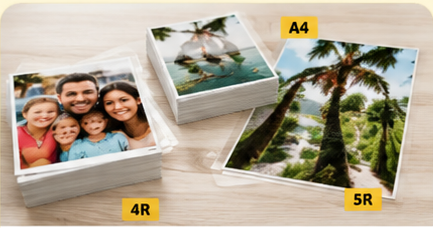
Upload photos and select from supported photo sizes and finishing options.
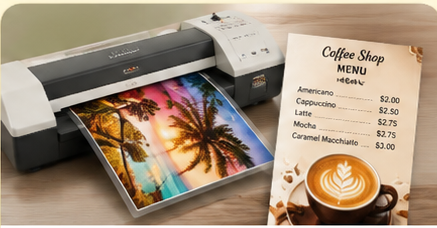
Convenient printing and lamination using the supported sizes and materials in the online system.
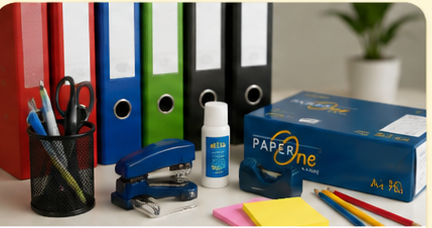
Add supported school and office supply items while creating your online order.
We can help you choose the right material, size, quantity and printing method before you proceed.